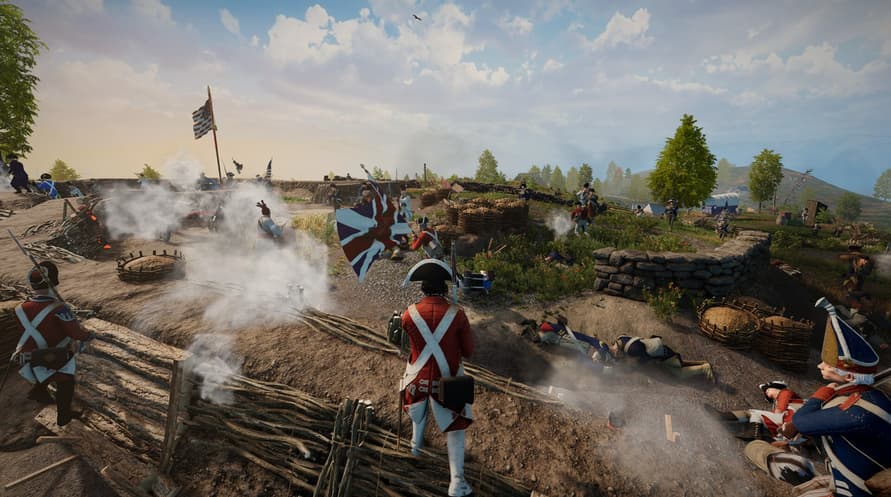
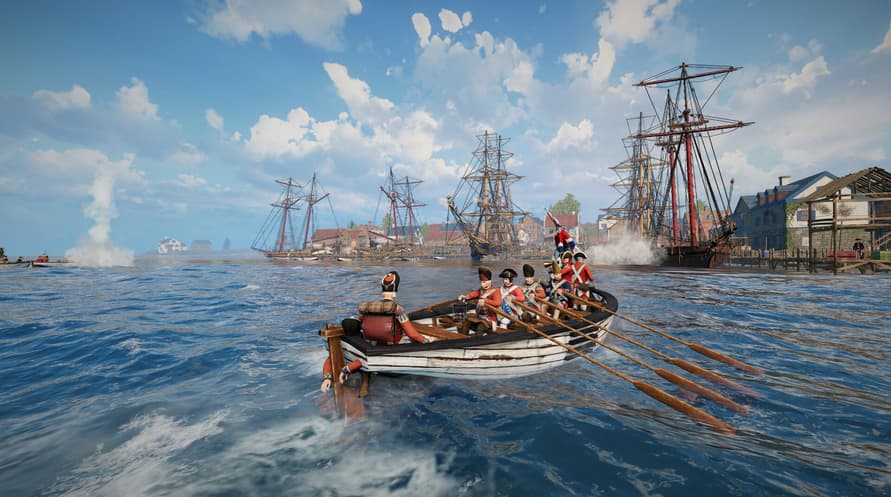
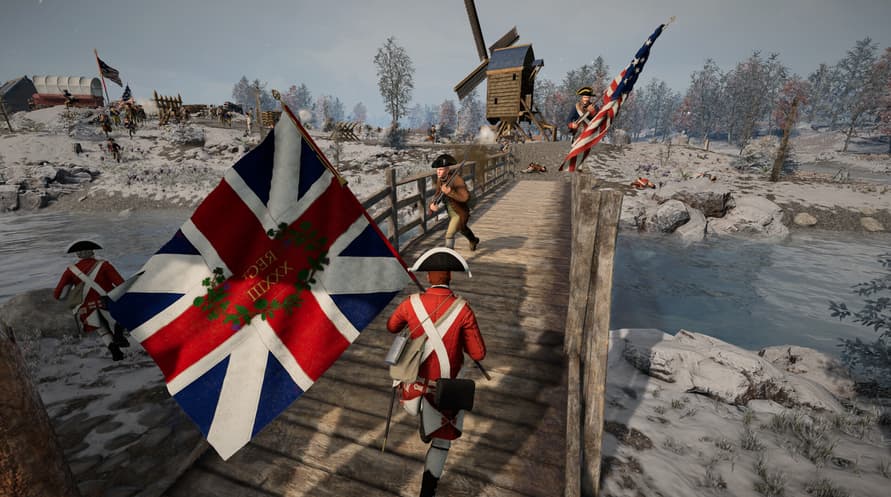
If you have a desire for disciplined ranks and commanding battlefield presence, look no further. The American Revolution edition brings your army front to life with the forces of the British Crown under the notorious General Cornwallis, or the American Patriots and the noble George Washington.
This bundle is also for those who wish to go the extra mile and support Anvil Game Studios. It is the community that continues to shape Holdfast into the experience it is today, and for that, you have our sincere thanks and enduring appreciation.
Your support will help further expand the world of immersive, roleplay-driven warfare that we all enjoy and bring this unique genre to even greater heights.
Minimum System Requirements:
- OS: Windows 10 64-bit or Windows 11 64-bit
- Processor: Intel i5-4670k or AMD Ryzen 7 1800X
- Memory: 8 GB RAM
- Graphics: Nvidia GT 1030 or Radeon RX 550
- DirectX: Version 11
- Network: Broadband Internet connection
- Storage: 22 GB available space
- Additional Notes: Game also playable on GeForce Now.
Recommended System Requirements:
- OS: Windows 10 64-bit or Windows 11 64-bit
- Processor: Intel i7-8700k or AMD Ryzen 5 3600X
- Memory: 10 GB RAM
- Graphics: Nvidia GTX 1060 6GB or Radeon RX 580 8GB
- DirectX: Version 11
- Network: Broadband Internet connection
- Storage: 22 GB available space
Um den Steam-Schlüssel zu aktivieren, den Sie erhalten haben, befolgen Sie die folgenden Anweisungen:
- Öffnen Sie zunächst den Steam-Client. (Wenn Sie ihn nicht haben, klicken Sie einfach hier auf die Schaltfläche "Steam installieren" => Steam Store )
- Melden Sie sich bei Ihrem Steam-Konto an. (Wenn Sie keines haben, klicken Sie hier, um ein neues zu erstellen => Steam-Konto )
- Klicken Sie auf die Schaltfläche "SPIEL HINZUFÜGEN" in der unteren Ecke des Clients.
- Wählen Sie dann "Ein Produkt bei Steam aktivieren..." aus.
- Schreiben Sie den Aktivierungsschlüssel auf oder kopieren Sie ihn, den Sie von Voidu erhalten haben, in das Fenster.
- Ihr Spiel ist jetzt in Ihrer Bibliothek sichtbar! Klicken Sie auf Ihre "Bibliothek".
- Und schließlich klicken Sie auf das Spiel und wählen Sie "Installieren", um den Download zu starten.