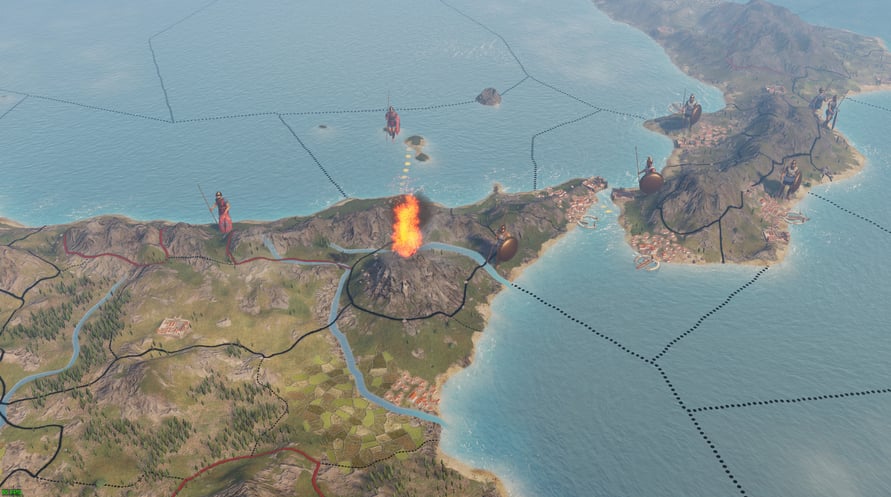
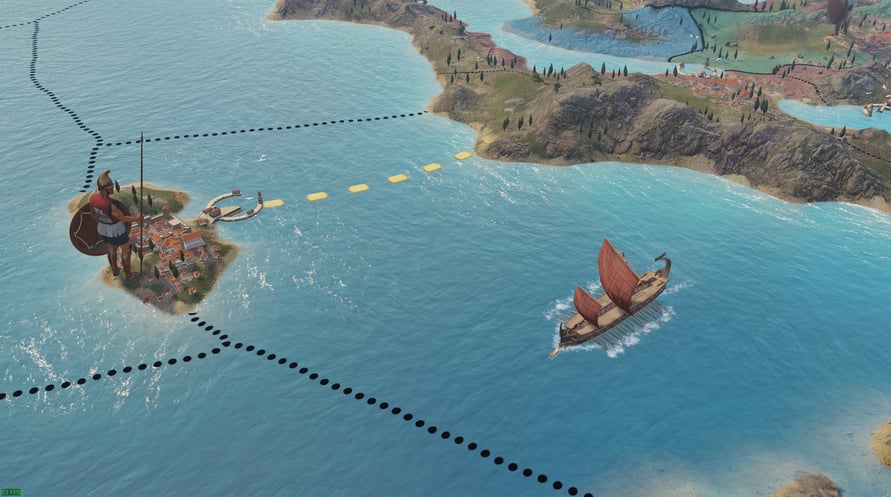
NOTICE: This content requires the base game Imperator: Rome on Steam in order to play.
Soundtrack
The complete music suite composed for Imperator: Rome. A fitting accompaniment as you plan future conquests. As the game's score expands, so will this living soundtrack, with new music added in most major updates.
Paradox Interactive, IMPERATOR ROME® Copyright© [2018] Paradox Interactive AB All rights reserved.
NOTICE: This content requires the base game Imperator: Rome on Steam in order to play.
Windows Minimum Requirements:
- Requires a 64-bit processor and operating system
- OS: Windows® 7 Home Premium 64 bit SP1
- Processor: Intel® iCore™ i3-550 or AMD® Phenom II X6 1055T
- Memory: 4 GB RAM
- Graphics: Nvidia® GeForce™ GTX 460 or AMD® Radeon™ HD 6970
Windows Recommended Requirements:
- Requires a 64-bit processor and operating system
Mac Minimum Requirements:
- Requires a 64-bit processor and operating system
- OS: 10.14 (Mojave)
- Processor: Intel® iCore™ i5-6500
- Memory: 8 GB RAM
- Graphics: AMD® Radeon™ R9 M380 with 2GB Vram
Mac Recommended Requirements:
- Requires a 64-bit processor and operating system
Linux Minimum Requirements:
- Requires a 64-bit processor and operating system
- OS: Ubuntu 18.04
- Processor: Intel® iCore™ i3-550 or AMD® Phenom II X6 1055T
- Memory: 4 GB RAM
- Graphics: Nvidia® GeForce™ GTX 460 or AMD® Radeon™ HD 6970
Linux Recommended Requirements:
- Requires a 64-bit processor and operating system
Um den Steam-Schlüssel zu aktivieren, den Sie erhalten haben, befolgen Sie die folgenden Anweisungen:
- Öffnen Sie zunächst den Steam-Client. (Wenn Sie ihn nicht haben, klicken Sie einfach hier auf die Schaltfläche "Steam installieren" => Steam Store )
- Melden Sie sich bei Ihrem Steam-Konto an. (Wenn Sie keines haben, klicken Sie hier, um ein neues zu erstellen => Steam-Konto )
- Klicken Sie auf die Schaltfläche "SPIEL HINZUFÜGEN" in der unteren Ecke des Clients.
- Wählen Sie dann "Ein Produkt bei Steam aktivieren..." aus.
- Schreiben Sie den Aktivierungsschlüssel auf oder kopieren Sie ihn, den Sie von Voidu erhalten haben, in das Fenster.
- Ihr Spiel ist jetzt in Ihrer Bibliothek sichtbar! Klicken Sie auf Ihre "Bibliothek".
- Und schließlich klicken Sie auf das Spiel und wählen Sie "Installieren", um den Download zu starten.