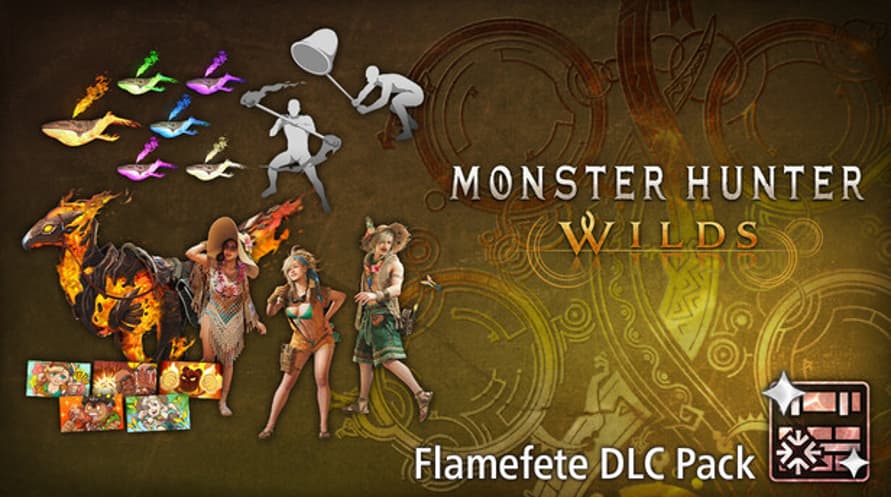
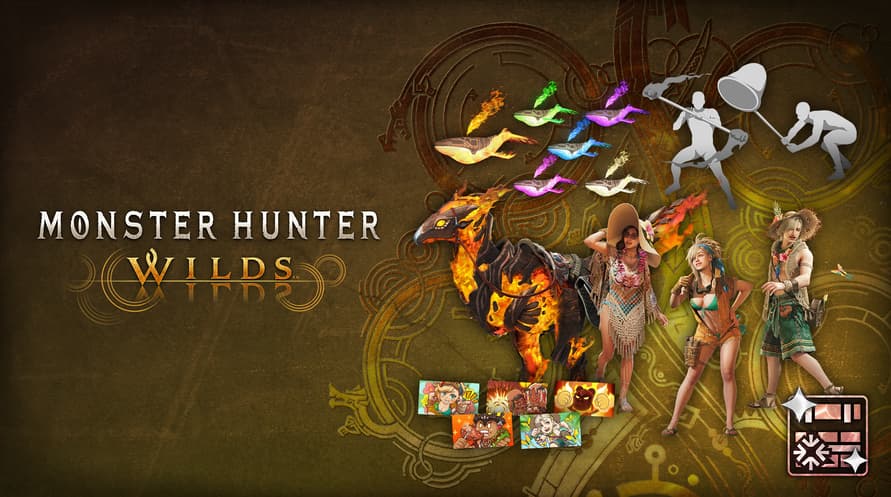
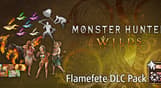
Celebrate the arrival of summer with this pack of communication and cosmetic items!
Content
- Alma Outfit: Summer Poncho
- Seikret Decoration: Phoenix Caparison
- Gemma Outfit: Summer Coveralls
- Erik Outfit: Summer Hat
- Pendant Set Vol. 6
- Gesture Set Vol. 7
- Sticker Set: Flamefete
This content can also be purchased separately.
Please be careful of duplicate purchases.
©CAPCOM
MONSTER HUNTER WILDS is a trademark and/or registered trademark of CAPCOM CO., LTD. and/or its subsidiaries in the U.S. and/or other countries.
Minimum Requirements:
- Requires a 64-bit processor and operating system
- OS Windows®10 (64-bit Required)/Windows®11 (64-bit Required)
- Processor Intel® Core™ i5-10400 or Intel® Core™ i3-12100 or AMD Ryzen™ 5 3600
- Memory 16 GB RAM
- Graphics NVIDIA® GeForce® GTX 1660(VRAM 6GB) or AMD Radeon™ RX 5500 XT(VRAM 8GB)
- DirectX Version 12
- Network Broadband Internet connection
- Storage 75 GB available space
Additional Notes SSD required. This game is expected to run at 1080p (upscaled from 720 native resolution) / 30 fps under the "Lowest" graphics setting. DirectStorage supported.
Recommended Requirements:
- Requires a 64-bit processor and operating system
- OS Windows®10 (64-bit Required)/Windows®11 (64-bit Required)
- Processor Intel® Core™ i5-10400 or Intel® Core™ i3-12100 or AMD Ryzen™ 5 3600
- Memory 16 GB RAM
- Graphics NVIDIA® GeForce® RTX 2060 Super(VRAM 8GB) or AMD Radeon™ RX 6600(VRAM 8GB)
- DirectX Version 12
- Network Broadband Internet connection
- Storage 75 GB available space
Additional Notes SSD required. This game is expected to run at 1080p / 60 fps (with Frame Generation enabled) under the "Medium" graphics setting. DirectStorage supported.
Um den Steam-Schlüssel zu aktivieren, den Sie erhalten haben, befolgen Sie die folgenden Anweisungen:
- Öffnen Sie zunächst den Steam-Client. (Wenn Sie ihn nicht haben, klicken Sie einfach hier auf die Schaltfläche "Steam installieren" => Steam Store )
- Melden Sie sich bei Ihrem Steam-Konto an. (Wenn Sie keines haben, klicken Sie hier, um ein neues zu erstellen => Steam-Konto )
- Klicken Sie auf die Schaltfläche "SPIEL HINZUFÜGEN" in der unteren Ecke des Clients.
- Wählen Sie dann "Ein Produkt bei Steam aktivieren..." aus.
- Schreiben Sie den Aktivierungsschlüssel auf oder kopieren Sie ihn, den Sie von Voidu erhalten haben, in das Fenster.
- Ihr Spiel ist jetzt in Ihrer Bibliothek sichtbar! Klicken Sie auf Ihre "Bibliothek".
- Und schließlich klicken Sie auf das Spiel und wählen Sie "Installieren", um den Download zu starten.