NEXT JUMP: Shmup Tactics
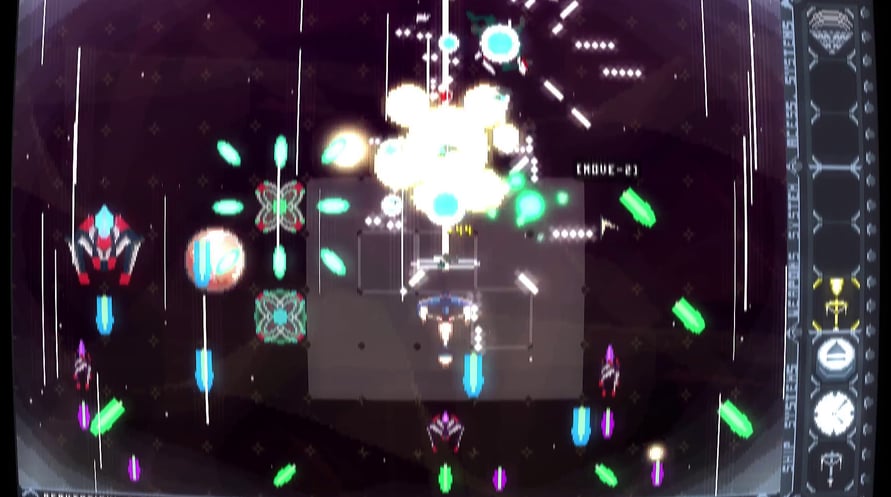
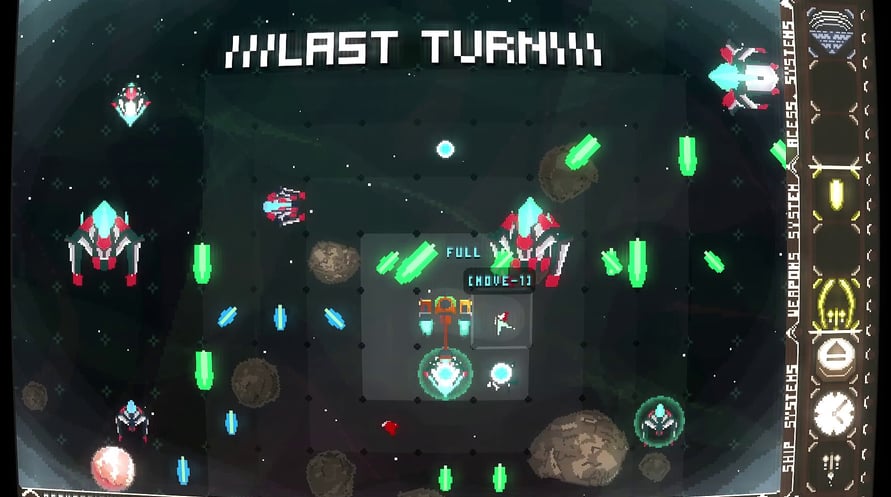
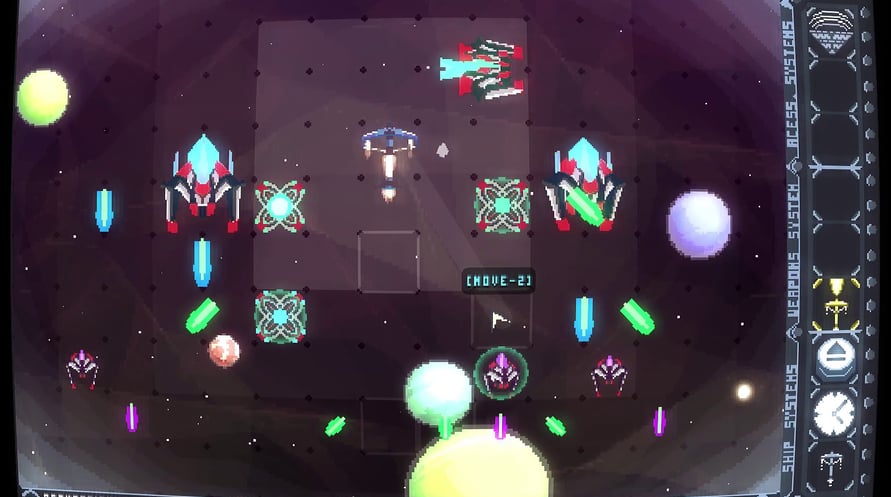
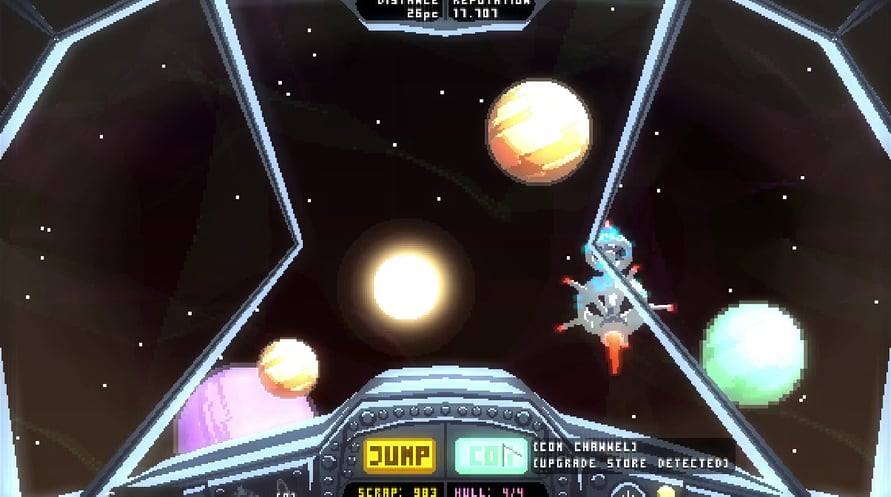
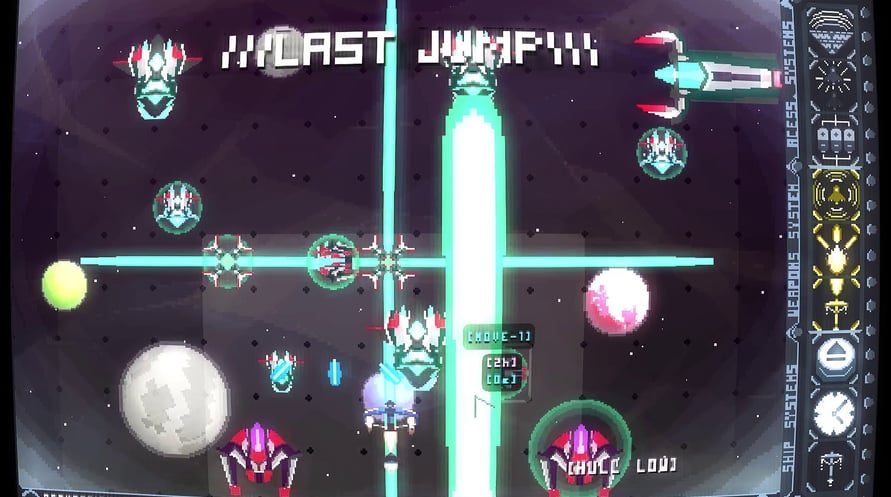


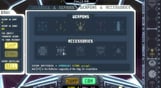
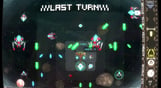
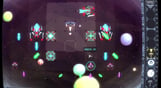

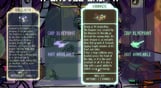

NEXT JUMP is a turn-based, tactics Shoot 'em up. Do space-jumps on procedurally generated boards and chase the vicious Dragons who stole all the stock of Beverage from the Galaxy!
NEXT JUMP is a love letter to shmup's [Shoot 'em up or space shooters], read in a slightly different manner: In turn-based battles!
Your mission, our mission, is simple:
The dragons are fleeing with all our Elixir supply. Stop them!
- It's a Tactics SHMUP: Take your time and plan your moves!
- A excellent Coffee break game: Turn-based with fast gameplay. No long waiting time, these turns go by fast!
- Not only inspired by classic Shmups and Bullet Hells, it’s also influenced by tactical games like Final Fantasy Tactics, Jeanne d’Arc and Roguelikes like FTL and Crypt of the NecroDancer.
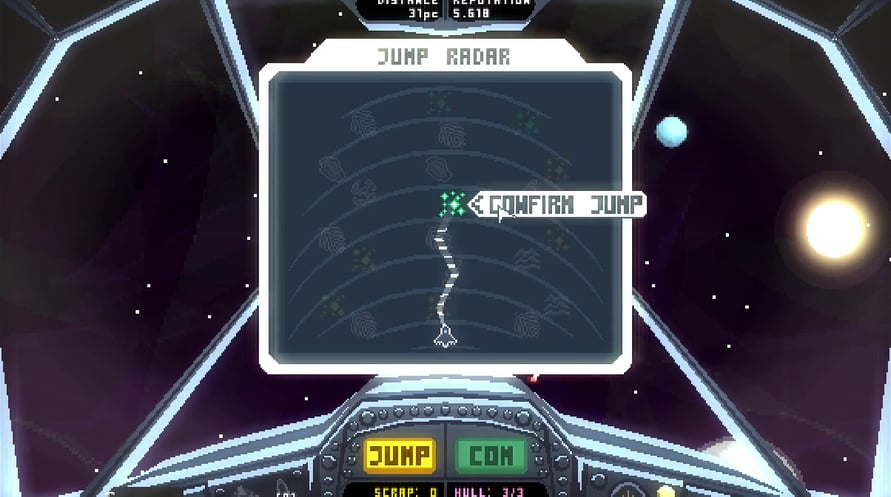
- Each Sector is a Board! Each given “JUMP” represents a new combat board procedurally generated, simulating combat situations only seen in SHMUPs!
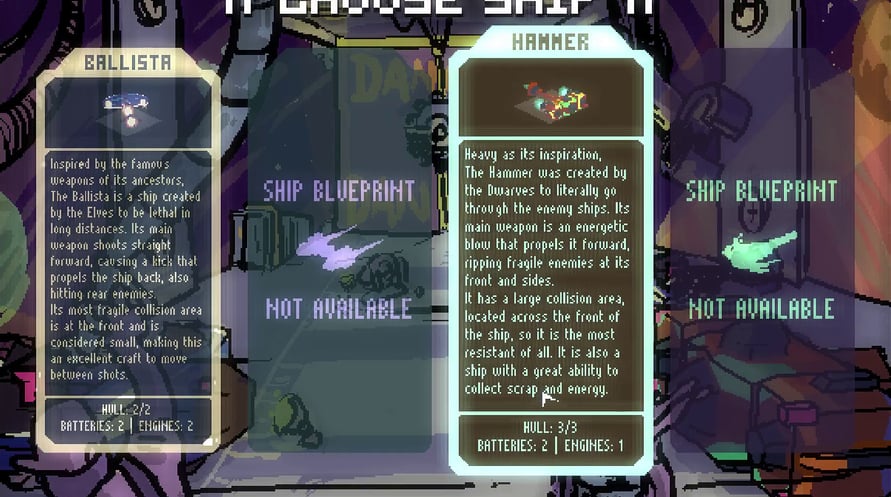
- Pick from 7 playable Ships, all inspired by classic weapons: Ballista, Dagger, Hammer, Staff, Sword, Shield and a Secret one!
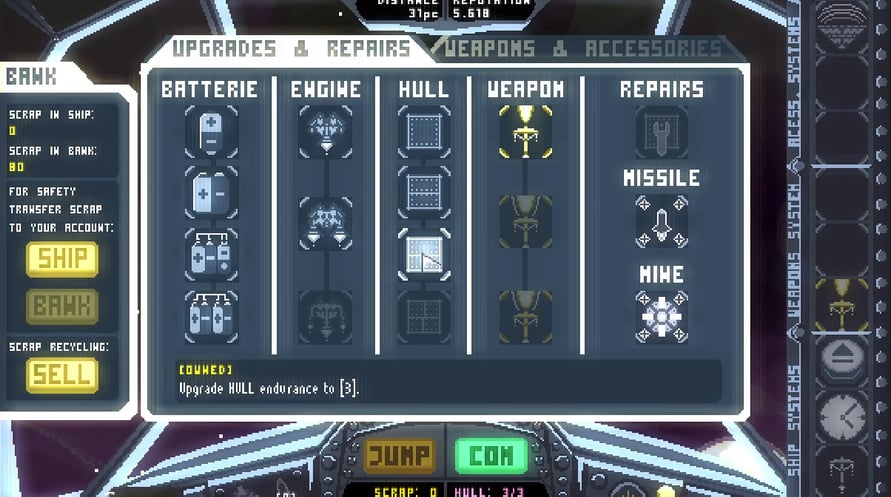
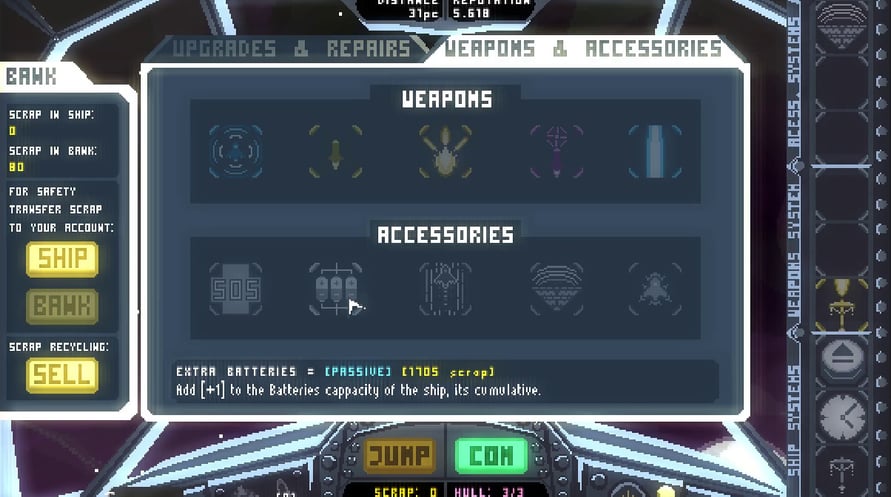
- Equip and Upgrade your ship with different weapons and accessories that change the combat dynamics!
- Your mission: JUMP! Chase the Dragons and stop them from running away with all that is most sacred to the Bastards by jumping from sector to sector, facing hordes of enemies in turn-based battles!
- Be a pilot of the Bastards Federation: A group formed by Elves, Humans, Dwarves and Orcs who used to live in peace, sharing their love for all Beverages.
- Like the classic games of the past, it has a complete MANUAL, accessible within the game!
NEXT JUMP: Shmup Tactics

Aktivierungsinformationen
United States
In Ihrer Region verfügbar
Aktiviert in United States
Ähnliche spielen

Salvage Shop Simulator

The Occultist
The People of Sea, Sun & Salt


Solasta II