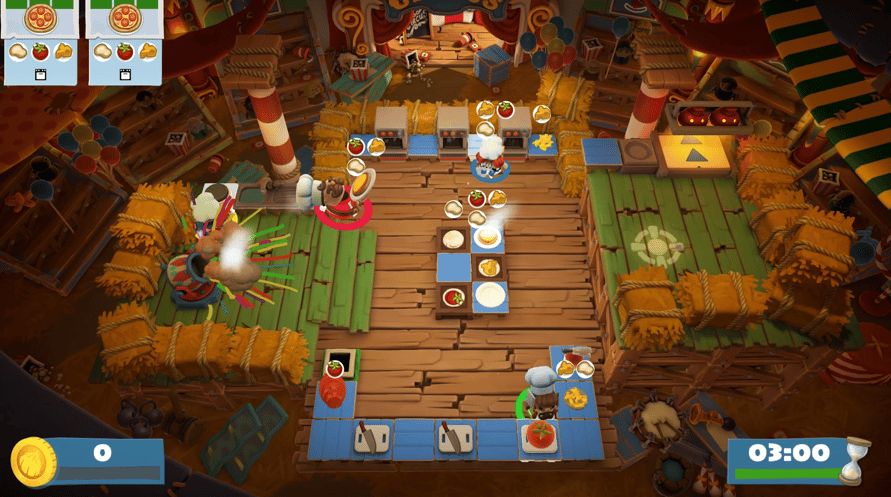
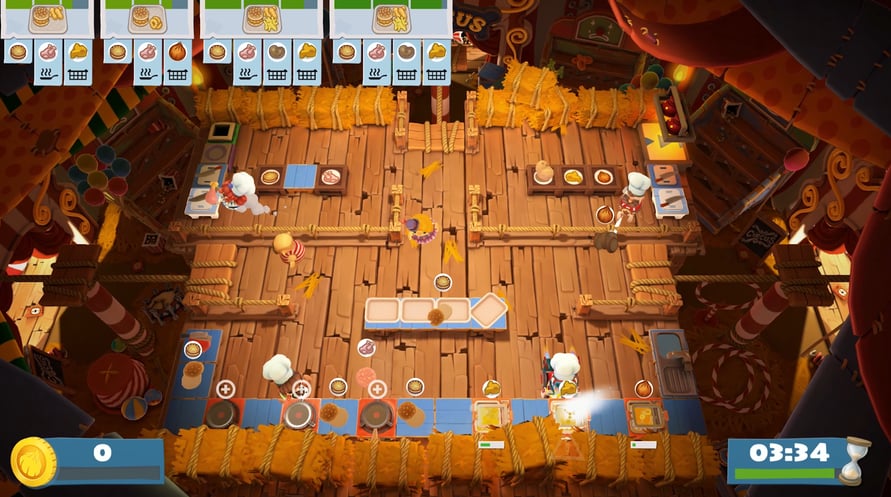
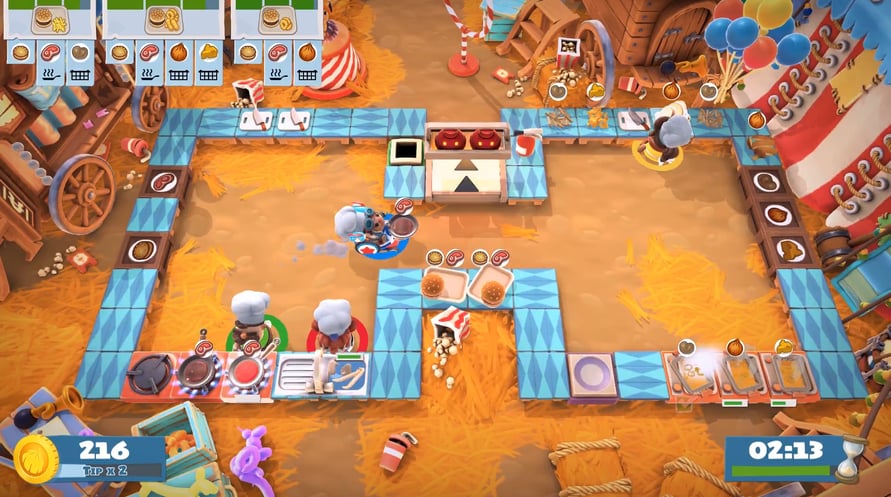
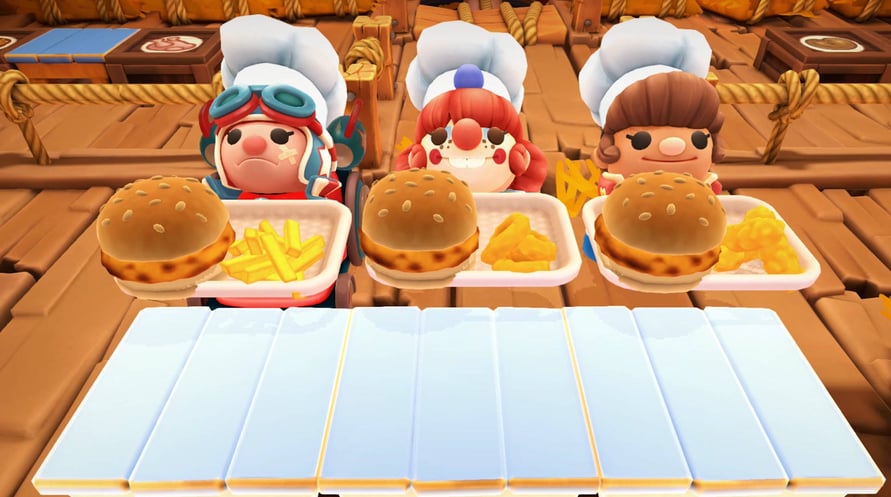
Overcooked! 2 Carnival of Chaos invites players to a celebration of all things cooking, co-op and chaos! This colourful new DLC will put players to the test as you take on combo meals and that kitchen essential, the cannon!
Cannons! An unconventional kitchen requires unconventional means of transport. Chefs must load themselves into the cannon and fly through the air with the greatest of ease.
- Combo Meals! For extra hungry customers, players must combine cuisines on a trusty tray, topped off with a refreshing beverage.
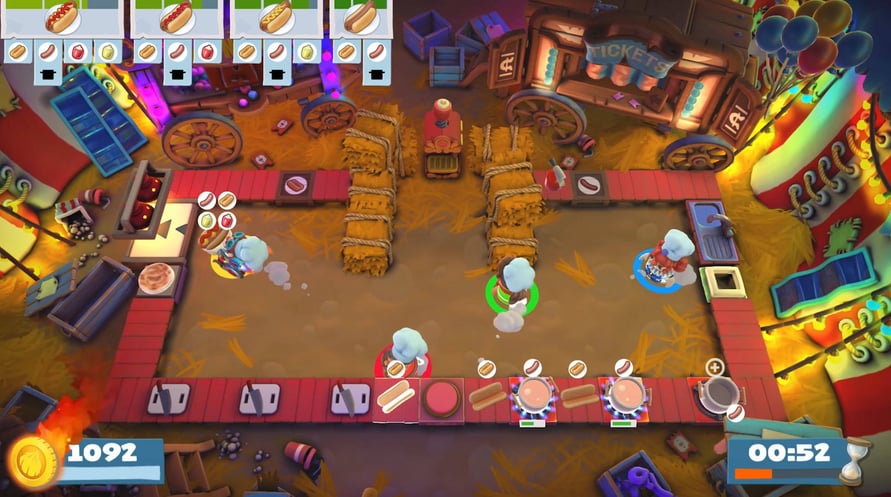
- New Recipes! Hotdogs and everyone's favourite circular food, the mighty donut, join the menu!
- Sauces! Is it even possible to have a hotdog without ketchup or mustard…or both?!
- Plus 15 New Levels! Players will burn burgers in the big top and tackle tasty treats on a tight rope in a series of vibrant new levels.
- Four New Chefs! A quartet of colourful characters join the culinary chaos: Ringmaster Chef, Strongman Chef, Clown Chef and Stunt Chef!
- Overcooked! 2 Carnival of Chaos is available to purchase or free for all players who have purchased the Overcooked! 2 Season Pass
Windows MINIMUM:
OS: WIN7-64 bit
Processor: Intel i3-2100 / AMD A8-5600k
Memory: 4 GB RAM
Graphics: GeForce GTX 630 / Radeon HD 6570
DirectX: Version 11
Storage: 3 GB available space
Sound Card: DirectX Compatible Sound Card
Windows RECOMMENDED:
OS: Win7 -64 bit
Processor: Intel i5-650 / AMD A10-5800K
Memory: 4 GB RAM
Graphics: Nvidia GeForce GTX 650 / Radeon HD 7510
DirectX: Version 11
Storage: 3 GB available space
Sound Card: DirectX Compatible Sound Card
Mac MINIMUM:
OS: MacOS Sierra - 10.12.6
Processor: 2.7 GHz Intel Core i5
Memory: 4 GB RAM
Graphics: Nvidia GeForce GT 640M
Storage: 3 GB available space
Sound Card: DirectX Compatible Sound Card
Mac RECOMMENDED:
OS: MacOS High Sierra - 10.13.1
Processor: 3.1 GHz Intel Core i5
Memory: 4 GB RAM
Graphics: AMD Radeon Pro 560 / Nvidia GeForce GTX 780m
Storage: 3 GB available space
Sound Card: DirectX Compatible Sound Card
Linux MINIMUM:
OS: Mint 18 / Ubuntu 16.04.01
Processor: Intel i3-2100 / AMD A8-5600K
Memory: 4 GB RAM
Graphics: GeForce 450GTS
Storage: 3 GB available space
Sound Card: DirectX Compatible Sound Card
Linux RECOMMENDED:
OS: Mint 18 / Ubuntu 16.04.01
Processor: 3.1 GHz Intel Core i5
Memory: 4 GB RAM
Graphics: AMD Radeon Pro 560 / Nvidia GeForce GTX 780m
Storage: 3 GB available space
Sound Card: DirectX Compatible Sound Card
Um den Steam-Schlüssel zu aktivieren, den Sie erhalten haben, befolgen Sie die folgenden Anweisungen:
- Öffnen Sie zunächst den Steam-Client. (Wenn Sie ihn nicht haben, klicken Sie einfach hier auf die Schaltfläche "Steam installieren" => Steam Store )
- Melden Sie sich bei Ihrem Steam-Konto an. (Wenn Sie keines haben, klicken Sie hier, um ein neues zu erstellen => Steam-Konto )
- Klicken Sie auf die Schaltfläche "SPIEL HINZUFÜGEN" in der unteren Ecke des Clients.
- Wählen Sie dann "Ein Produkt bei Steam aktivieren..." aus.
- Schreiben Sie den Aktivierungsschlüssel auf oder kopieren Sie ihn, den Sie von Voidu erhalten haben, in das Fenster.
- Ihr Spiel ist jetzt in Ihrer Bibliothek sichtbar! Klicken Sie auf Ihre "Bibliothek".
- Und schließlich klicken Sie auf das Spiel und wählen Sie "Installieren", um den Download zu starten.