


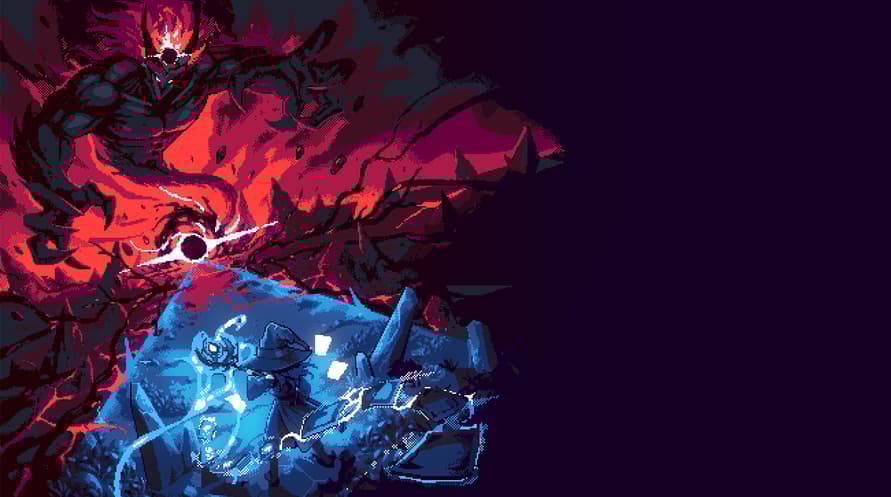

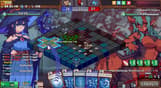


A territory-control roguelike deck builder where the side with more tiles at round’s end deals damage. Seize ground, place structures, shield your core, and unlock builds with card shapes, factions, and relics
Tell your opponents who rules the land!
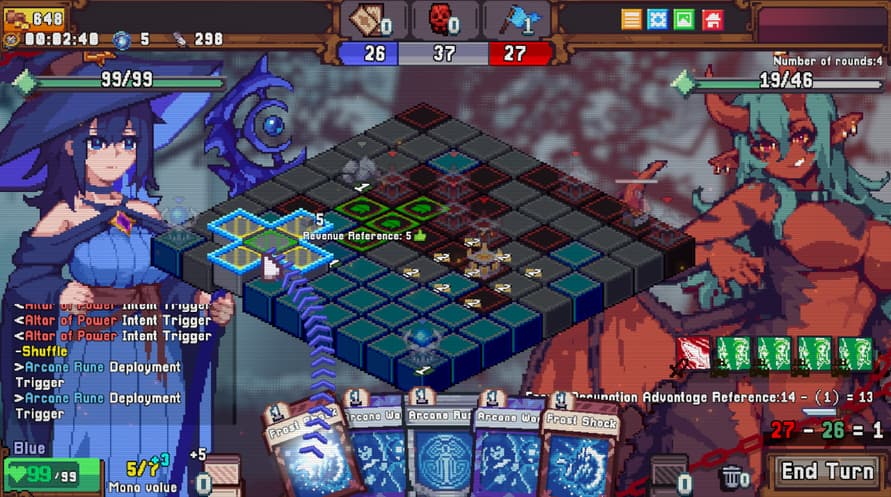
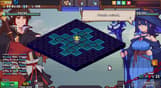
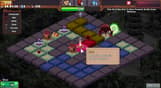
Card damage is no longer just numbers—it’s based on range, and at the end of each round, the difference in territory points determines the damage dealt.
Strategy isn’t just in your hand—you’ll need to deploy buildings, set traps, and control the battlefield!
Deploy on your territory!
What’s a board without pieces? Place a Twin Rune on any territory to let your attack cards resolve twice, or plant a self-destructing Explosive Rune in enemy territory.
Of course, your enemies won’t just sit back—while attacking, don’t forget to protect your core deployments!
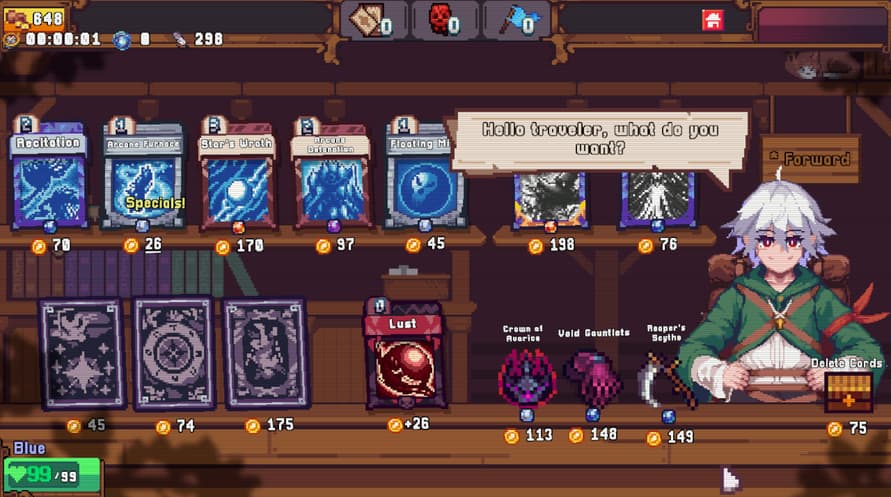
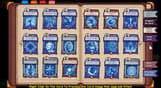
100+ powerful relics!
Eight distinct classes, each with five unique storylines and additional cards/relics to unlock.
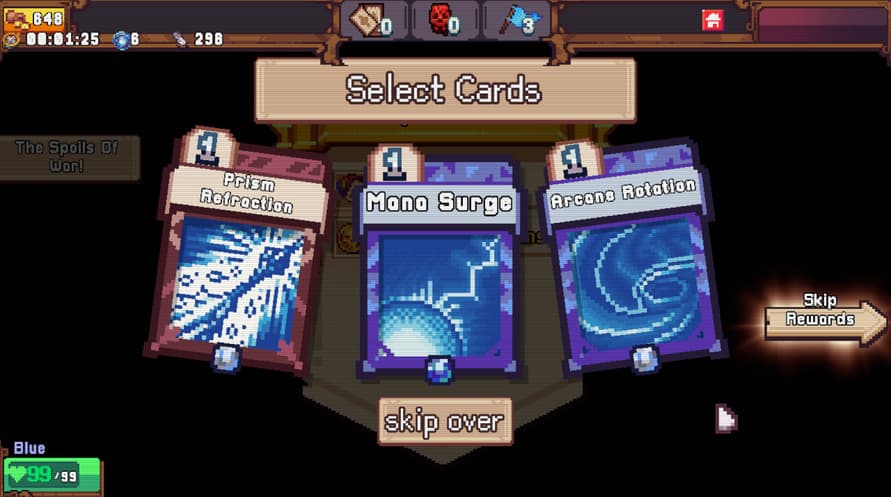
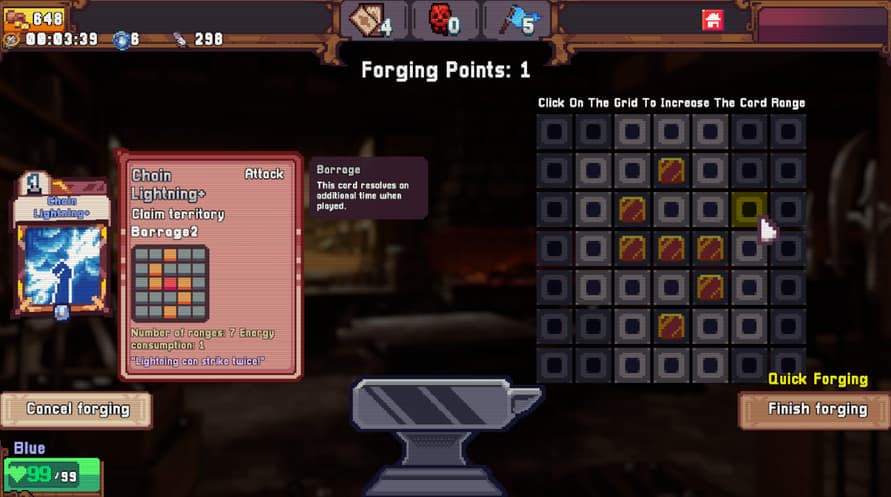
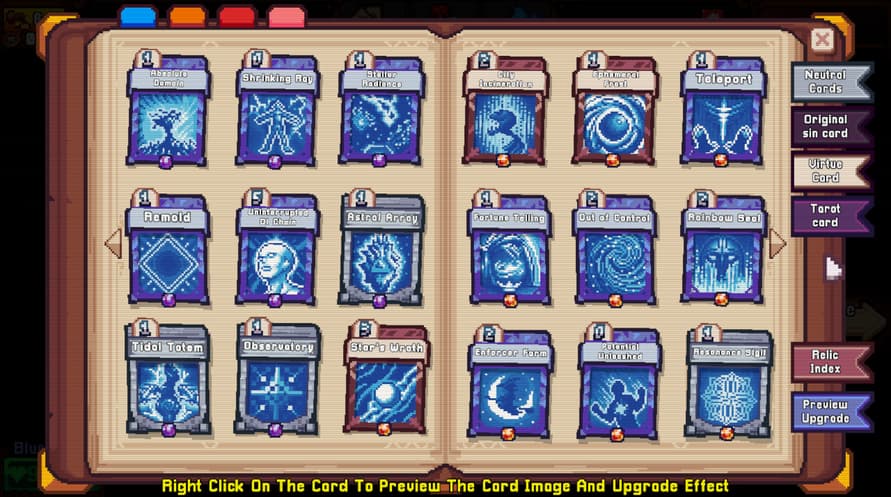
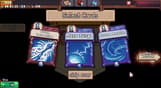
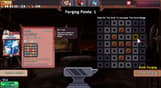
Every card can be upgraded!
Hundreds of cards and relics are yours to choose from, letting you create endless strategy combinations.
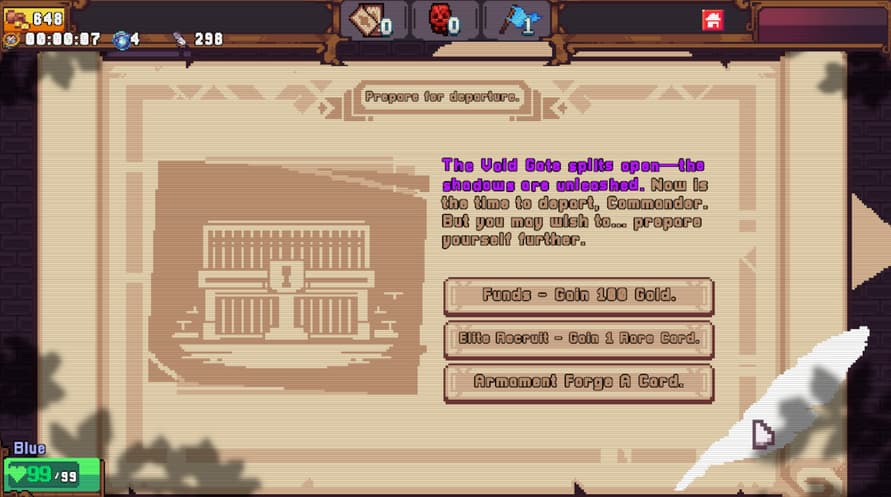
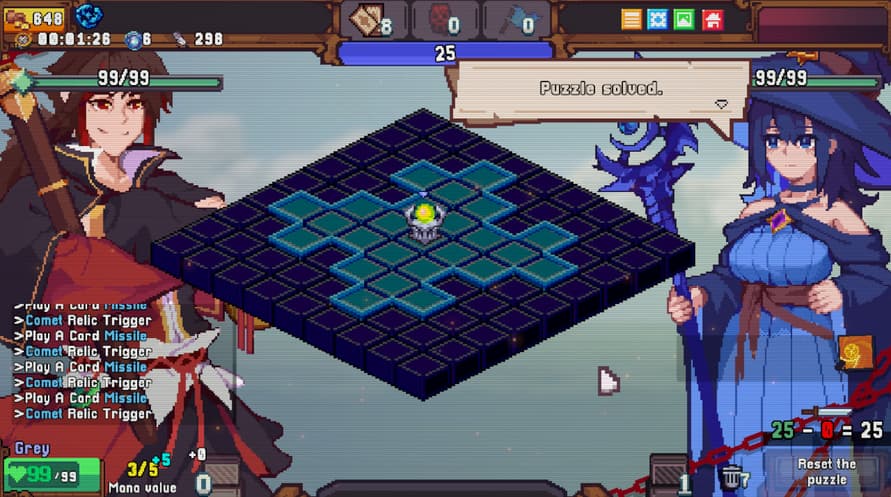
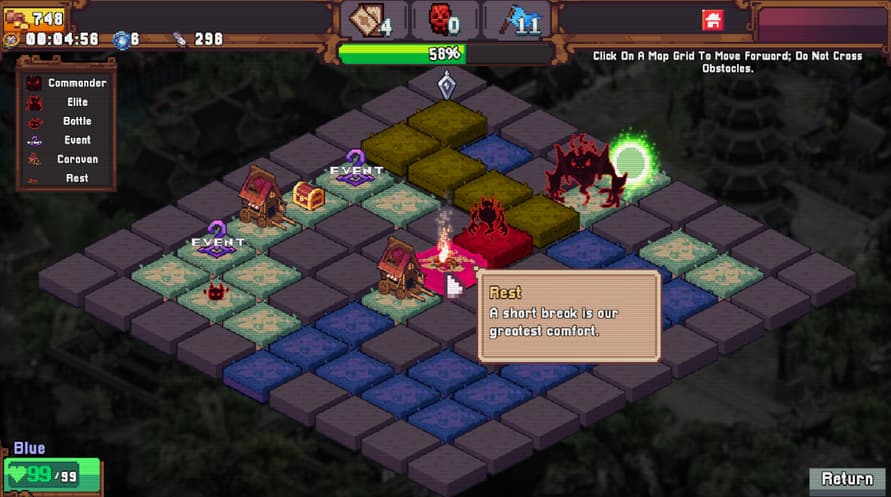
Explore rich battlefield events and puzzles, with each adventure full of surprises.
Multiple paths and random encounters ensure unpredictable challenges.
Clever card and relic synergies let you dominate the battlefield even amidst chaos.
Noch nicht bekannt
Rainbow Legends - Coming Soon

Aktivierungsinformationen
United States
In Ihrer Region verfügbar
Aktiviert in United States
Ähnliche spielen

Cities: Skylines - Natural Disasters

Tropico 4: Apocalypse

Worms Reloaded - Puzzle Pack

Overcooked! 2

Sairento VR - Weapons Pack

WRC Generations - Career Starter Pack

Crowntakers

For The King: Lost Civilization Adventure Pack

Sacred 3 Gold


