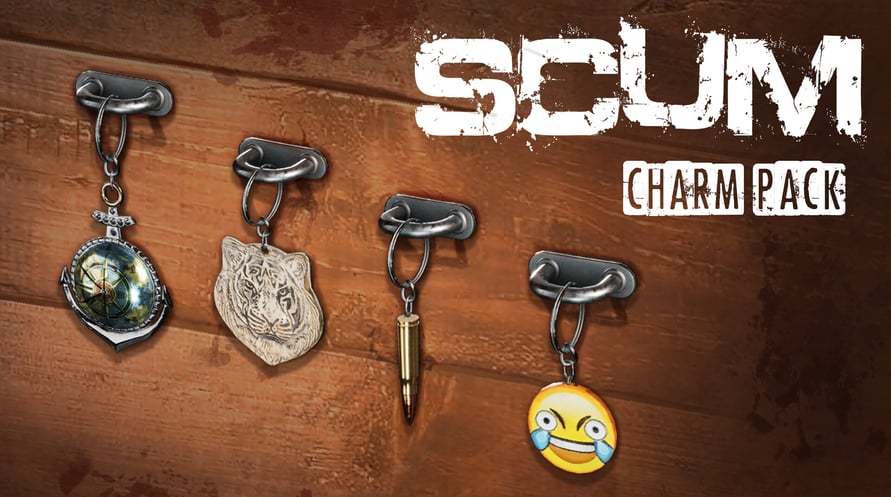
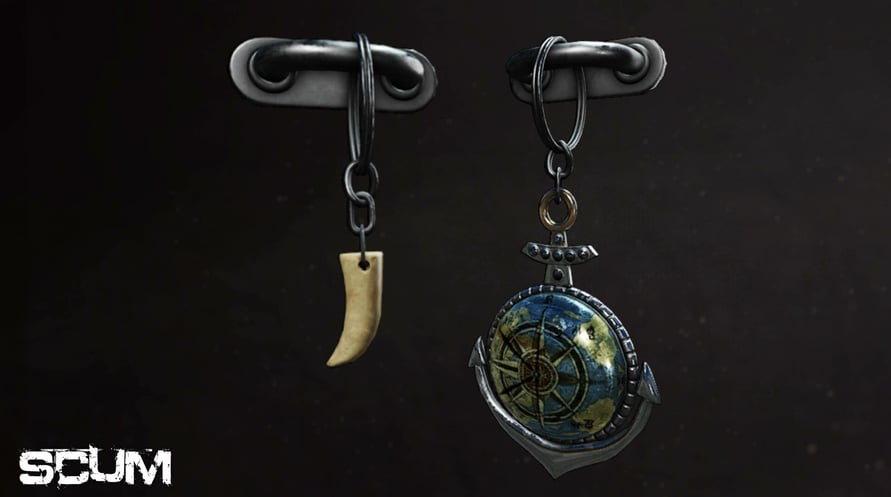
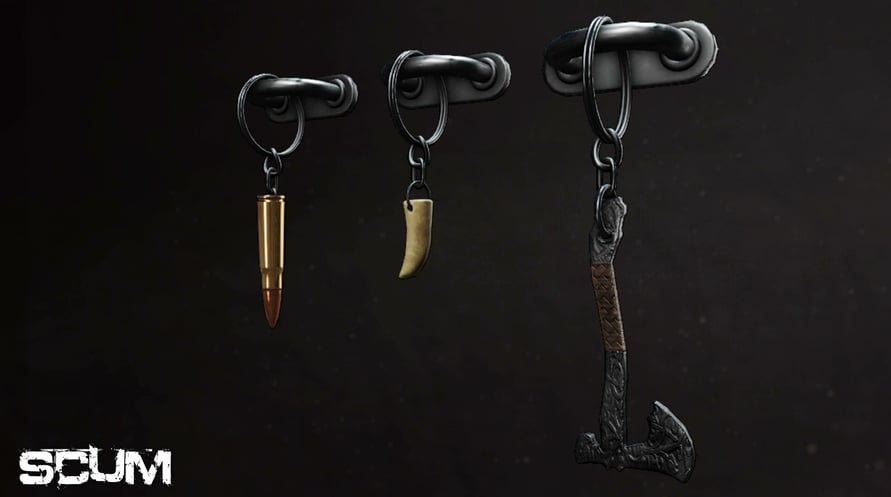
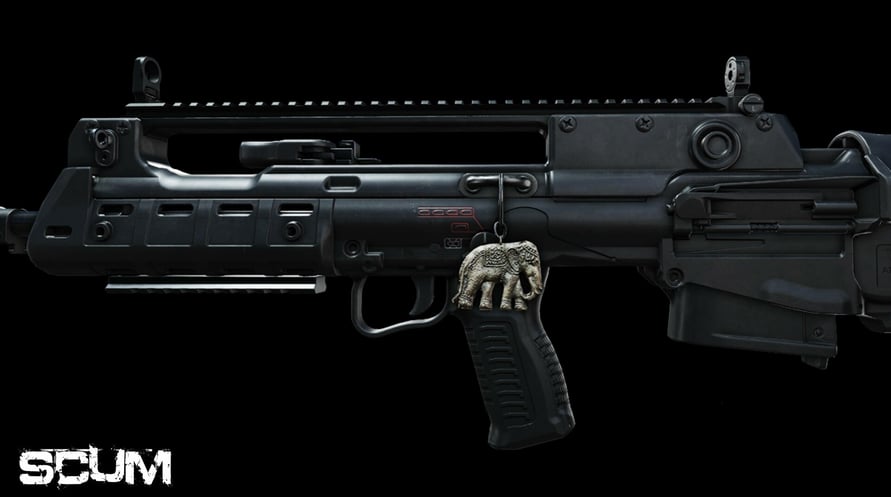
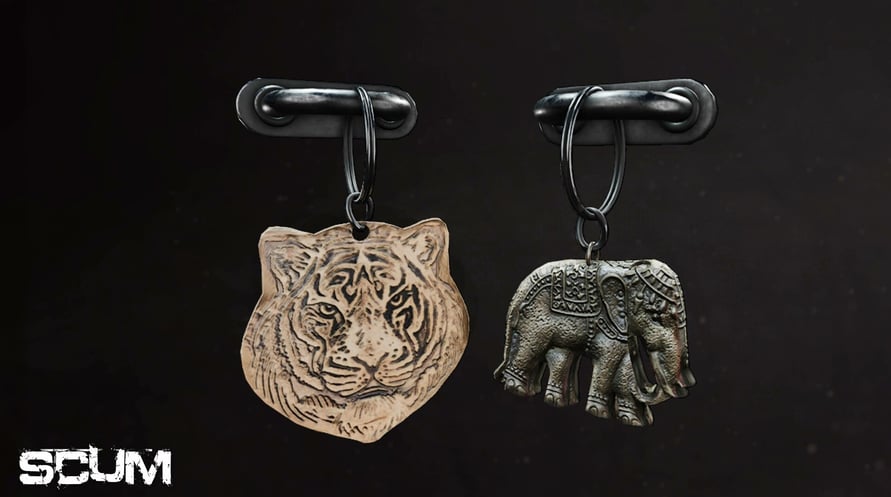
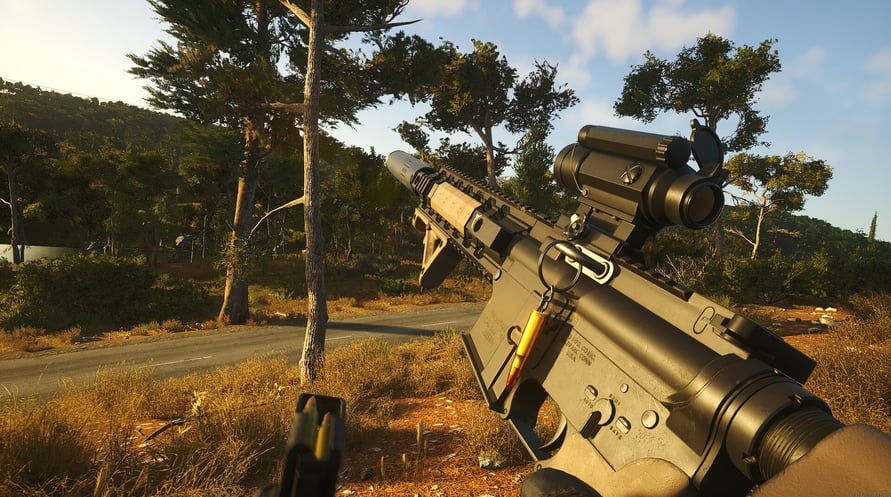
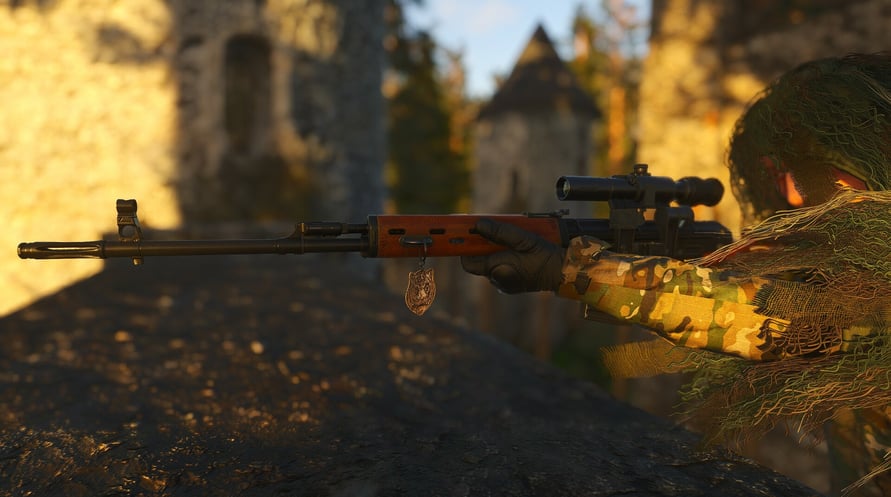
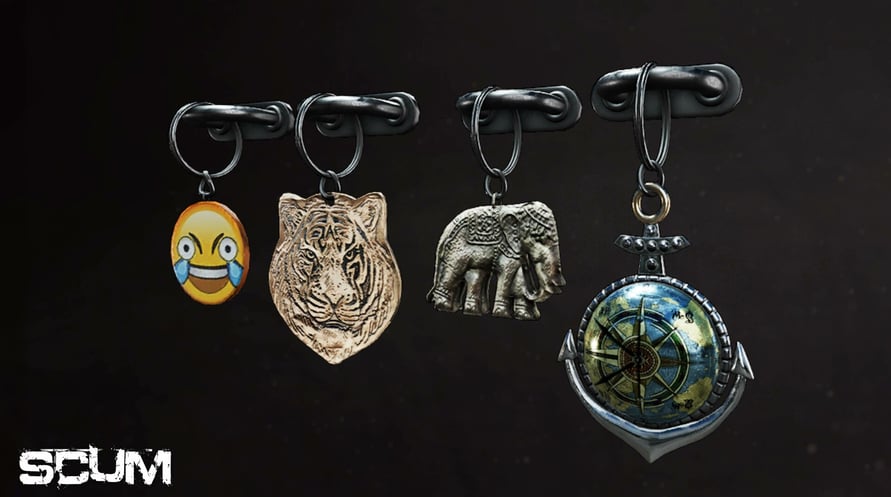






Introducing the SCUM Charms pack! This cosmetic DLC will let you make your weapon your own. Slap a charm on your weapon for good luck, or as a stress reliever during those short breaks in the middle of the firefight. Whatever your taste is there will be a charm for you.
Charms available:
Anchor
Axe
Bullet
Elephant
Emoji
Tiger
Tooth
© 2023 GAMEPIRES D.O.O. Developed by GAMEPIRES D.O.O. Published by Jagex Limited. JAGEX and the "X" logo are registered and/or unregistered trademarks of Jagex Ltd in the United Kingdom, the European Union, the United States and other territories. The “SCUM” logo, SCUM, GAS GUZZLERS EXTREME, GAS GUZZLERS EXTREME: FULL METAL ZOMBIE, GAS GUZZLERS: COMBAT CARNAGE, GAS GUZZLERS EXTREME: FULL METAL FRENZY and the Gamepires logo are registered and/or unregistered trademarks of GAMEPIRES D.O.O. in the United Kingdom, the European Union, the United States and other territories. All rights reserved.
NOTICE: This content requires the base game SCUM on Steam in order to play.
Minimum Requirements:
- Requires a 64-bit processor and operating system
- OS: Windows 10 64-bit
- Processor: Intel Core i5-4430 / AMD FX-6300
- Memory: 16 GB RAM
- Graphics: NVIDIA GeForce GTX 1060 3GB / AMD Radeon RX 480 4GB
- DirectX: Version 11
- Network: Broadband Internet connection
- Storage: 70 GB available space
- Additional Notes: SSD
Recommended Requirements:
- Requires a 64-bit processor and operating system
- OS: Windows 10 64-bit
- Processor: Intel Core i5-6600K / AMD Ryzen 5 1600
- Memory: 16 GB RAM
- Graphics: NVIDIA GeForce GTX 1070 / AMD Radeon RX 580
- DirectX: Version 11
- Network: Broadband Internet connection
- Storage: 70 GB available space
- Additional Notes: SSD
Um den Steam-Schlüssel zu aktivieren, den Sie erhalten haben, befolgen Sie die folgenden Anweisungen:
- Öffnen Sie zunächst den Steam-Client. (Wenn Sie ihn nicht haben, klicken Sie einfach hier auf die Schaltfläche "Steam installieren" => Steam Store )
- Melden Sie sich bei Ihrem Steam-Konto an. (Wenn Sie keines haben, klicken Sie hier, um ein neues zu erstellen => Steam-Konto )
- Klicken Sie auf die Schaltfläche "SPIEL HINZUFÜGEN" in der unteren Ecke des Clients.
- Wählen Sie dann "Ein Produkt bei Steam aktivieren..." aus.
- Schreiben Sie den Aktivierungsschlüssel auf oder kopieren Sie ihn, den Sie von Voidu erhalten haben, in das Fenster.
- Ihr Spiel ist jetzt in Ihrer Bibliothek sichtbar! Klicken Sie auf Ihre "Bibliothek".
- Und schließlich klicken Sie auf das Spiel und wählen Sie "Installieren", um den Download zu starten.