SCUM Dance Pack
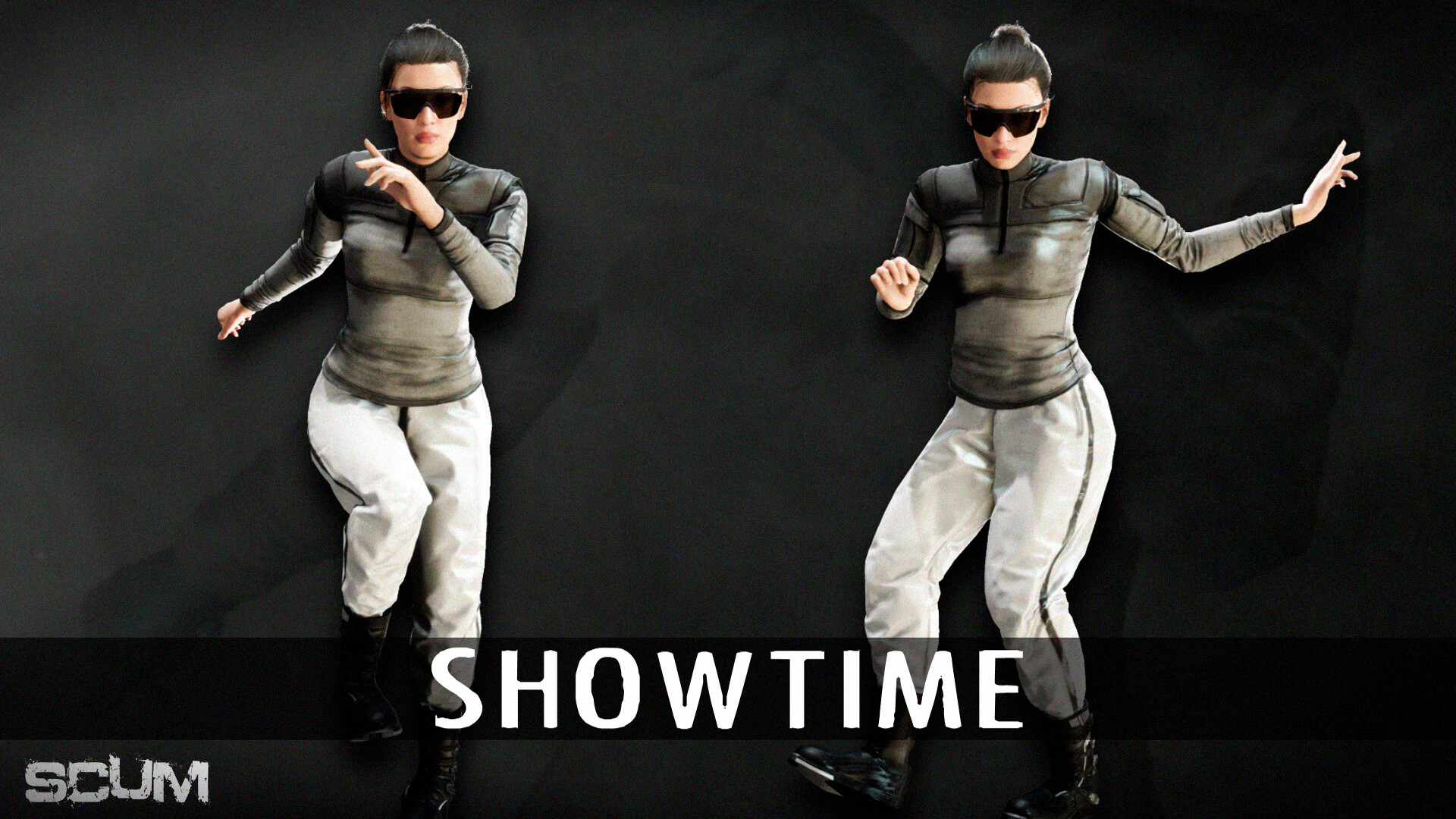
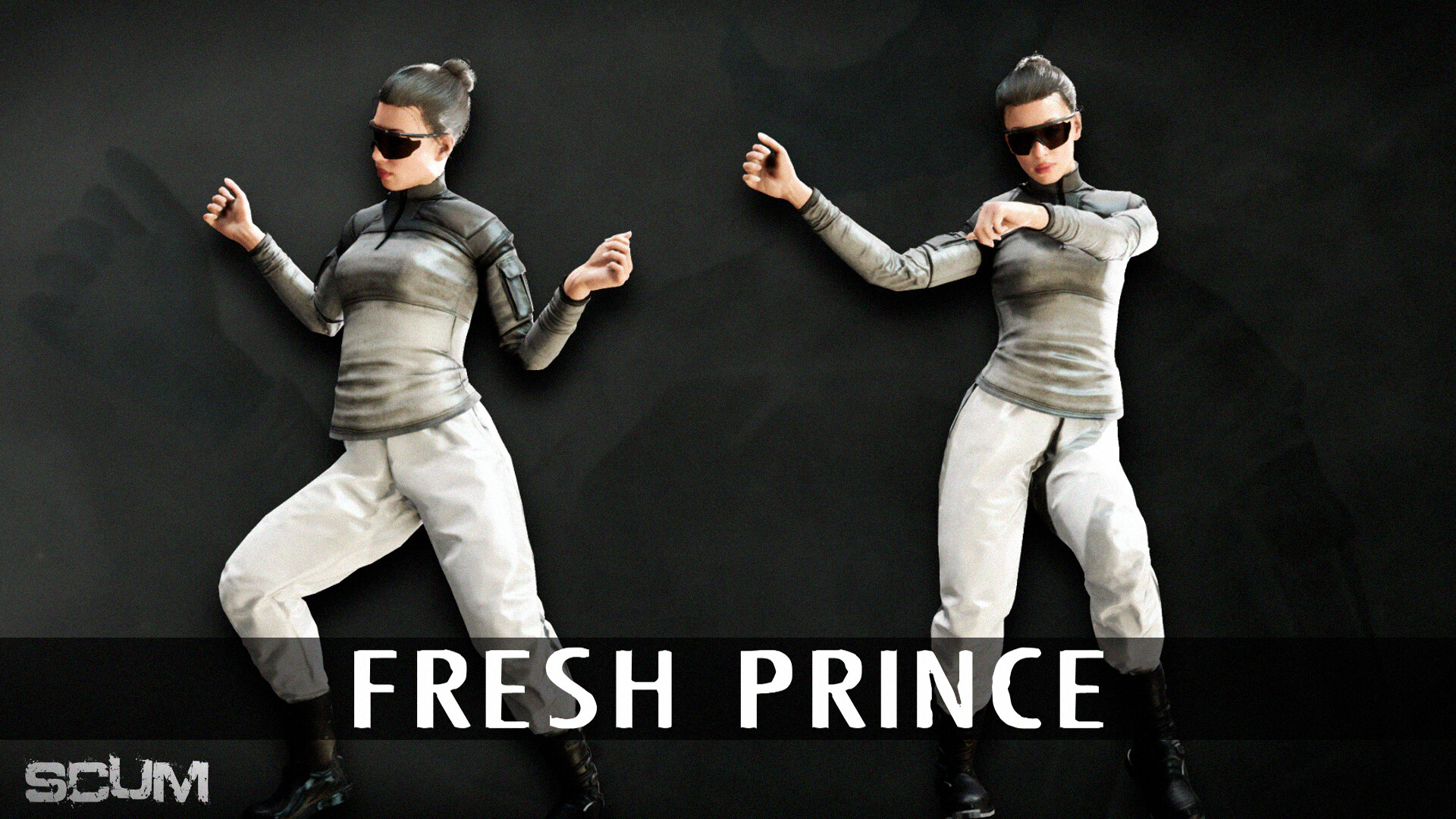
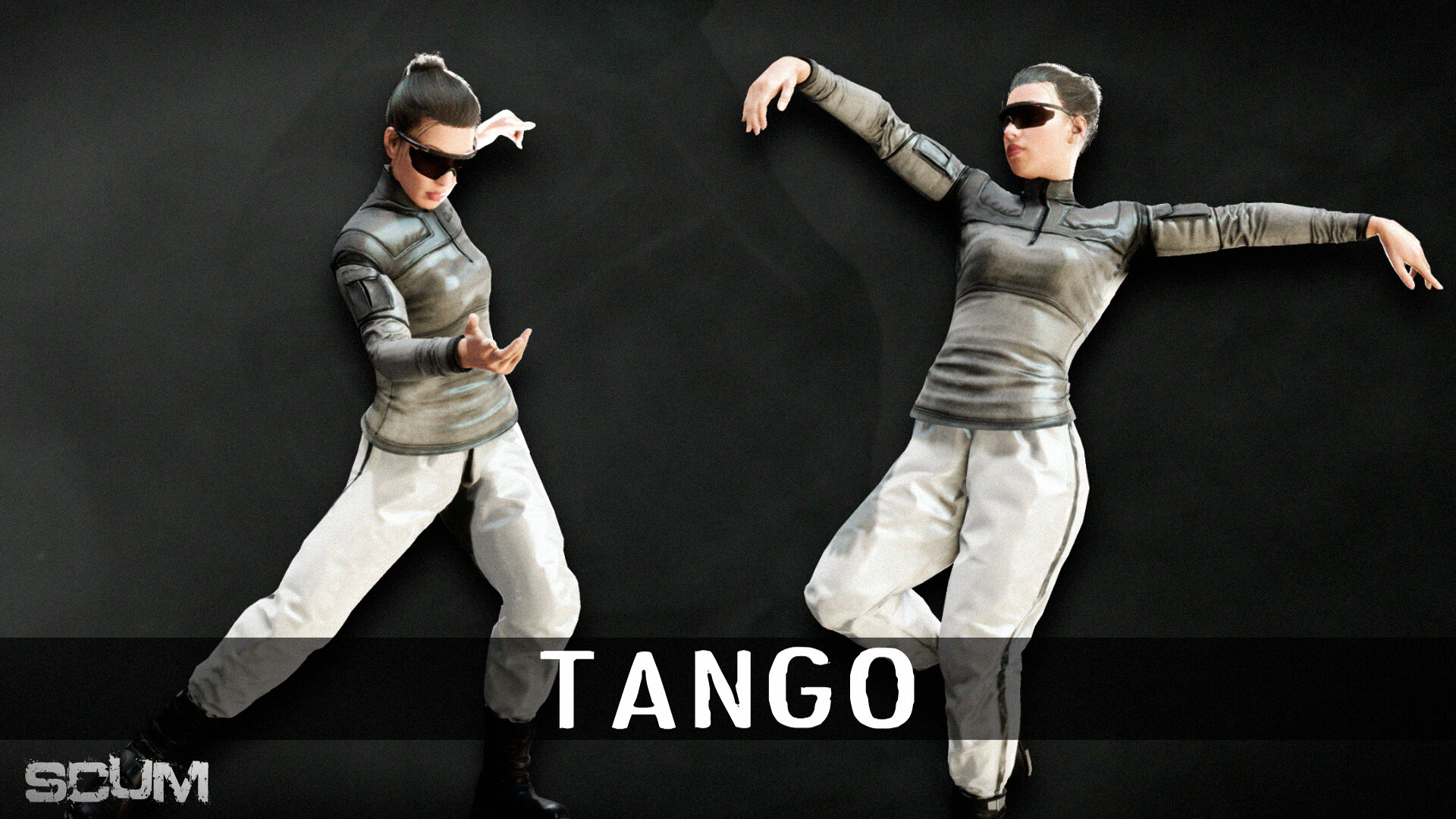
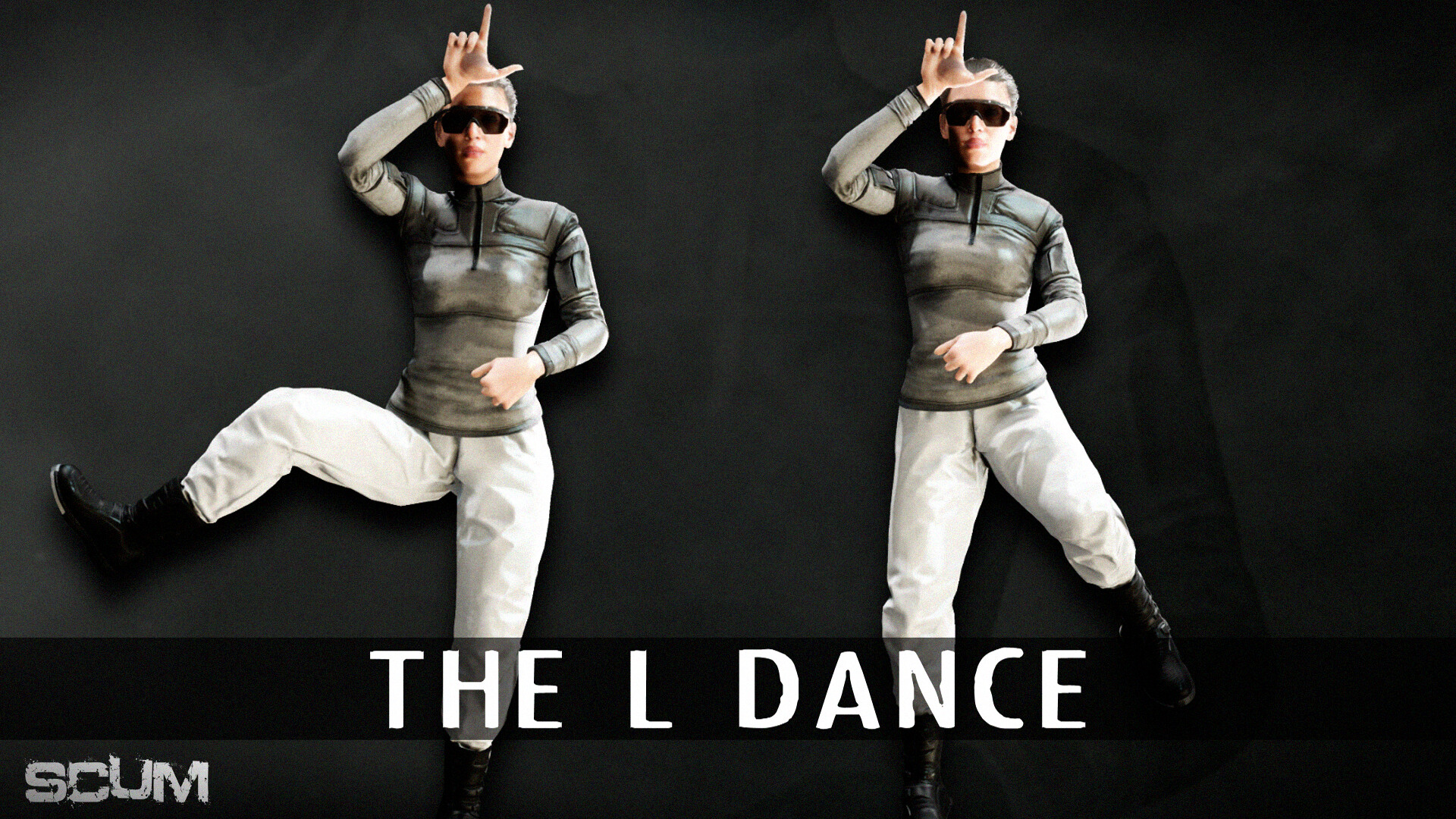
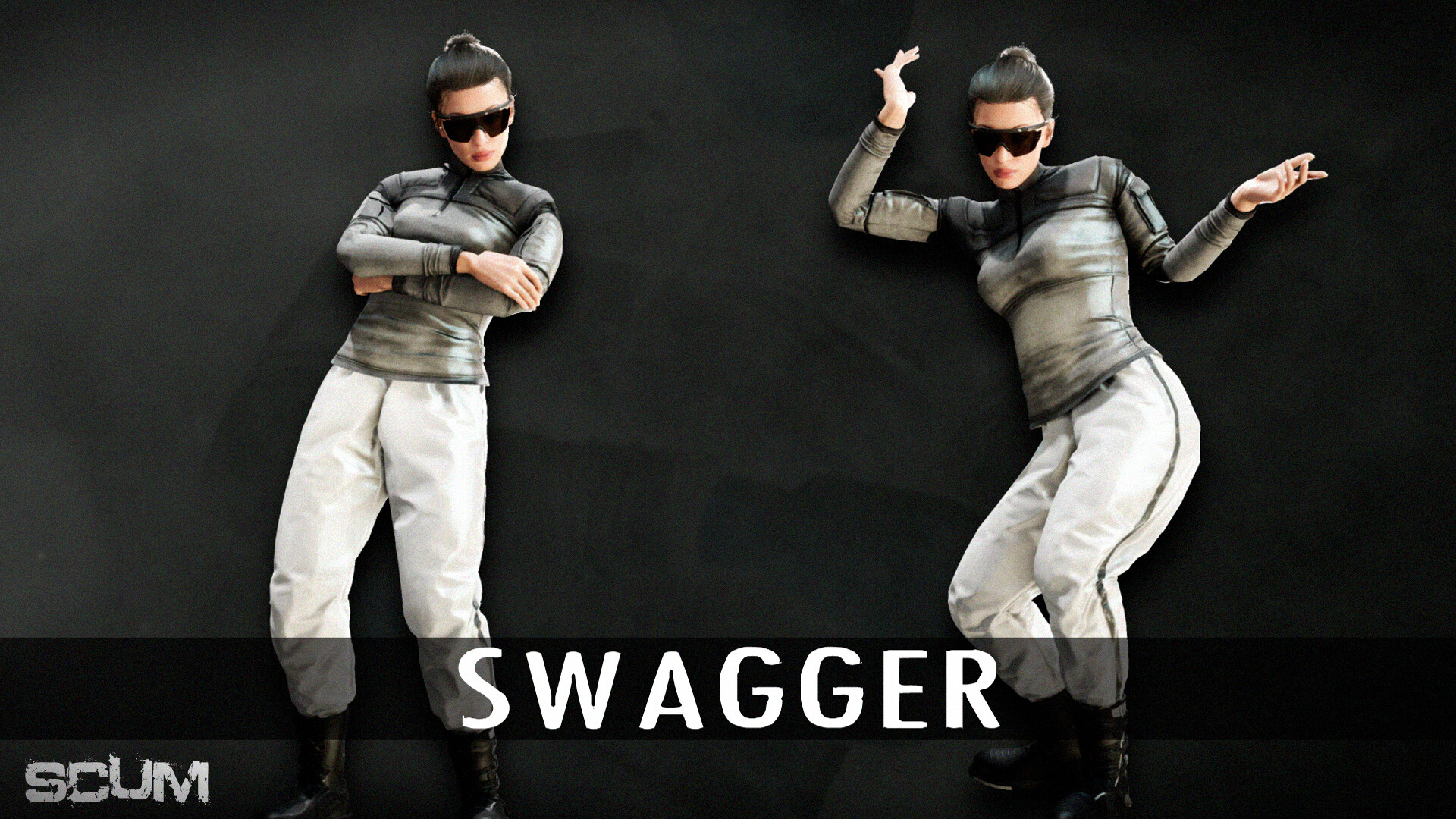
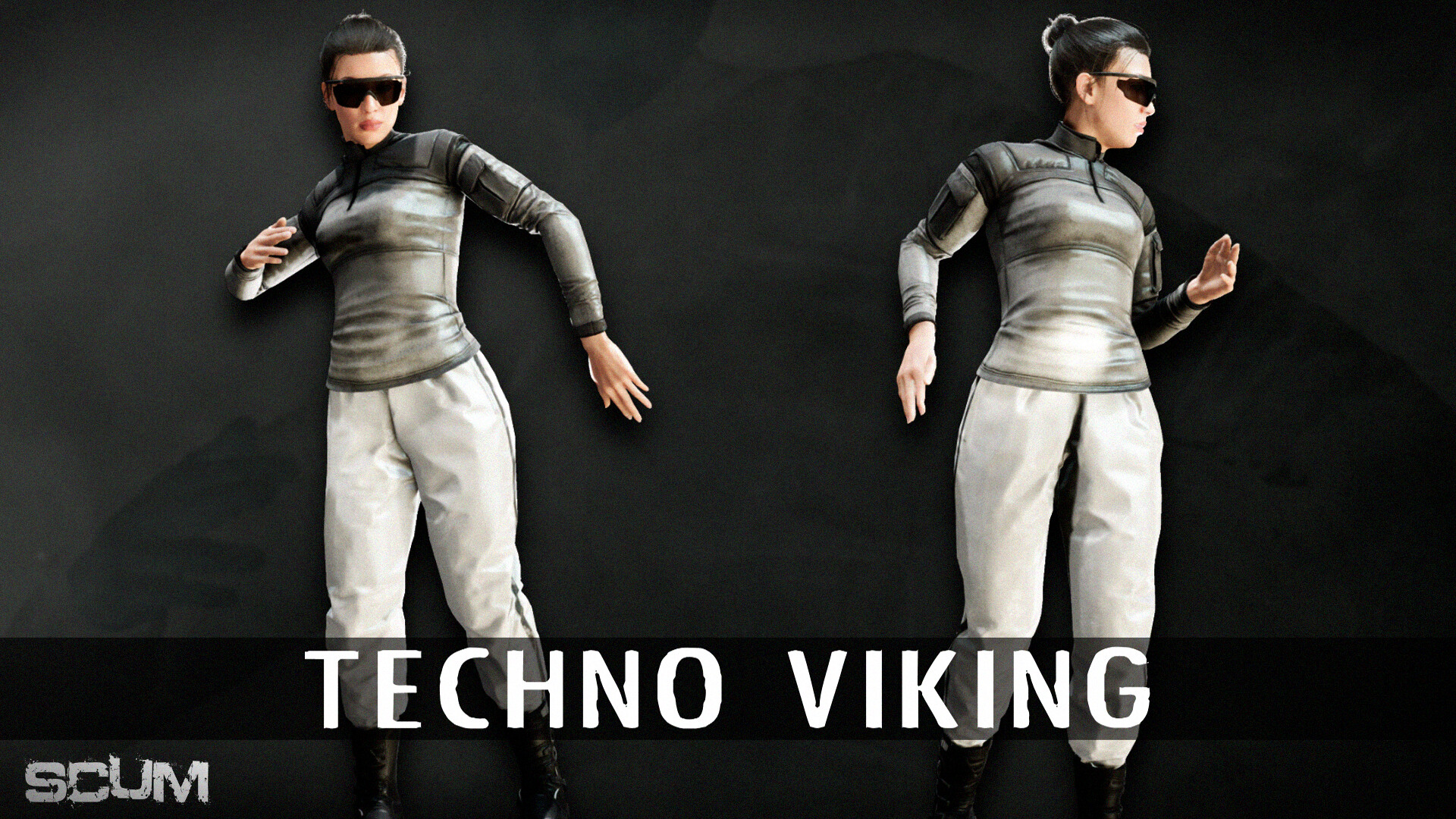
Introducing the SCUM dance pack! Whether you want to show off your moves on the dance floor or cruelly mock your fallen enemies, this DLC has you covered.
Introducing the SCUM dance pack! Whether you want to show off your moves on the dance floor or cruelly mock your fallen enemies, this DLC has you covered. With 7 different dances, you will get to express yourself in style and directly support the development of SCUM.
Dances included:
- Floss.
- Fresh prince.
- Techno Viking.
- Tango.
- The L dance.
- Swagger.
- Showtime.
- Slinky.
- Oh Mama!
- Jungle step
All of the dances will be available on the circular UI menu.
© 2025 GAMEPIRES D.O.O. SCUM and the Gamepires logo are registered and/or unregistered trademarks of GAMEPIRES D.O.O. in the European Union, United States, United Kingdom and other territories. All rights reserved.
SCUM Dance Pack

Aktivierungsinformationen
United States
In Ihrer Region verfügbar
Aktiviert in United States
Ähnliche spielen
Nullstar: Solus
FATAL FURY: City of the Wolves Standard Edition

Final Vendetta
The People of Sea, Sun & Salt
Directive 8020
Heavenly Bodies
Clive 'N' Wrench
Strobophagia Rave Horror