Yu-Gi-Oh! Legacy of the Duelist
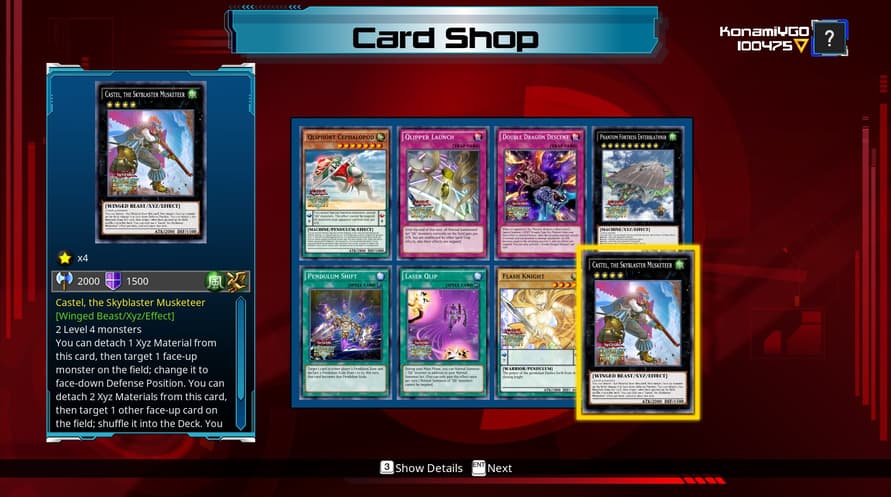

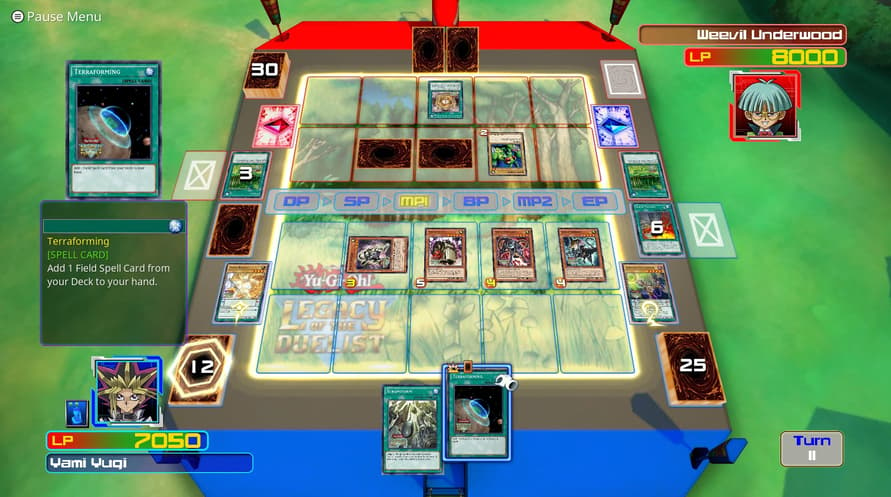
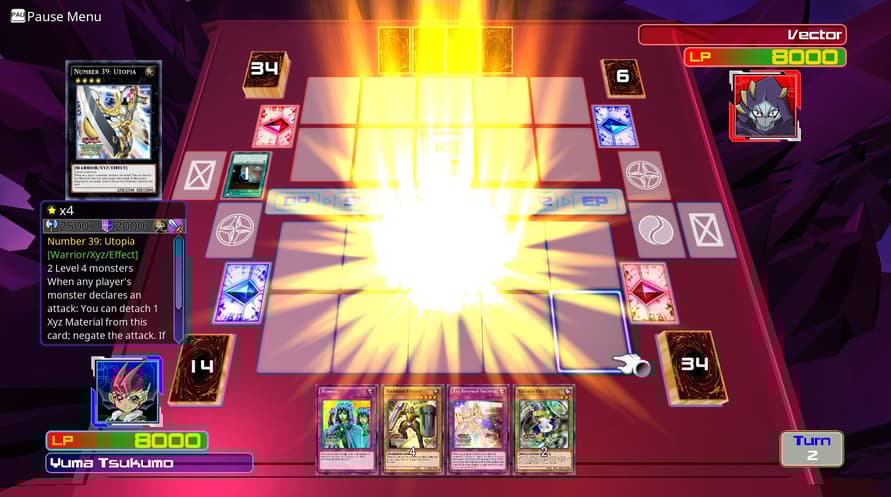



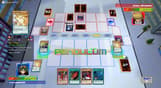
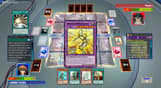
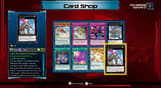






Enter the Duelist Simulator to take your place among the finest Duelists ever in Yu-Gi-Oh!
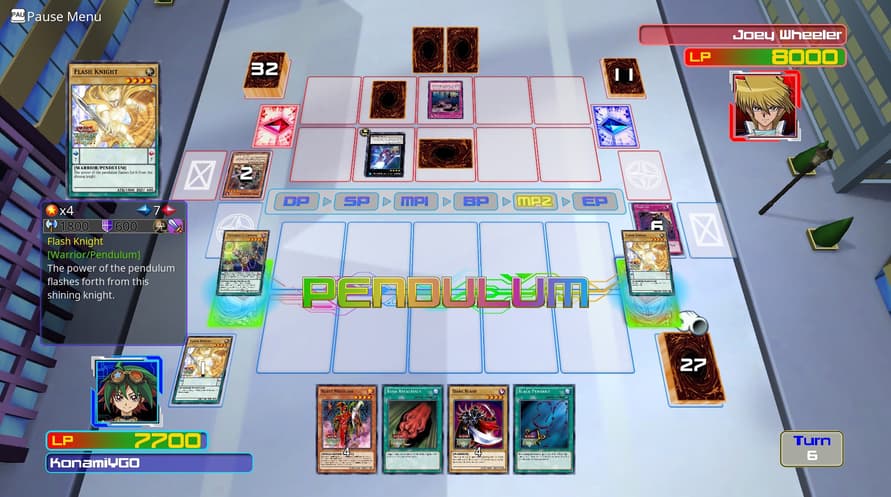
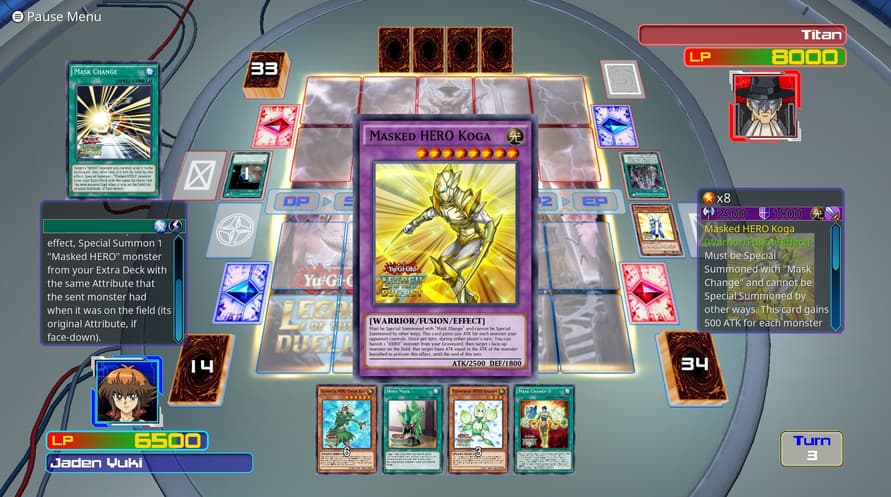
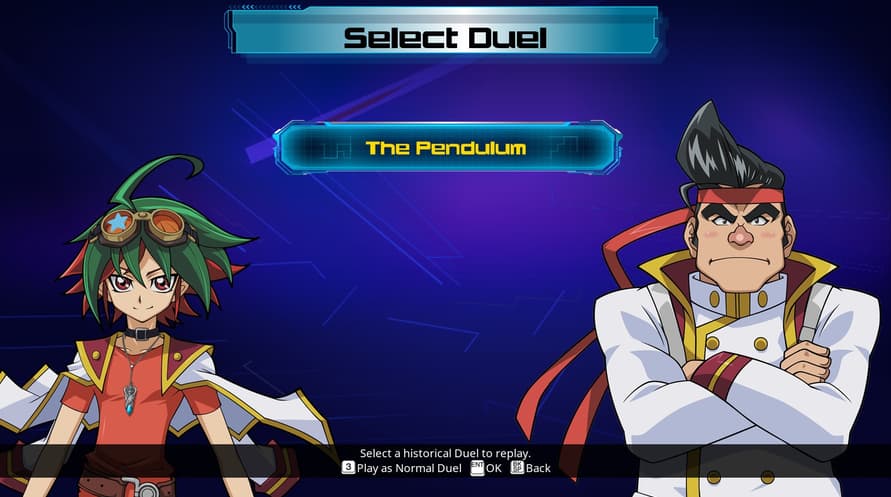
Enter the Duelist Simulator to take your place among the finest Duelists ever in Yu-Gi-Oh! Legacy of the Duelist! Players from around the world have been invited to take part in an elite Dueling program that simulates the best Duels across all of Yu-Gi-Oh! history. Replay actual events in the Yu-Gi-Oh! timeline, from the original Yu-Gi-Oh! series up to Yu-Gi-Oh! ZEXAL, featuring the storylines, characters, and Decks in a brand new Story Campaign.
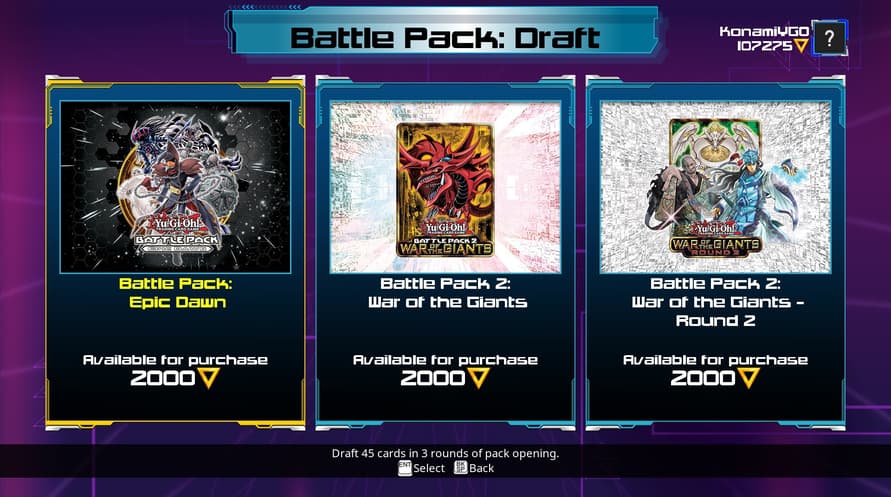
With over 6,600 cards to play with, including new Pendulum Summon Monsters, Duelists can fight in hundreds of matches with over 90 characters, and even compete in new Battle Pack Sealed Deck and Draft play with other Duelists online.
Yu-Gi-Oh! Legacy of the Duelist

Aktivierungsinformationen
United States
In Ihrer Region verfügbar
Aktiviert in United States
Altersbeschränkung
Inhalt bewertet für 3+

Altersbeschränkter Inhalt
Geeignet für Alter 3 und älter
Ähnliche spielen
DAMON and BABY

Super Battle Golf

Old World - Empires of the Indus

Echoes of Aincrad
The Bionic Commando Pack