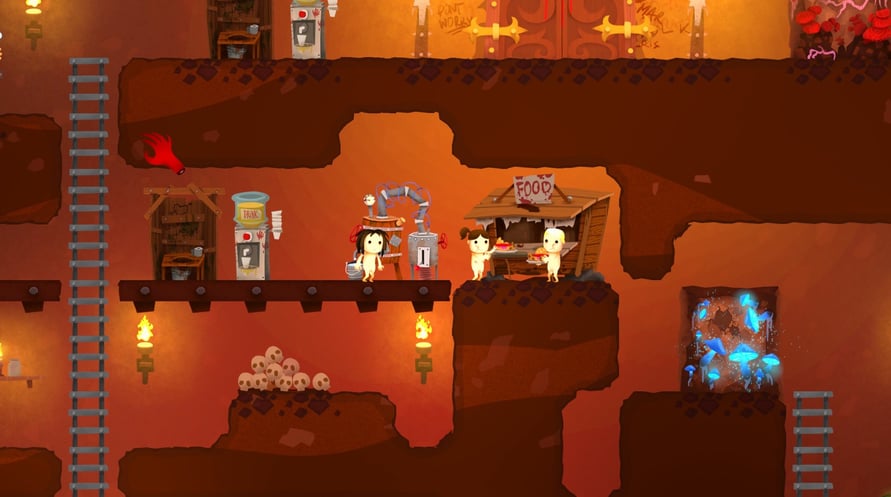

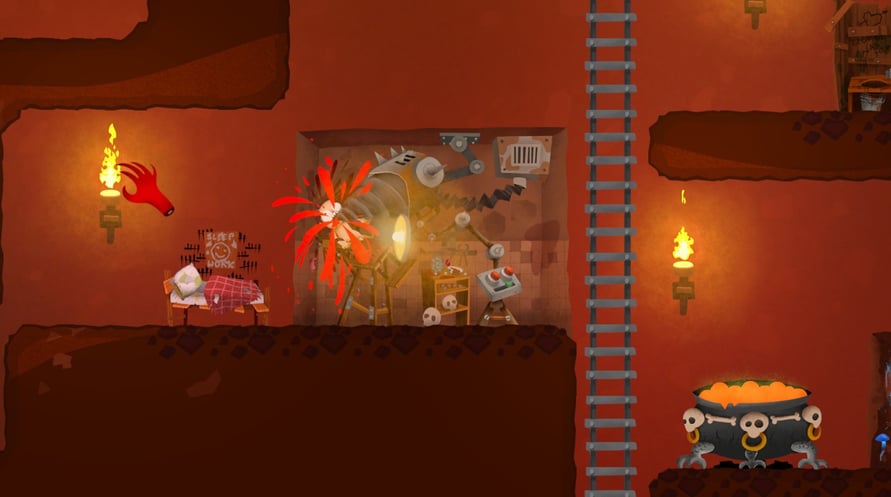
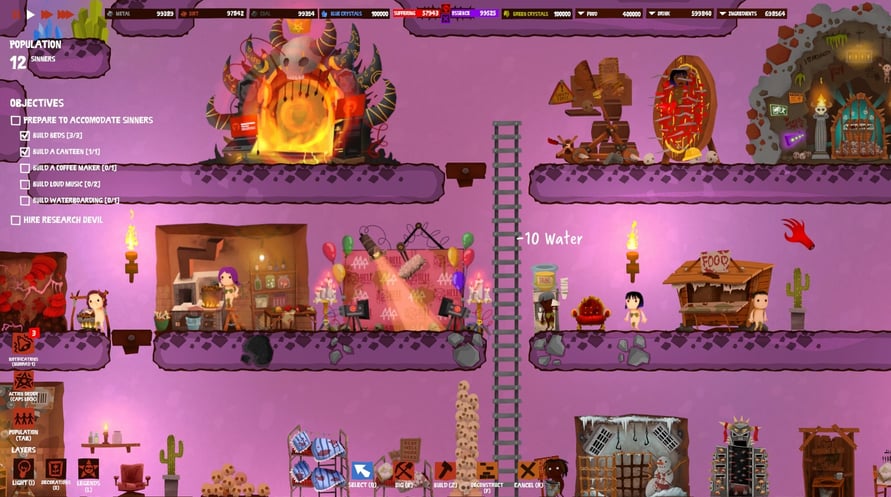
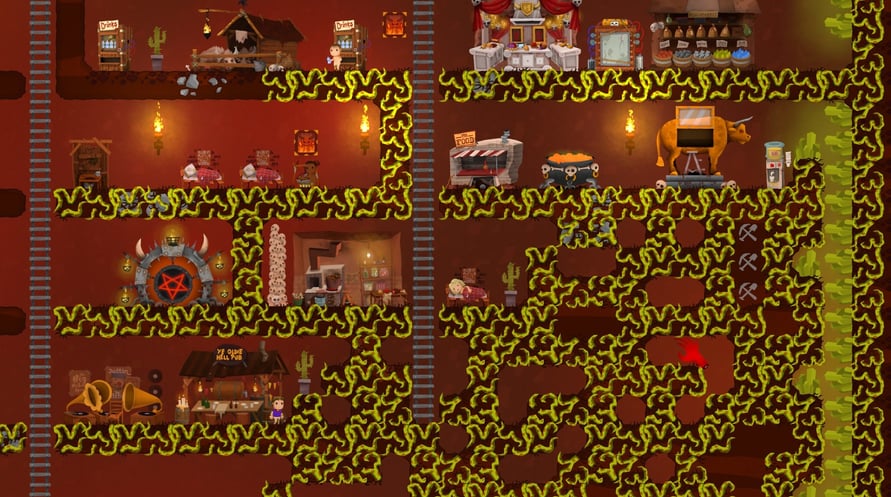
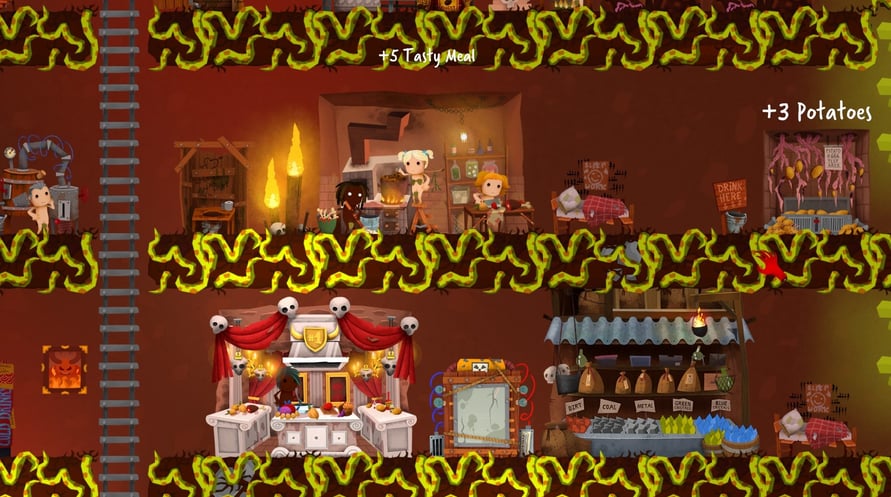

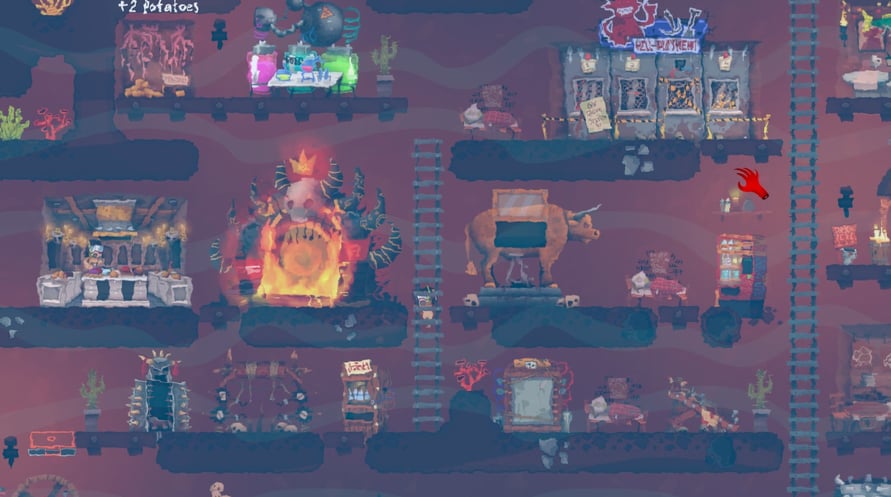







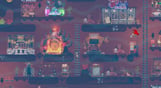

Hell Architect is a game about building and managing your own hell. You take on the role of a hell manager and are tasked with developing the underworld in a way that would make Lucifer himself fall off his chair
Windows Minimum Requirements:
- OS *: Windows 7 or later
- Processor: AMD Phenom II X4 955 / Intel Core i5-750 or equivalent
- Memory: 4 GB RAM
- Graphics: Intel HD 4600 (AMD or NVIDIA equivalent)
- DirectX: Version 11
- Storage: 4 GB available space
Windows Recommended Requirements:
- OS *: Windows 8 or later
- Processor: AMD Phenom II X4 955 / Intel Core i5-750 or equivalent
- Memory: 4 GB RAM
- Graphics: Nvidia GPU GeForce GTX 660 / AMD GPU Radeon HD 7870
- DirectX: Version 11
- Storage: 4 GB available space
Mac Minimum Requirements:
- OS: Mac OSX 10.12 or later
- Processor: Intel Core i5-750 or equivalent
- Memory: 4 GB RAM
- Graphics: Nvidia GPU GeForce GTX 660 / AMD GPU Radeon HD 7870
- Storage: 4 GB available space
Mac Recommended Requirements:
- OS: Mac OSX 10.12 or later
- Processor: Intel Core i5-4440S 2.80GHz or equivalent
- Memory: 4 GB RAM
- Graphics: Nvidia GPU GeForce GTX 1050 Ti / AMD GPU Radeon R9 280X
- Storage: 4 GB available space
To activate the Steam key you've received, follow the instructions below;
- First up, open the Steam client. (If you don't have it, simply click the "Install Steam" button here => Steam Store )
- Sign in to your Steam account. (If you don't have one, click here to create a new one => Steam Account)
- Click on the "ADD A GAME" button in the bottom corner of the client.
- Then, select "Activate a product on Steam..."
- Write down or copy-paste the activation key that you've received from %s in the window.
- Your game is now visible in your library! Click on your "Library".
- And finally, click on the game and select "Install" to start your download.