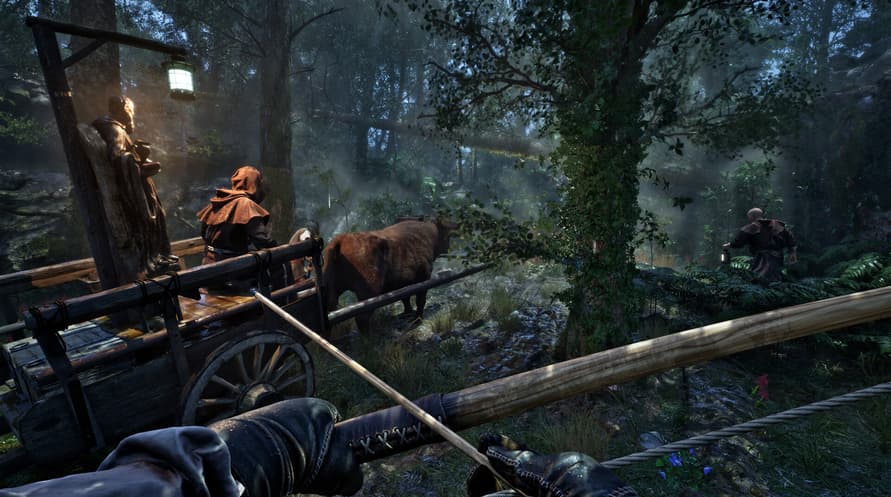
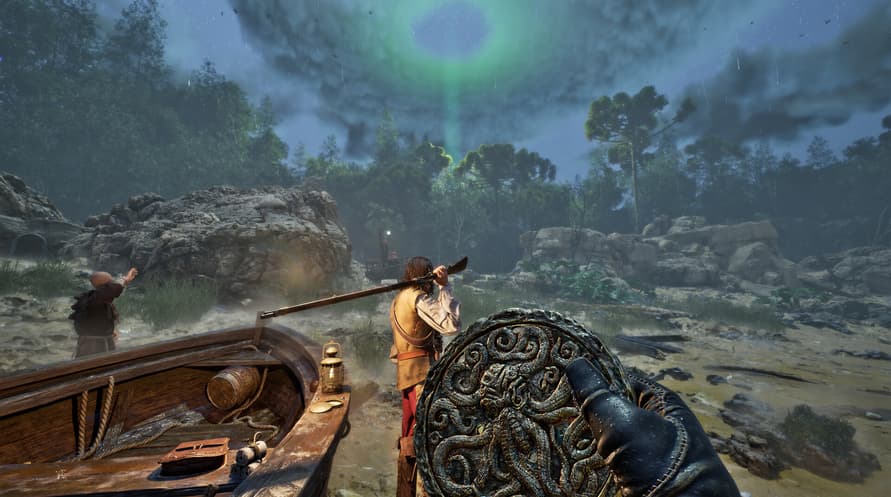
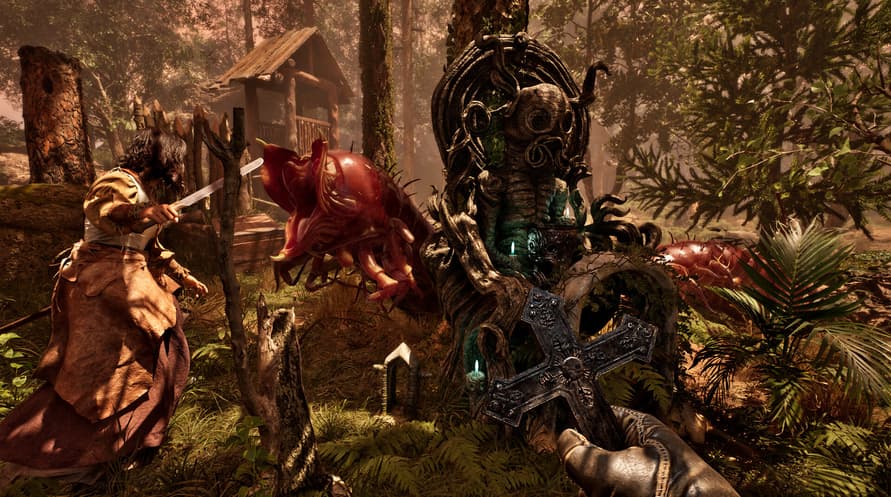
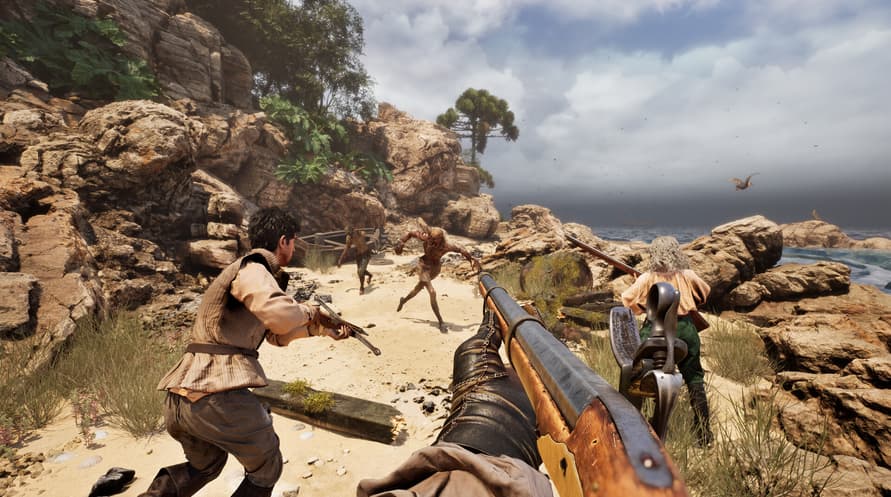
Immerse yourself in the chilling atmosphere of The Mound: Omen of Cthulhu with the official Original Soundtrack featuring all the music from the game.
©2026 Nacon. ©2026 Published by Nacon and developed by ACE Team Software. All rights reserved.
Minimum System Requirements:
- Requires a 64-bit processor and operating system
- OS: Windows 10/11 64-bit
- Processor: Intel Core i7-8700k or AMD Ryzen 5 1600x
- Memory: 16 GB RAM
- Graphics: Nvidia GTX 1660 SUPER 6GB or AMD Radeon RX 5600 XT 6GB or Intel Arc A770 16GB
- DirectX: Version 12
- Storage: 23 GB available space
- Additional Notes: Please note that these informations aren't final and may be subject to change until the launch of the game.
Recommended System Requirements:
- Requires a 64-bit processor and operating system
- OS: Windows 10/11 64-bit
- Processor: Intel Core i7-11700k or AMD Ryzen 5 5500
- Memory: 16 GB RAM
- Graphics: Nvidia RTX 3070 8GB or AMD Radeon RX 6750 XT 12GB
- DirectX: Version 12
- Storage: 23 GB available space
- Additional Notes: Please note that these informations aren't final and may be subject to change until the launch of the game.
To activate the Steam key you've received, follow the instructions below;
- First up, open the Steam client. (If you don't have it, simply click the "Install Steam" button here => Steam Store )
- Sign in to your Steam account. (If you don't have one, click here to create a new one => Steam Account)
- Click on the "ADD A GAME" button in the bottom corner of the client.
- Then, select "Activate a product on Steam..."
- Write down or copy-paste the activation key that you've received from Voidu in the window.
- Your game is now visible in your library! Click on your "Library".
- And finally, click on the game and select "Install" to start your download.