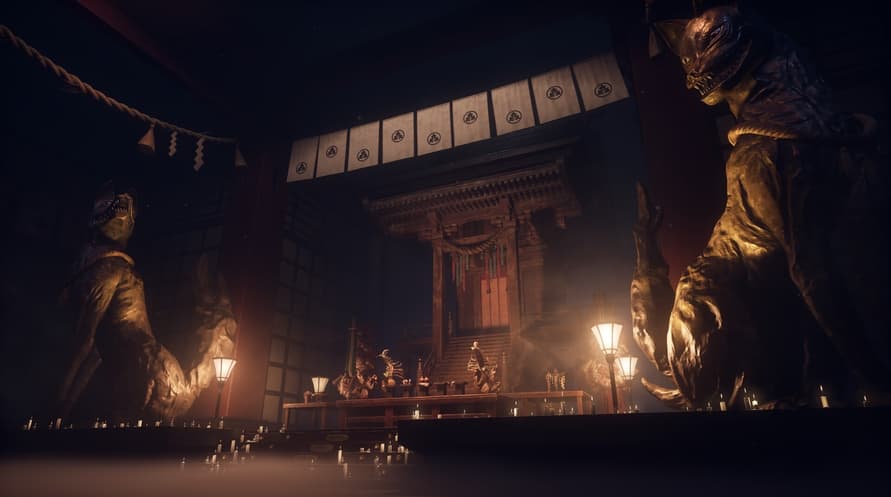

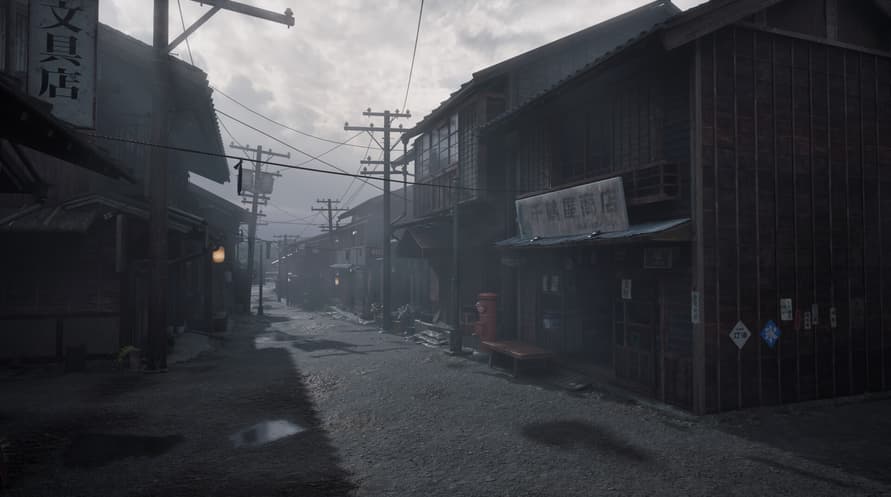


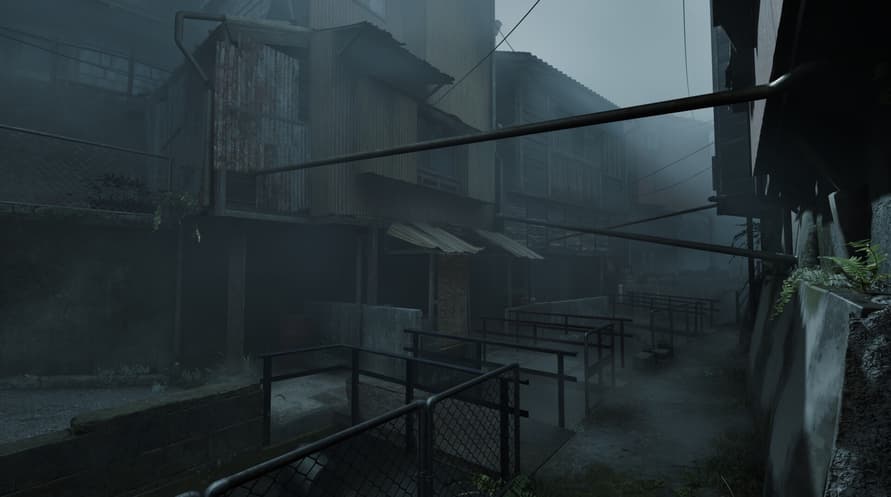
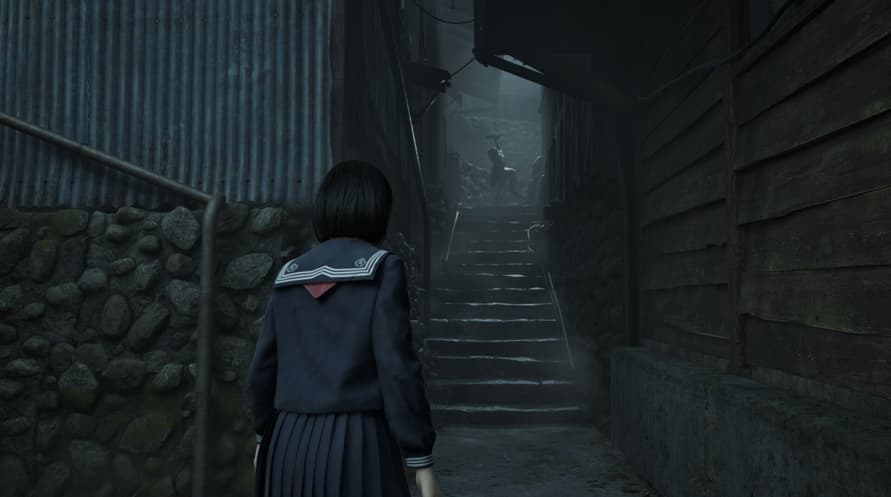
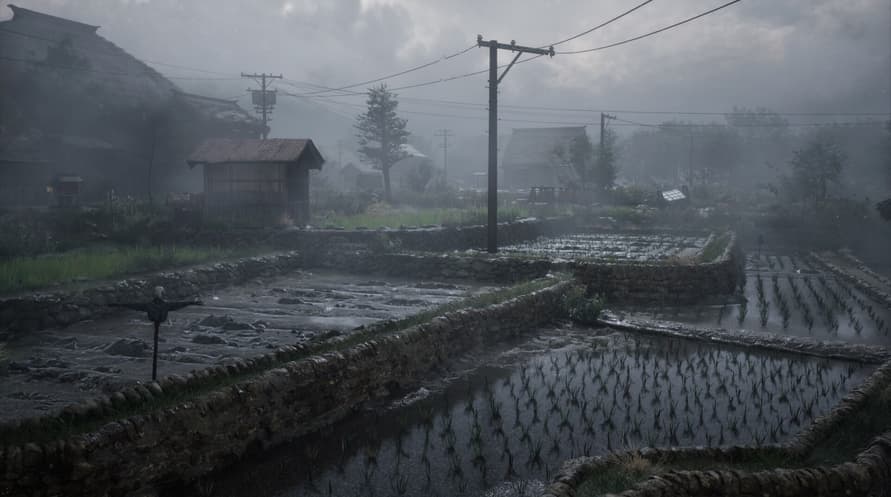
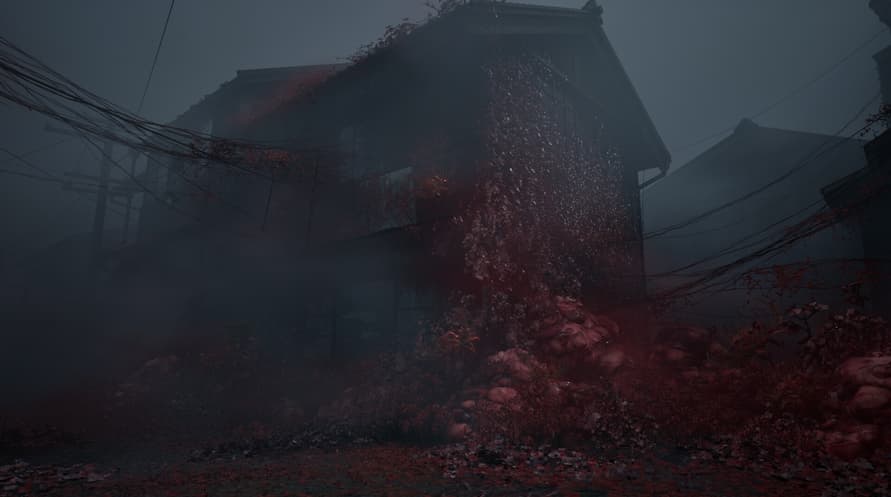






In 1960s Japan, Shimizu Hinako's secluded town of Ebisugaoka is consumed by a sudden fog, transforming her home into a haunting nightmare.
As the town falls silent and the fog thickens, Hinako must navigate the twisted paths of Ebisugaoka, solving complex puzzles and confronting grotesque monsters to survive.
Immerse yourself into Hinako's world imagined by renowned author Ryukishi07, with entrancing music, including pieces by Akira Yamaoka, and beautiful visuals in a gripping tale of doubt, regret, and inescapable choices. Will Hinako embrace the beauty hidden within terror, or succumb to the madness that lies ahead?
Discover a new chapter in the SILENT HILL series, blending psychological horror with a haunting Japanese setting.
© Konami Digital Entertainment
Minimum Requirements:
- Requires a 64-bit processor and operating system
- OS: Windows 11 x64
- Processor: Intel Core i5-8400 / AMD Ryzen 5 2600
- Memory: 16 GB RAM
- Graphics: NVIDIA® GeForce® GTX 1070 Ti or AMD Radeon™ RX 5700
- DirectX: Version 12
- Storage: 50 GB available space
- Sound Card: Windows Compatible Audio Device.
- Additional Notes: Playing on minimum requirements should enable to play on Performance quality settings in 30 at 720p. SSD is recommended.
Recommended Requirements:
- Requires a 64-bit processor and operating system
- OS: Windows 11 x64
- Processor: Intel Core i7-9700 / AMD Ryzen 5 5500
- Memory: 16 GB RAM
- Graphics: NVIDIA® GeForce® RTX 2080 or AMD Radeon™ RX 6800XT
- DirectX: Version 12
- Storage: 50 GB available space
- Sound Card: Windows Compatible Audio Device.
- Additional Notes: Playing on recommended requirements should enable to play on Performance settings in 60 FPS or Quality settings in 30 FPS at FullHD (or 4k using DLSS or similar technology). SSD required.
Pour activer la clé Steam que vous avez reçue, suivez les instructions ci-dessous :
- Tout d'abord, ouvrez le client Steam. (Si vous ne l'avez pas, cliquez simplement sur le bouton "Installer Steam" ici => Boutique Steam )
- Connectez-vous à votre compte Steam. (Si vous n'en avez pas, cliquez ici pour en créer un nouveau => Compte Steam )
- Cliquez sur le bouton "AJOUTER UN JEU" dans le coin inférieur du client.
- Ensuite, sélectionnez "Activer un produit sur Steam..."
- Écrivez ou copiez-collez la clé d'activation que vous avez reçue de Voidu dans la fenêtre.
- Votre jeu est maintenant visible dans votre bibliothèque ! Cliquez sur votre "Bibliothèque".
- Enfin, cliquez sur le jeu et sélectionnez "Installer" pour commencer votre téléchargement.