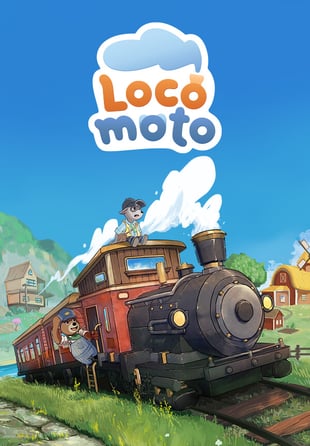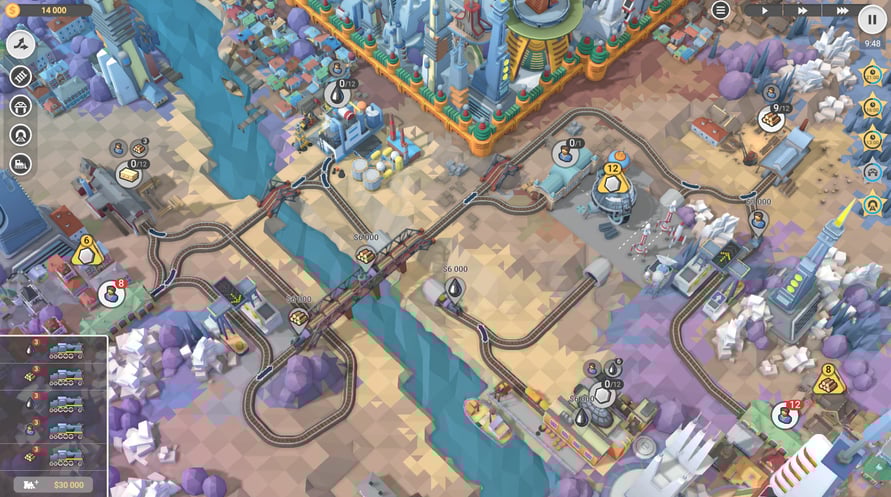
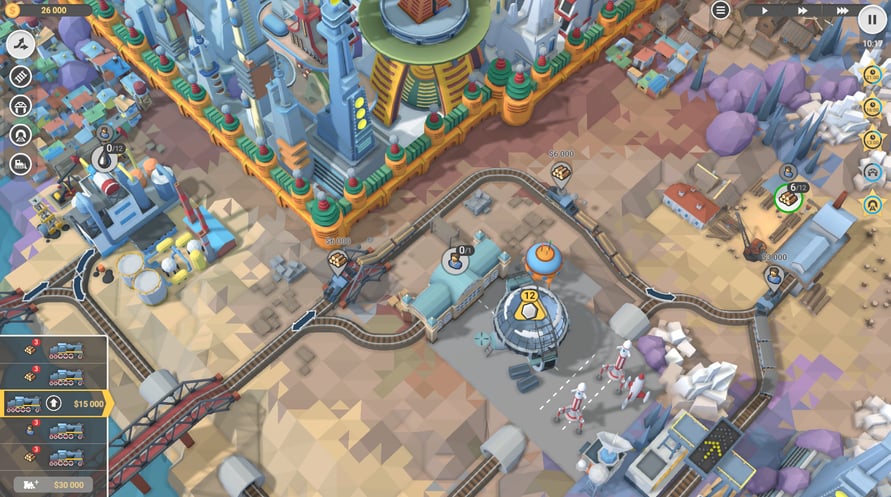
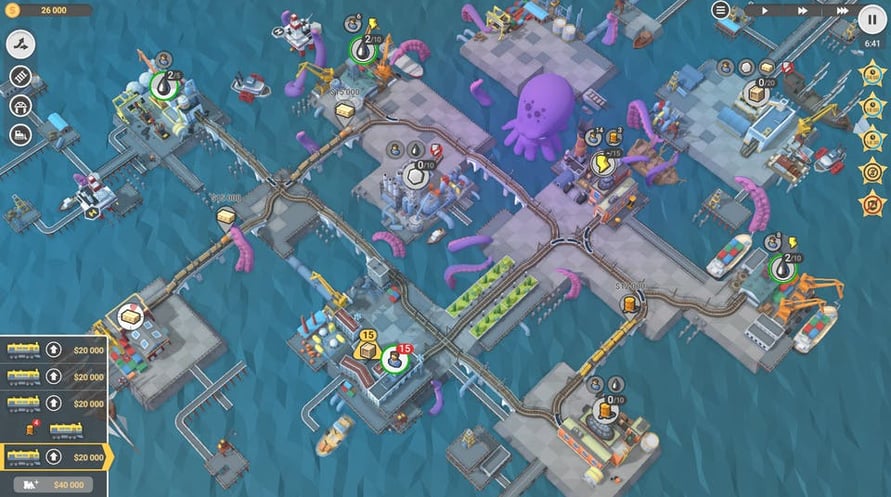
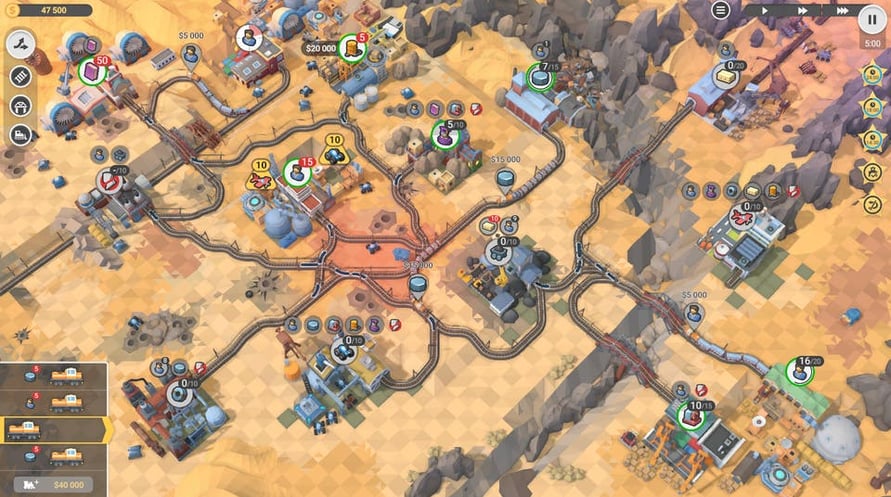
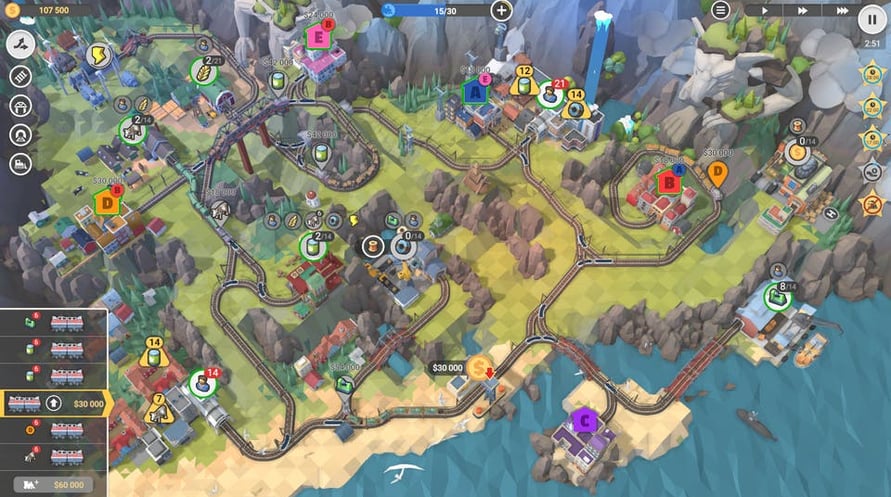
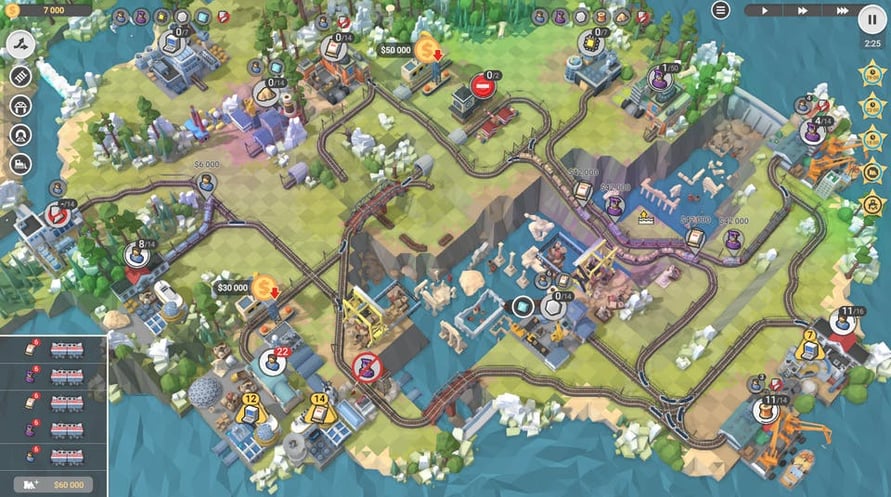
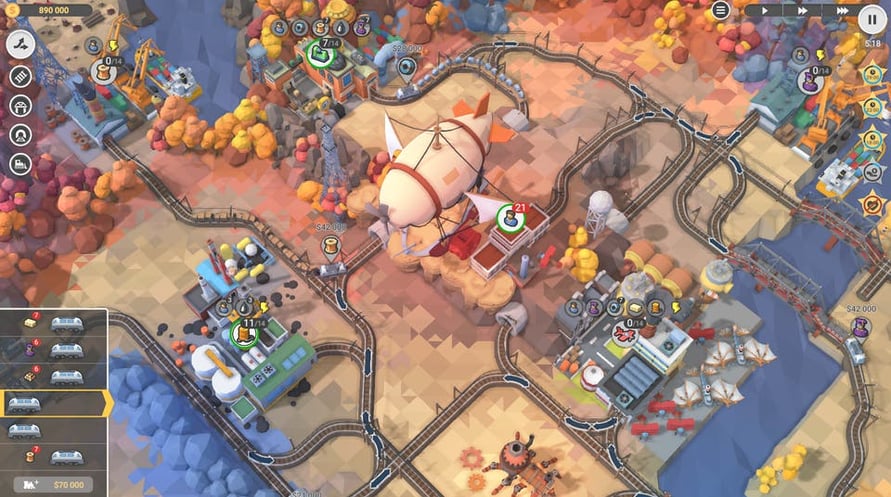
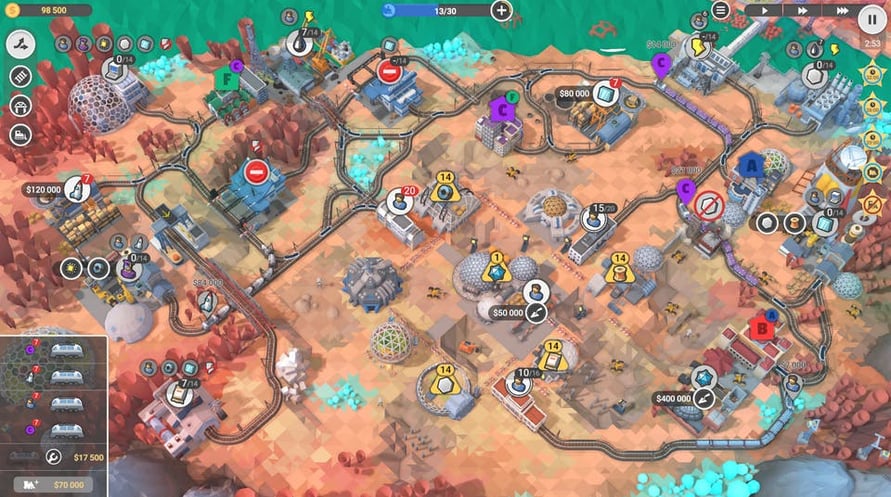
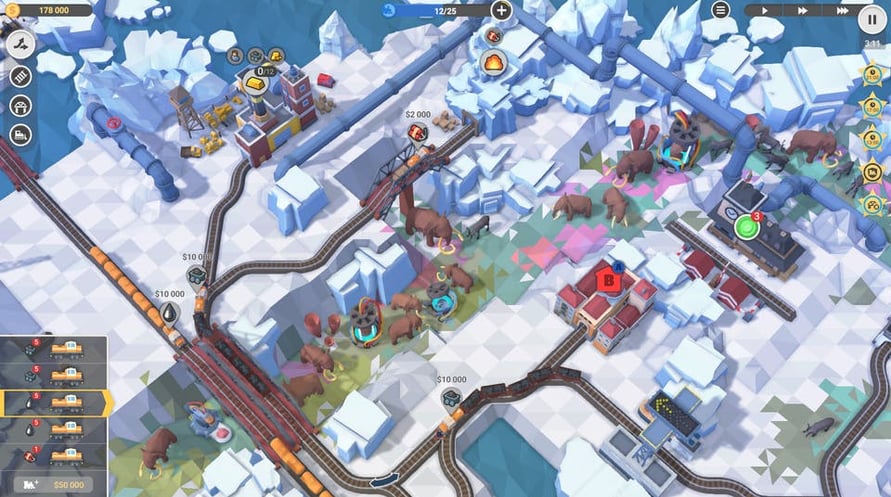
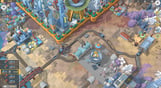
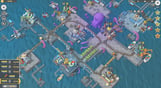
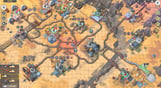
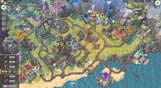
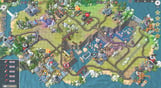
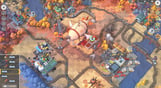
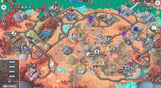
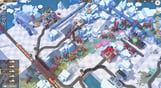
Myths And Rails unleashes the most bizarre and silly episodes of your railroad transportation company’s everyday schedule. Intergalactic trade agreements, alternate timelines, forgotten treasures and flying cars - timely deliveries are the key to success.
A fine-tuned railway network will always smooth things out no matter how peculiar your new assignment may be. Should you choo-choose to accept it, be prepared for the all-new campaign that includes 20 levels revealing the miraculous world of legends, myths, fiction and subjective reality.
- Experience new gameplay with all-new station types, industry buildings, resource and goods varieties.
- Obtain authorization and try the 6 new locomotives.
- Enjoy the refreshed soundtrack with the brand-new music.
- And get to building your own train valley with 300+ new objects for the Steam Level Editor.
Windows Minimum Requirements:
- OS: Windows Vista SP1+
- Processor: Intel Core 2 Duo E4500 @ 2.2GHz or AMD Athlon 64 X2 5600+ @ 2.8 GHz
- Memory: 2 GB RAM
- Graphics: ATi Radeon HD 2400 or NVIDIA GeForce 7600
- DirectX: Version 9.0
- Storage: 1 GB available space
Windows Recommended Requirements:
- OS: Windows 10
- Processor: Core i5 or better
- Memory: 8 GB RAM
- Graphics: NVIDIA GeForce GTX1050 Ti or higher
- Storage: 1 GB available space
Mac Minimum Requirements:
- OS: Mac OS X 10.12+
- Processor: 1.7 GHz Intel Core i5
- Memory: 2 GB RAM
- Graphics: NVIDIA GeForce 8600M or better / ATi Radeon 2400
- Storage: 1 GB available space
Mac Recommended Requirements:
- OS: OS X El Capitan
- Processor: 1.7 GHz Intel Core i5
- Memory: 2 GB RAM
- Storage: 1 GB available space
Linux Minimum Requirements:
- OS: Ubuntu 12.04+ or SteamOS+
- Processor: 2.2 GHz CPU
- Memory: 2 GB RAM
- Graphics: ATI Radeon HD 2400 or NVIDIA GeForce 7600
- Storage: 1 GB available space
Linux Recommended Requirements:
- OS: Ubuntu 12.04+ or SteamOS+
- Processor: 2.2 GHz CPU
- Memory: 2 GB RAM
- Graphics: ATI Radeon HD 2400 or NVIDIA GeForce 7600
- Storage: 1 GB available space
Pour activer la clé Steam que vous avez reçue, suivez les instructions ci-dessous :
- Tout d'abord, ouvrez le client Steam. (Si vous ne l'avez pas, cliquez simplement sur le bouton "Installer Steam" ici => Boutique Steam )
- Connectez-vous à votre compte Steam. (Si vous n'en avez pas, cliquez ici pour en créer un nouveau => Compte Steam )
- Cliquez sur le bouton "AJOUTER UN JEU" dans le coin inférieur du client.
- Ensuite, sélectionnez "Activer un produit sur Steam..."
- Écrivez ou copiez-collez la clé d'activation que vous avez reçue de Voidu dans la fenêtre.
- Votre jeu est maintenant visible dans votre bibliothèque ! Cliquez sur votre "Bibliothèque".
- Enfin, cliquez sur le jeu et sélectionnez "Installer" pour commencer votre téléchargement.