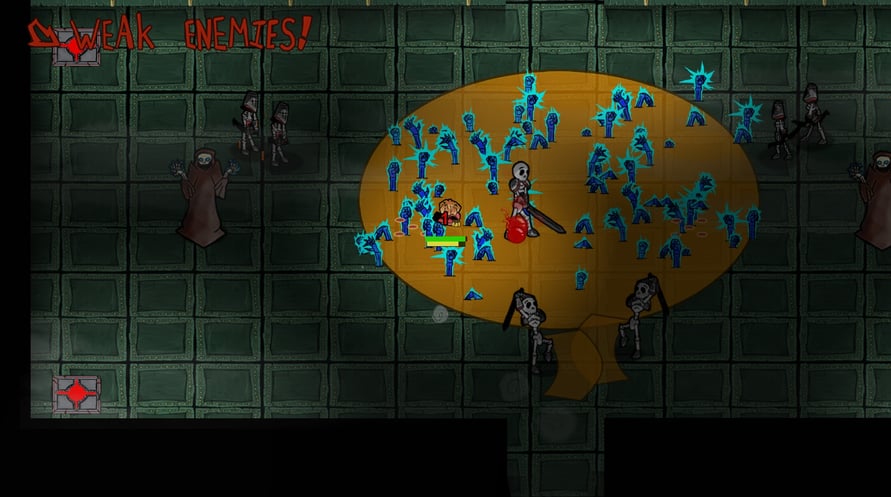
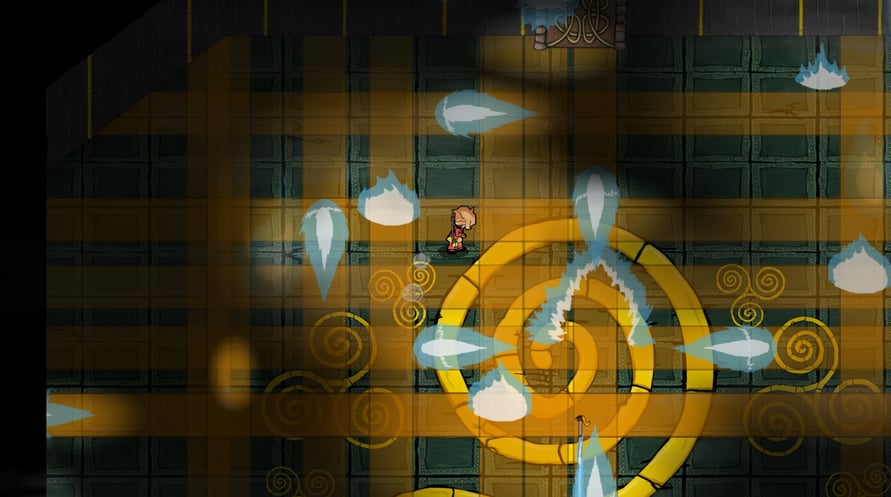
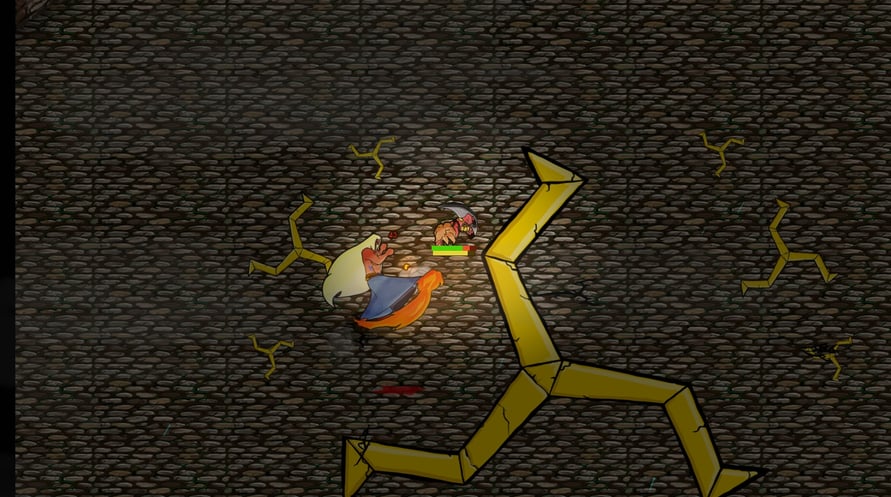
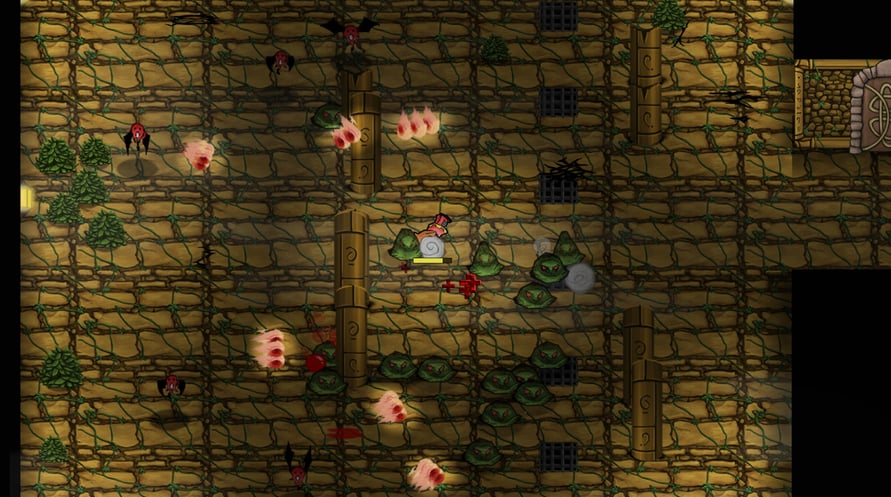
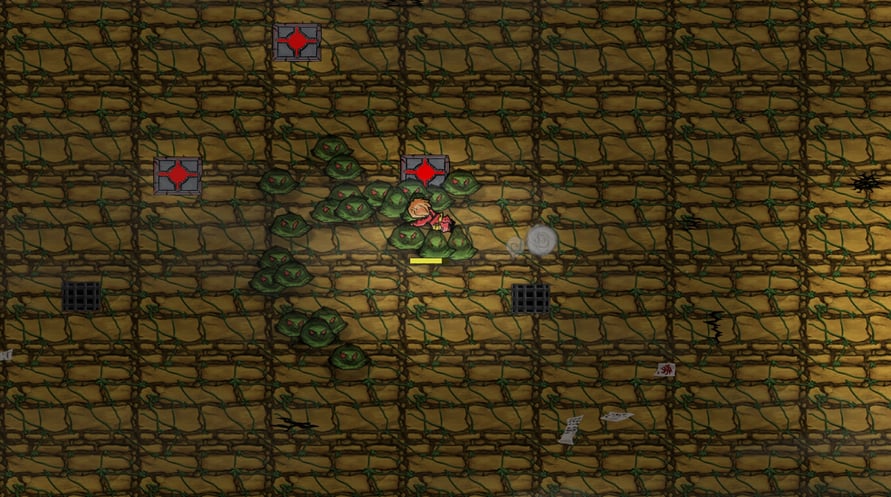
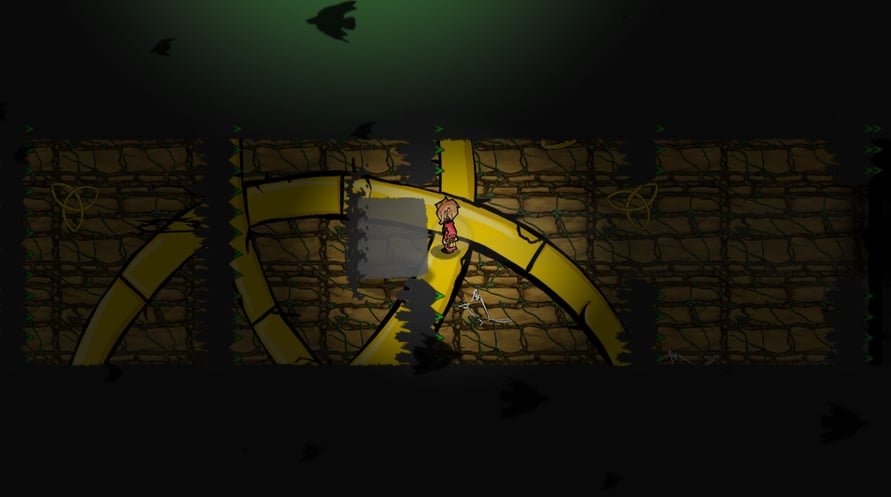

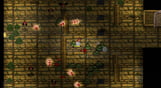
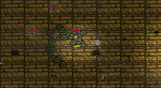

Eternal Step is a deviously difficult, rogue-like action adventure game.
In Eternal Step, you battle your way through an ever-changing, endless tower. Bosses will crush you. Enemies will swarm you. Traps will deceive you. Collecting Loot Cards and skills will help you turn the tides of battle, but you never know what awaits on the next floor…
An all new rogue-like action adventure from developers Once More With Gusto, Eternal Step combines randomly generated levels and twitch-based combat. Filled with beautiful animation, inventive loot, and randomly generated levels, Eternal Step will keep you fighting the unknown across endless floors.
Windows Minimum Requirements:
- OS *: Windows 7
- Processor: Core i3 / AMD A6 1.9Ghz
- Memory: 4 GB RAM
- Graphics: Intel HD 4400 graphics or similar
- Storage: 1 GB available space
Windows Recommended Requirements:
- OS *: Windows 7
- Processor: Core i5 / AMD FX 2.4Ghz
- Memory: 4 GB RAM
- Graphics: NVIDIA GeForce GTX 480 / AMD Radeon HD 7850.
- Storage: 1 GB available space
Mac Minimum Requirements:
- OS: 10.7+
- Processor: 2 Ghz Intel
- Memory: 4 GB RAM
- Graphics: Intel HD Graphics 4000 or similar
- Storage: 1 GB available space
Mac Recommended Requirements:
- OS: 10.7+
- Processor: Intel i5+
- Memory: 4 GB RAM
- Graphics: NVIDIA or AMD dedicated graphics with 1GB VRAM
- Storage: 1 GB available space
Linux Minimum Requirements:
- OS: Ubuntu 14.04
- Processor: 2 Ghz
- Memory: 4 GB RAM
- Graphics: Intel HD 4000 series or similar
- Storage: 1 GB available space
Linux Recommended Requirements:
- OS: Ubuntu 14.04
- Processor: Intel i5+
- Memory: 4 GB RAM
- Graphics: NVIDIA or AMD dedicated graphics with 1GB VRAM
- Storage: 1 GB available space
Untuk mengaktifkan kunci Steam yang Anda terima, ikuti petunjuk di bawah ini;
1. Pertama, buka klien Steam. (Jika Anda belum memilikinya, cukup klik tombol "Instal Steam" di sini =>
Steam Store)
2. Masuk ke akun Steam Anda. (Jika Anda belum memilikinya, klik di sini untuk membuat akun baru =>
Steam Account)
3. Klik tombol "TAMBAH GAME" di pojok bawah klien.
4. Kemudian, pilih "Aktifkan produk di Steam..."
5. Tulis atau salin-tempel kunci aktivasi yang Anda terima dari Voidu di jendela.
6. Game Anda sekarang terlihat di perpustakaan Anda! Klik "Perpustakaan" Anda.
7. Dan akhirnya, klik game tersebut dan pilih "Instal" untuk memulai unduhan Anda.