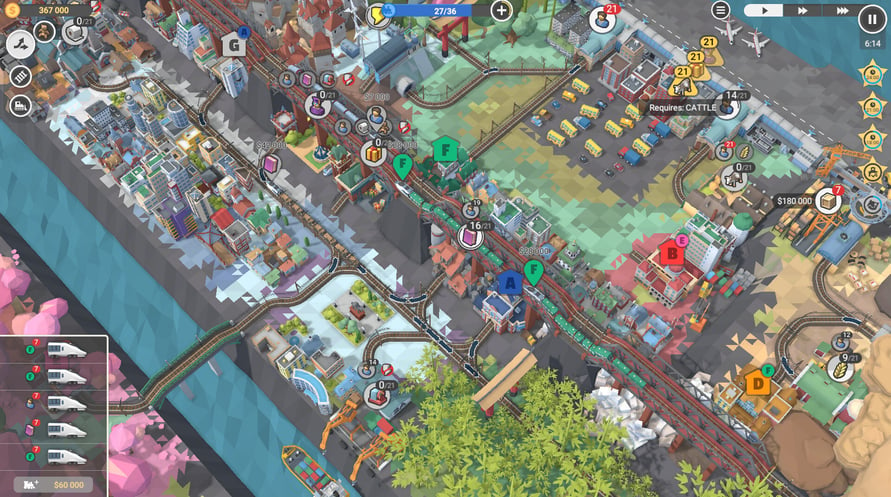
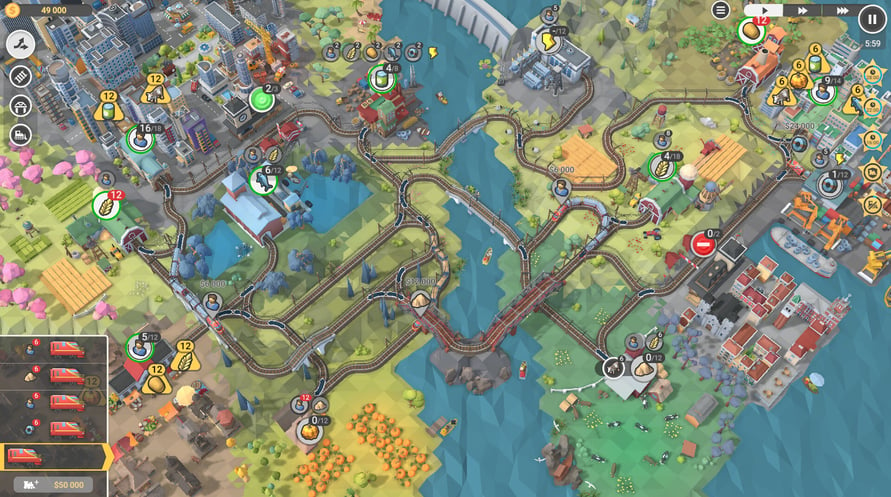
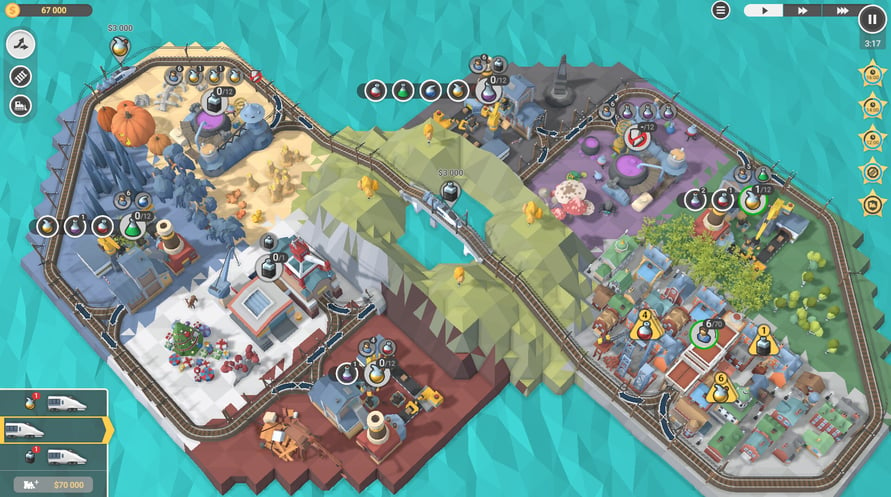
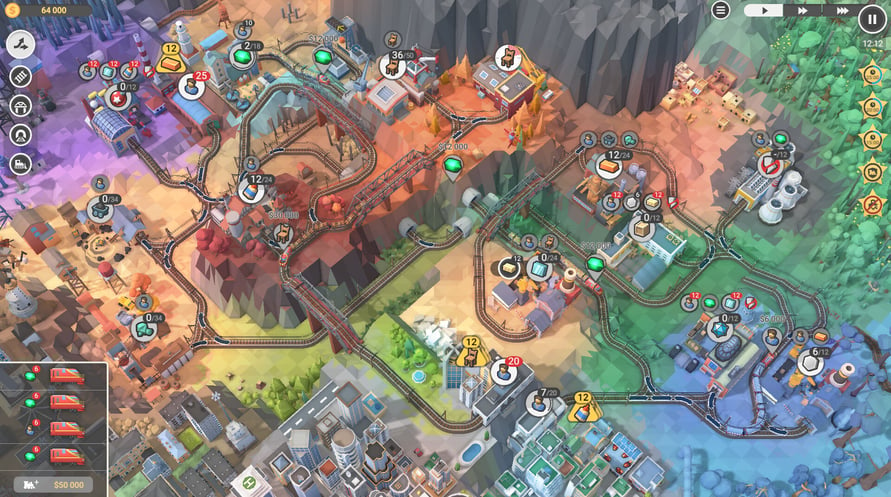
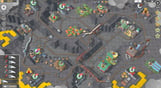
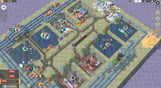
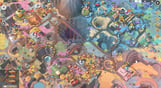
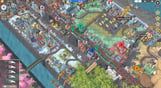
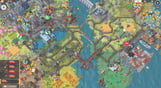
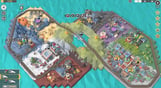
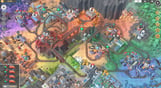
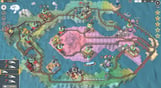
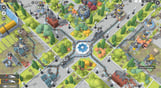
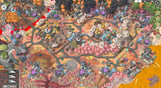
The Train Valley 2 community is a real gem! Our players are full of creativity and outstanding ideas that help us and inspire us to move forward with the game.
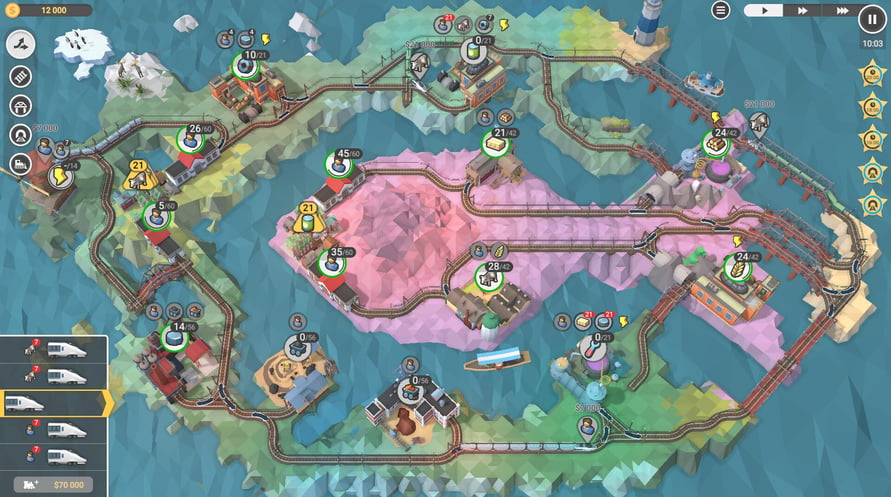
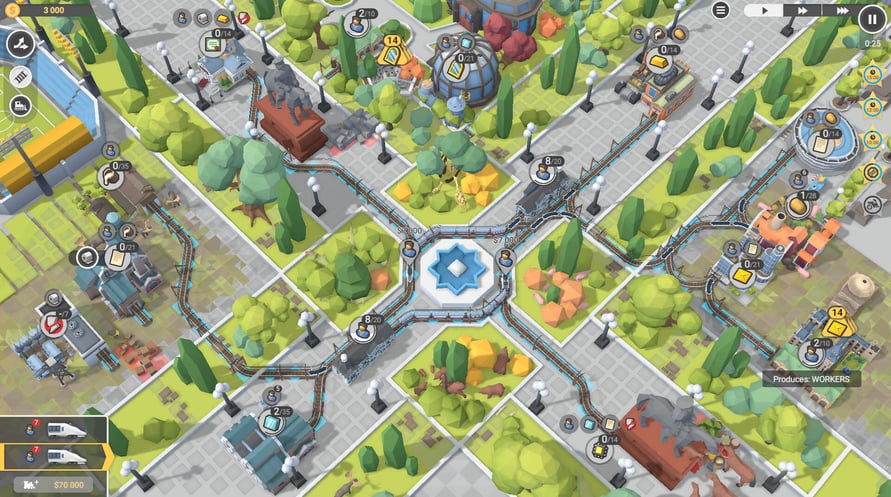
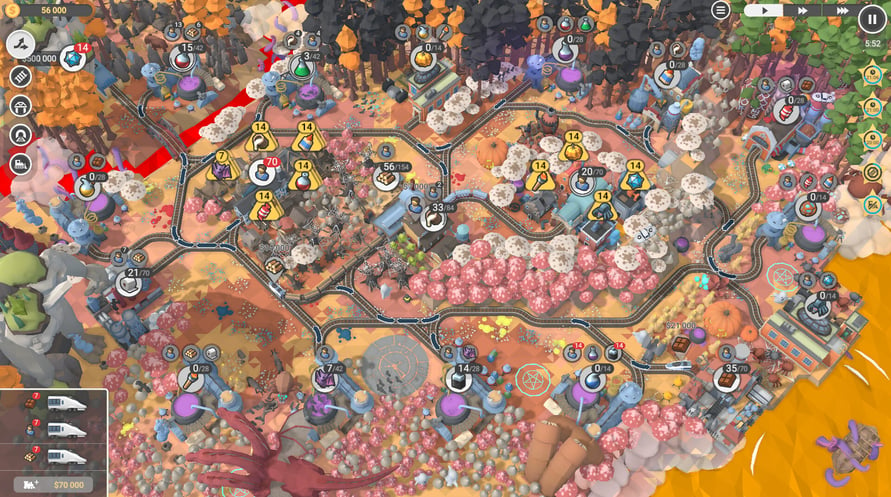
Our railway network is growing fast, and we're close to reaching 3,000 community-made levels. We've picked some of the most-played weekly and monthly featured entries, balanced and polished them, and created a series of packs called Train Valley 2 Gems. We are happy to present the sixth pack in the series: Train Valley 2: Workshop Gems - Onyx.
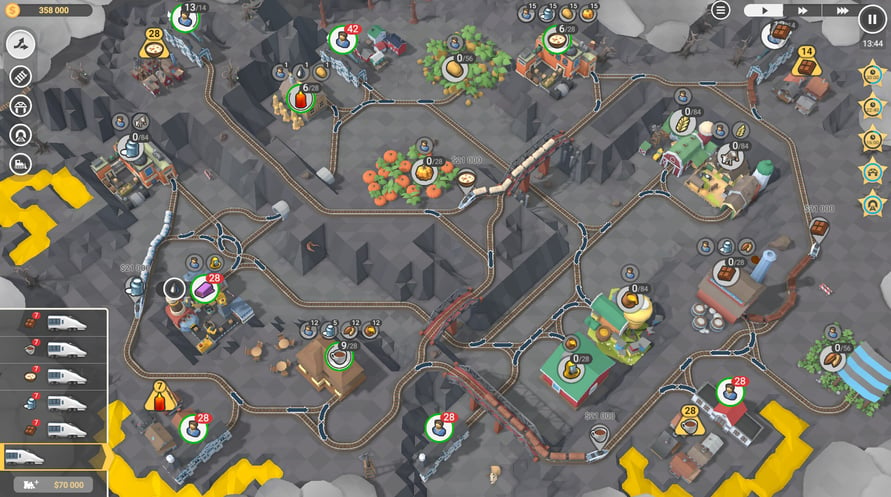
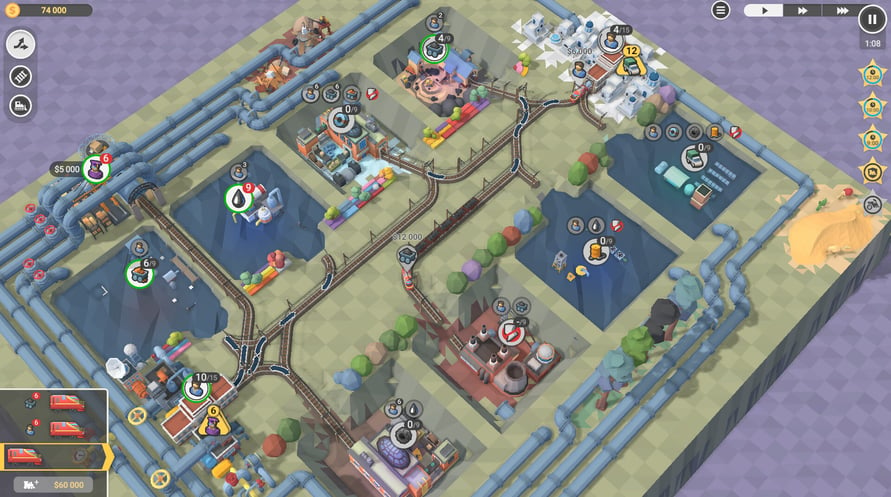
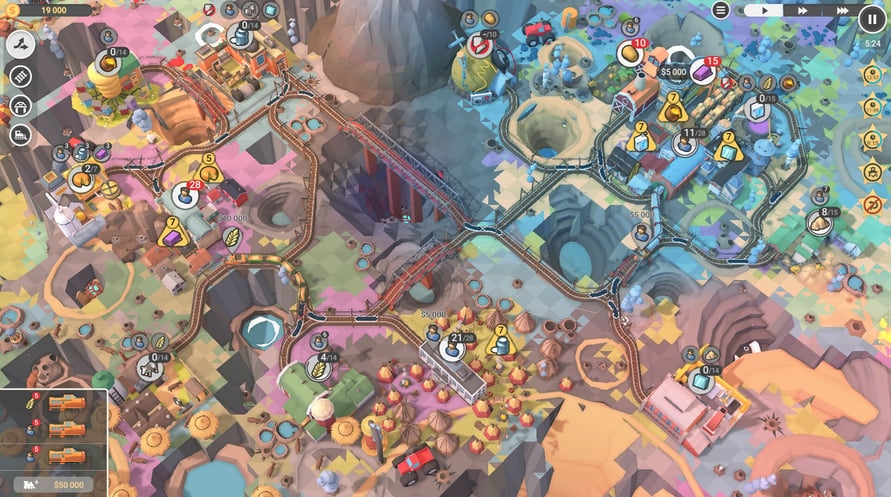
52 rebuilt, reworked, and rebalanced levels
Clever combinations of different mechanics and train ages
Tons of challenges and brain-teasing objectives
An optional "Skip Level" button in case you want to try the next level and go back to that really tricky one later.
Windows Minimum Requirements:
- OS *: Windows Vista SP1+
- Processor: Intel Core 2 Duo E4500 @ 2.2GHz or AMD Athlon 64 X2 5600+
- Memory: 2 GB RAM
- Graphics: ATi Radeon HD 2400 or NVIDIA GeForce 7600
- DirectX: Version 9.0
- Storage: 1 GB available space
Windows Recommended Requirements:
- OS: Windows 10
- Processor: Core i5 or better
- Memory: 8 GB RAM
- Graphics: NVIDIA GeForce GTX1050 Ti or higher
- Storage: 1 GB available space
Mac Minimum Requirements:
- OS: Mac OS X 10.12+
- Processor: 2.2 GHz CPU
- Memory: 2 GB RAM
- Graphics: NVIDIA GeForce 8600M or better / ATi Radeon 2400
- Storage: 1 GB available space
Mac Recommended Requirements:
- OS: OS X El Capitan
- Processor: 1.7 GHz Intel Core i5
- Memory: 2 GB RAM
- Storage: 1 GB available space
Linux Minimum Requirements:
- OS: Ubuntu 12.04+ or SteamOS+
- Processor: 2.2 GHz CPU
- Memory: 2 GB RAM
- Graphics: ATI Radeon HD 2400 or NVIDIA GeForce 7600
- Storage: 1 GB available space
Linux Recommended Requirements:
- OS: Ubuntu 12.04+ or SteamOS+
- Processor: 2.2 GHz CPU
- Memory: 2 GB RAM
- Graphics: ATI Radeon HD 2400 or NVIDIA GeForce 7600
- Storage: 1 GB available space
Untuk mengaktifkan kunci Steam yang Anda terima, ikuti petunjuk di bawah ini;
- Pertama, buka klien Steam. (Jika Anda belum memilikinya, cukup klik tombol "Instal Steam" di sini => Steam Store )
- Masuk ke akun Steam Anda. (Jika Anda belum memilikinya, klik di sini untuk membuat akun baru => Steam Account )
- Klik tombol "TAMBAH GAME" di pojok bawah klien.
- Kemudian, pilih "Aktifkan produk di Steam..."
- Tulis atau salin-tempel kunci aktivasi yang Anda terima dari Voidu di jendela.
- Game Anda sekarang terlihat di perpustakaan Anda! Klik "Perpustakaan" Anda.
- Dan akhirnya, klik game tersebut dan pilih "Instal" untuk memulai unduhan Anda.