Jagged Alliance 2 : Wildfire
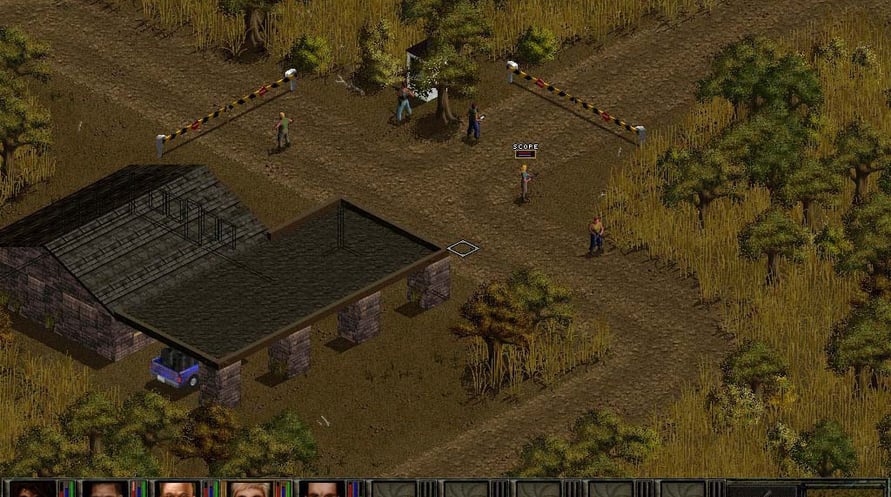
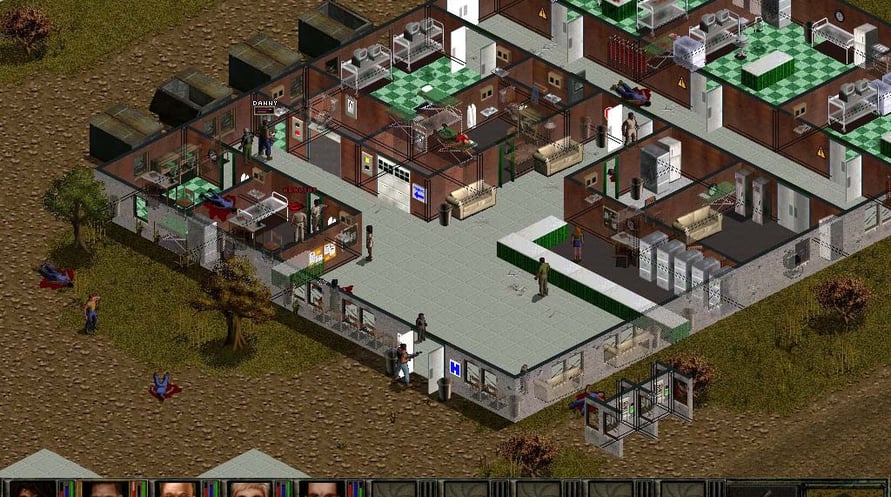
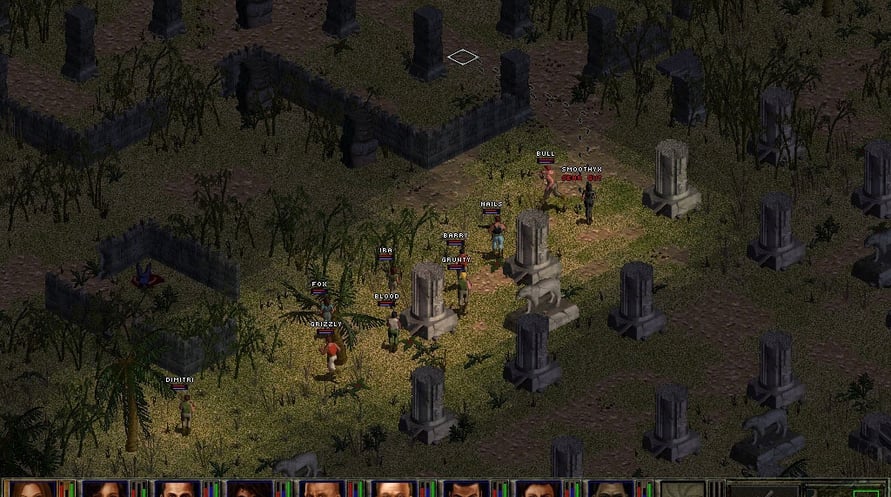
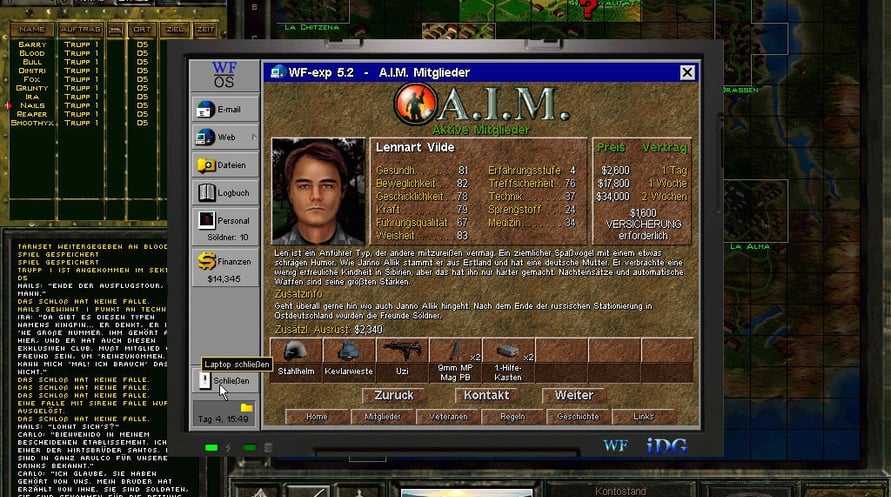
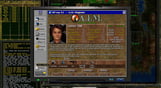
Jagged Alliance 2: Wildfire brings you back to Arulco. Although what you find there is in no way pleasing!
Jagged Alliance 2: Wildfire brings you back to Arulco. Although what you find there is in no way pleasing! The population is being terrorized by a reckless army; in the meantime the main export goods are drugs. Subversion and fraudulence has infiltrated all levels of local government and the ever-present Mafia has his fingers in many pies.
You are working undercover on behalf of the US government and your goal is to destroy the mighty drug cartel. You'll need a skilled hand to put together the right team of mercenaries, the negotiating skills of a diplomat to get the skeptical population onto your side. More importantly, you must have the strategic genius of a general and the fighting tactics of a guerrilla.
Should you fail, your "client" will deny all knowledge of your existence...
Jagged Alliance 2 : Wildfire

Activeringsinformatie
United States
Available in your region
Geactiveerd in United States
Age Restriction
Content rated 16+

Age restricted content
Suitable for ages 16 and above
Vergelijkbare games
Once a Pawn a King

Adorable Adventures
Legacy of Kain: Ascendance
RICO: London
The Day I Became a Bird
Salvage Shop Simulator