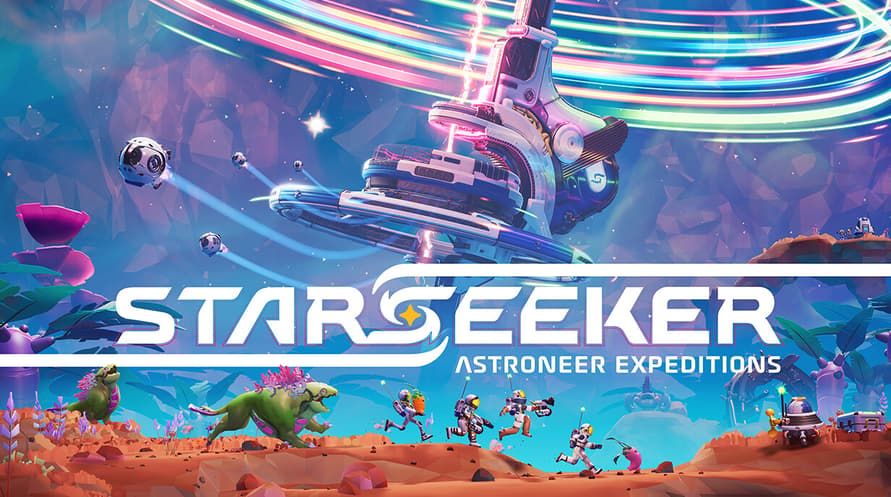
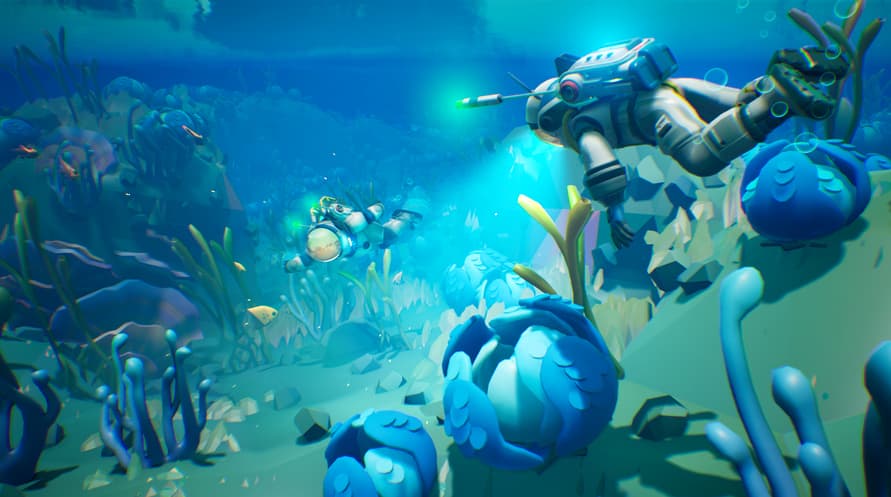
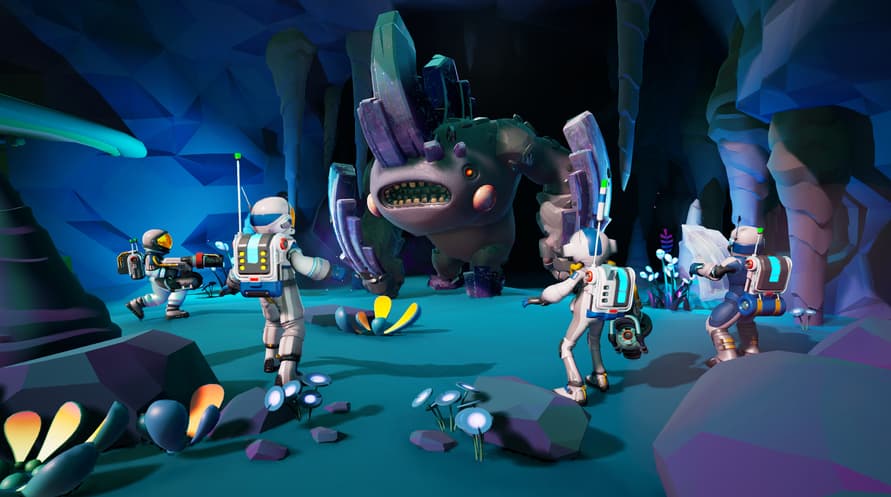
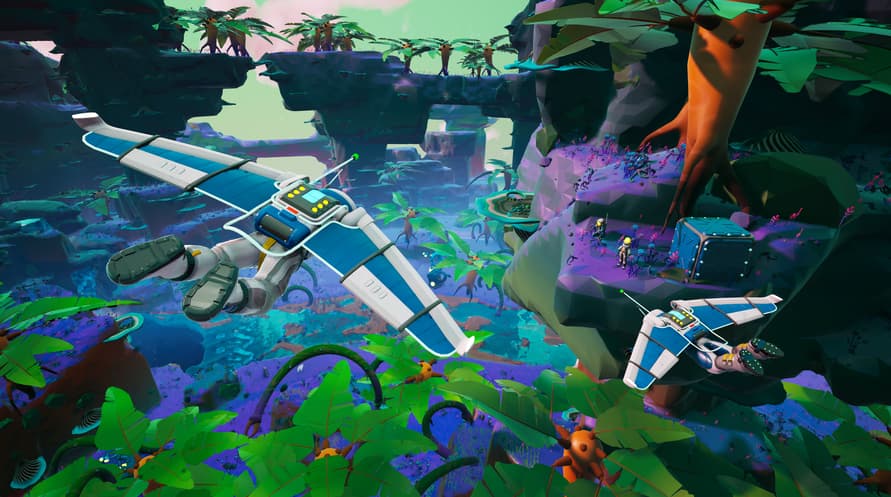
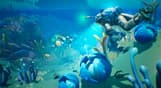
STARSEEKER is a new game set within the Astroneer universe with a focus on discovery, cooperative expeditions, and camaraderie. Exploring deep space on the ESS Starseeker, players will need to work together with the entire crew of the space station to complete planet-wide objectives across a multitude of star systems using cutting edge technology.
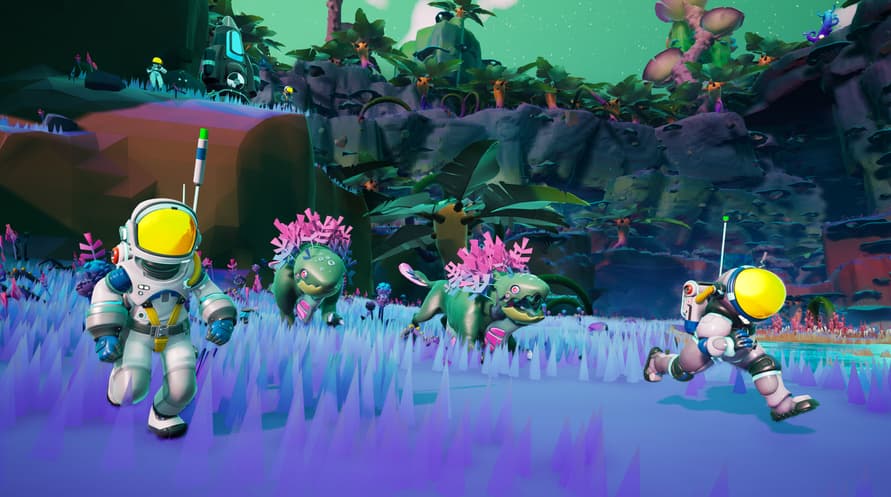
Players will have an advanced set of tools at their disposal to tackle expeditions while they face off with the unknown perils of space- - fascinating creatures, hazardous flora, and mysterious forces that await them.
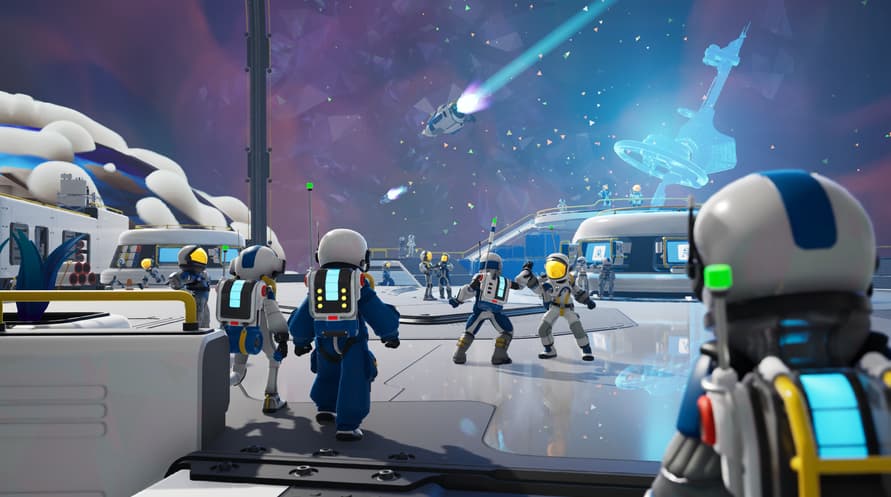
The ESS Starseeker is the heart of the crew, an ever-evolving space station where players get together to plan expeditions, upgrade their capabilities, and even hang out with other players.
Minimum System Requirements:
- Requires a 64-bit processor and operating system
- OS: Windows 10
- Processor: Intel Core i5-10700K / AMD Ryzen 7 3800X
- Memory: 8 GB RAM
- Graphics: Nvidia GeForce GTX 1070 Ti / AMD Radeon RX 5600
- DirectX: Version 12
- Network: Broadband Internet connection
- Storage: 10 GB available space
- Sound Card: Mono
- Additional Notes: AVX2 instruction set required
Recommended System Requirements:
- Requires a 64-bit processor and operating system
- OS: Windows 11
- Processor: Intel Core i5-12400F / AMD Ryzen 5 5600X
- Memory: 16 GB RAM
- Graphics: Nvidia GeForce RTX 3070 / AMD Radeon RX 6700 XT
- DirectX: Version 12
- Network: Broadband Internet connection
- Storage: 10 GB available space
- Sound Card: Stereo or Surround Sound
- Additional Notes: AVX2 instruction set required
Para ativar a chave Steam que você recebeu, siga as instruções abaixo:
- Em primeiro lugar, abra o cliente Steam. (Se você não o tiver, simplesmente clique no botão "Instalar Steam" aqui => Loja Steam )
- Faça login na sua conta Steam. (Se você não tiver uma, clique aqui para criar uma nova => Conta Steam )
- Clique no botão "ADICIONAR UM JOGO" no canto inferior do cliente.
- Em seguida, selecione "Ativar um produto no Steam..."
- Escreva ou copie e cole a chave de ativação que você recebeu de Voidu na janela.
- Seu jogo agora está visível na sua biblioteca! Clique na sua "Biblioteca".
- E, finalmente, clique no jogo e selecione "Instalar" para iniciar o seu download.