
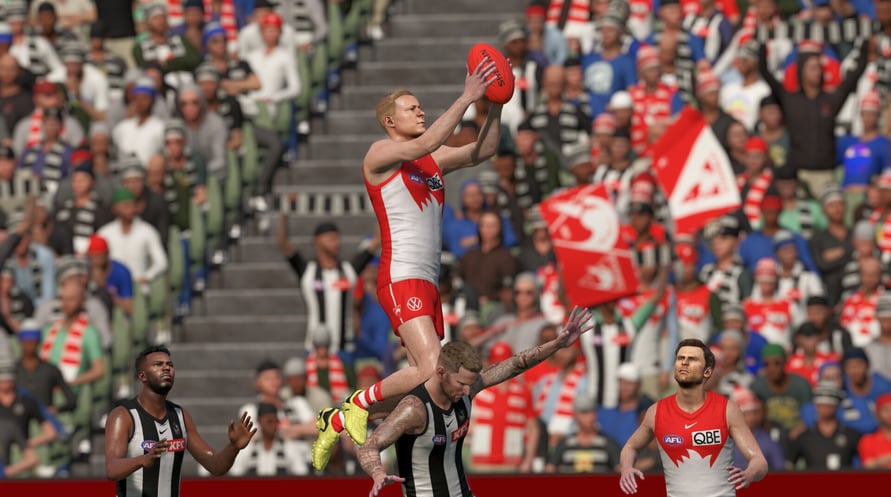

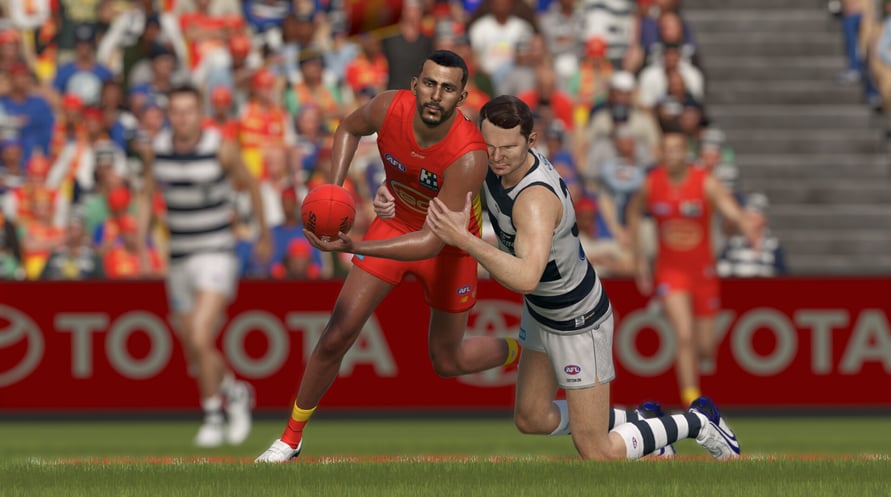
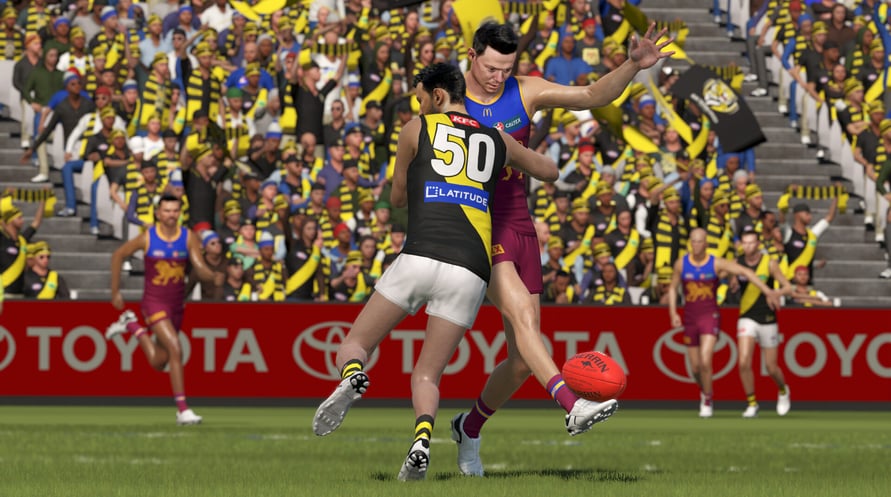
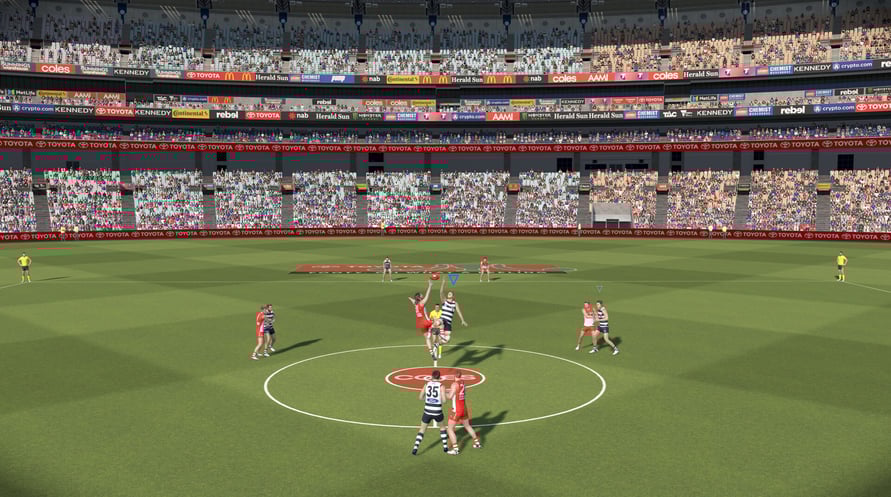
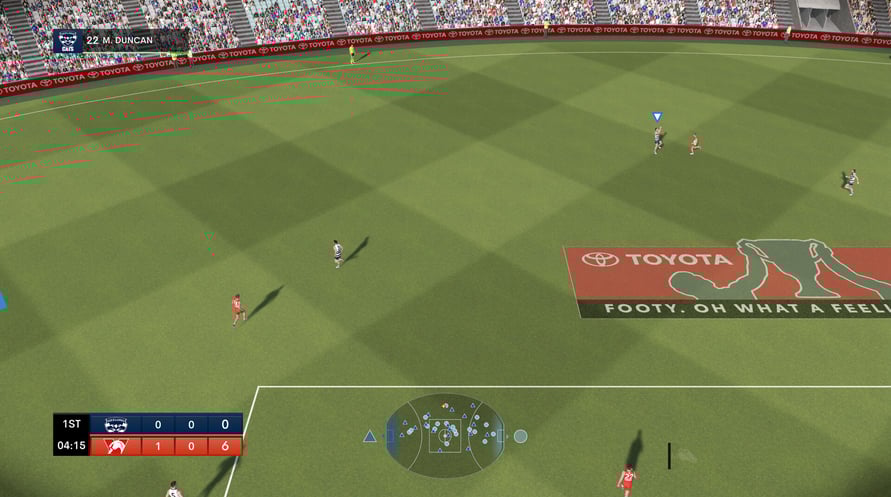
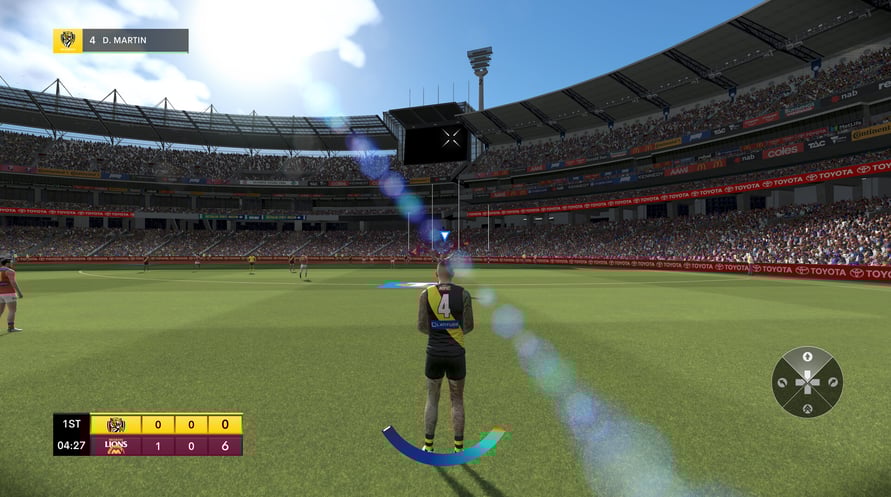
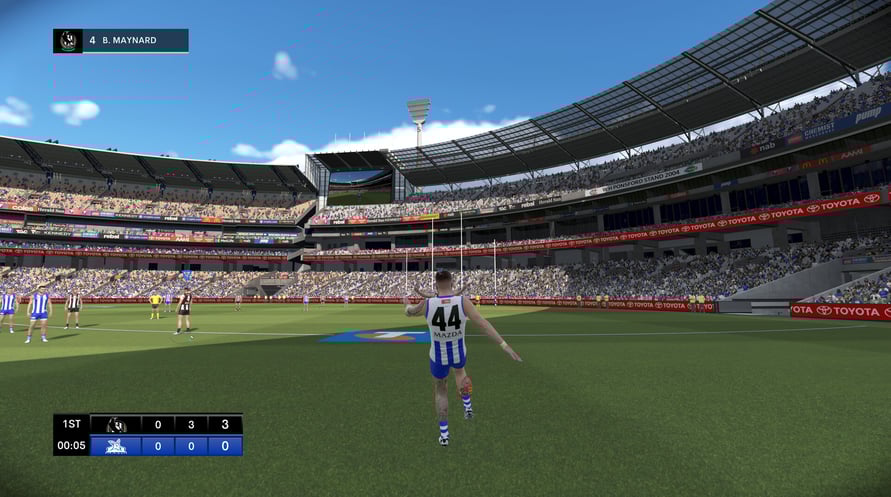







IT’S TIME TO FLY!!
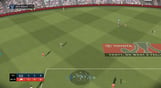
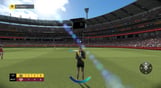
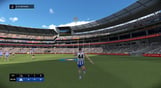
FEEL THE ATMOSPHERE.
As the crowd shouts BALL, ride every bump, take every tackle, flying high as acclaimed commentators - Anthony Hudson, Jason Bennett, Kelli Underwood, Garry Lyon and Daniel Harford take you inside the action.
CHASE YOUR DREAMS.
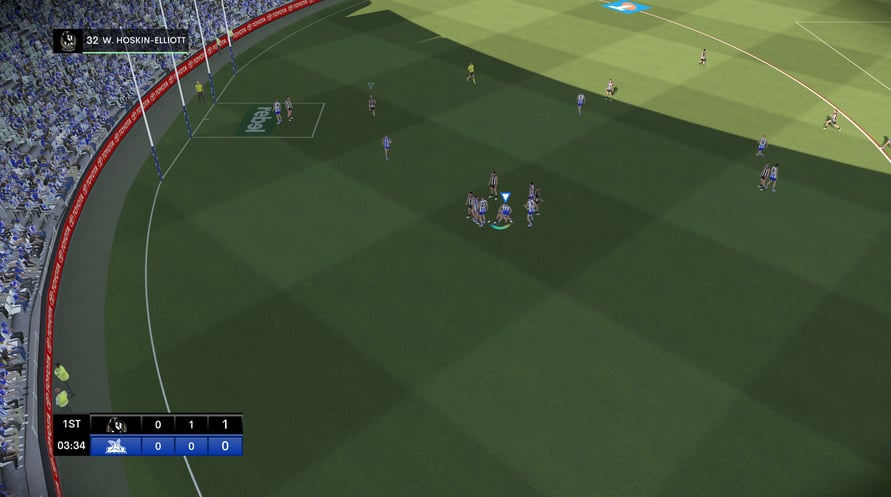
Manage your list, develop draftees into champions, take tactical control on game day, make the right moves and lead your team to premiership glory!
MAKE IT YOUR OWN.
Create and share your own clubs, players, and stadiums with the World-Renowned Academy Tools.
THIS TIME IT IS REAL!
All AFL and AFLW teams have been
meticulously modelled, including photogrammetry captures of over 1200 players, matched with their
individual skills and traits powered by Champion Data
–
THIS TIME IT IS REAL!
Minimum Requirements:
- Requires a 64-bit processor and operating system
- OS: Windows 10
- Processor: Intel i3 2100 (3.1 GHz) / AMD FX 6300 (3.5 GHz)
- Memory: 8 GB RAM
- Graphics: NVIDIA GeForce GTX 770 (4 GB) / AMD Radeon R9 270 (4 GB)
- DirectX: Version 12
- Network: Broadband Internet connection
- Storage: 70 GB available space
- Additional Notes: Though not required, SSD for storage is recommended.
Recommended Requirements:
- Requires a 64-bit processor and operating system
- OS: Windows 10 or Windows 11
- Processor: Intel i5 6600K (3.5 GHz) / AMD Ryzen 5 1600X (3.6 GHz)
- Memory: 8 GB RAM
- Graphics: NVIDIA GeForce GTX 1660 Ti (6 GB) / AMD RX 5700XT (8 GB)
- DirectX: Version 12
- Network: Broadband Internet connection
- Storage: 70 GB available space
- Additional Notes: Though not required, SSD for storage is recommended.
Um den Steam-Schlüssel zu aktivieren, den Sie erhalten haben, befolgen Sie die folgenden Anweisungen:
- Öffnen Sie zunächst den Steam-Client. (Wenn Sie ihn nicht haben, klicken Sie einfach hier auf die Schaltfläche "Steam installieren" => Steam Store )
- Melden Sie sich bei Ihrem Steam-Konto an. (Wenn Sie keines haben, klicken Sie hier, um ein neues zu erstellen => Steam-Konto )
- Klicken Sie auf die Schaltfläche "SPIEL HINZUFÜGEN" in der unteren Ecke des Clients.
- Wählen Sie dann "Ein Produkt bei Steam aktivieren..." aus.
- Schreiben Sie den Aktivierungsschlüssel auf oder kopieren Sie ihn, den Sie von Voidu erhalten haben, in das Fenster.
- Ihr Spiel ist jetzt in Ihrer Bibliothek sichtbar! Klicken Sie auf Ihre "Bibliothek".
- Und schließlich klicken Sie auf das Spiel und wählen Sie "Installieren", um den Download zu starten.