Europa Universalis III: Reformation SpritePack
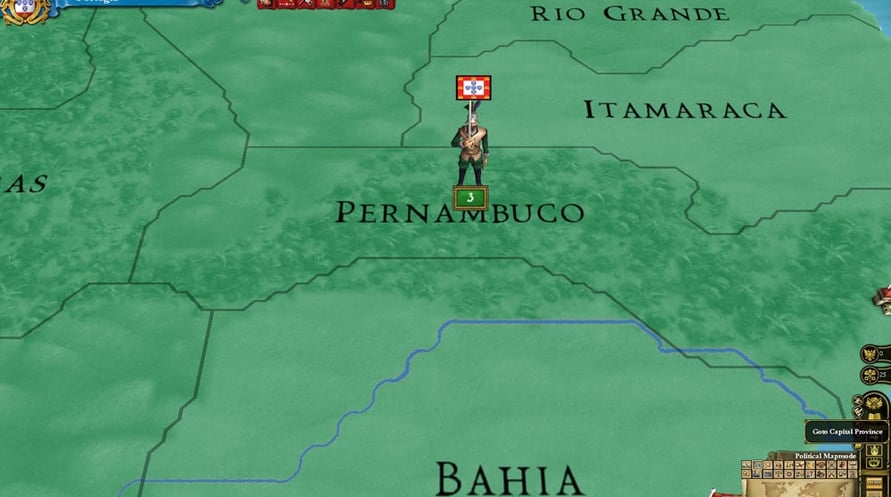
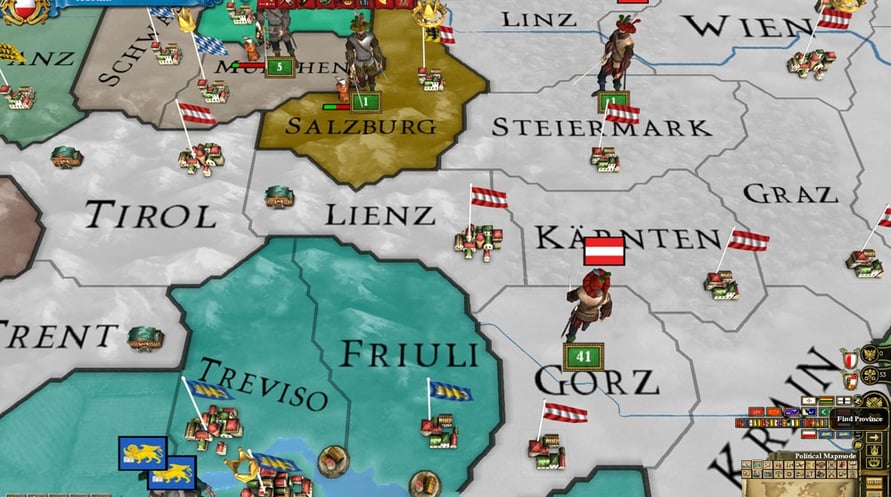
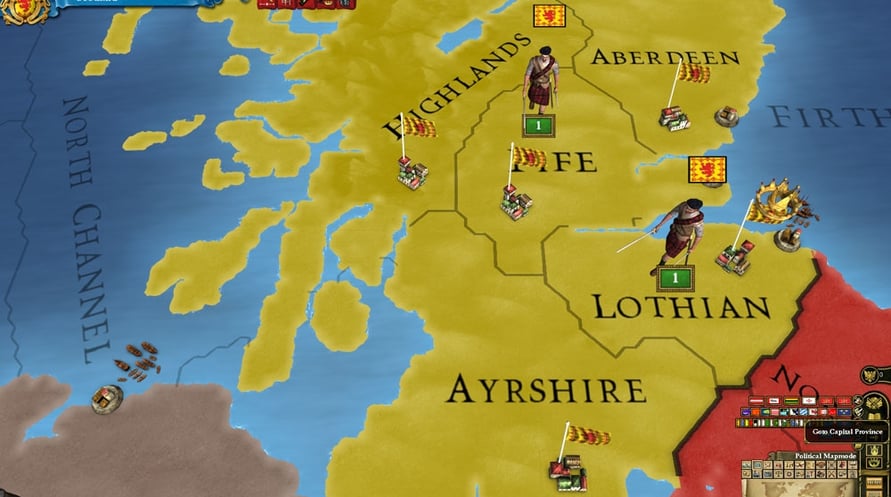
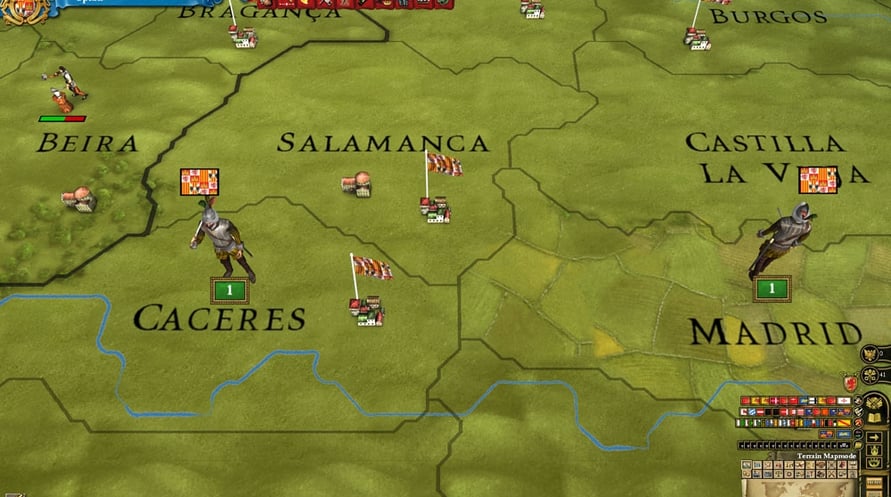
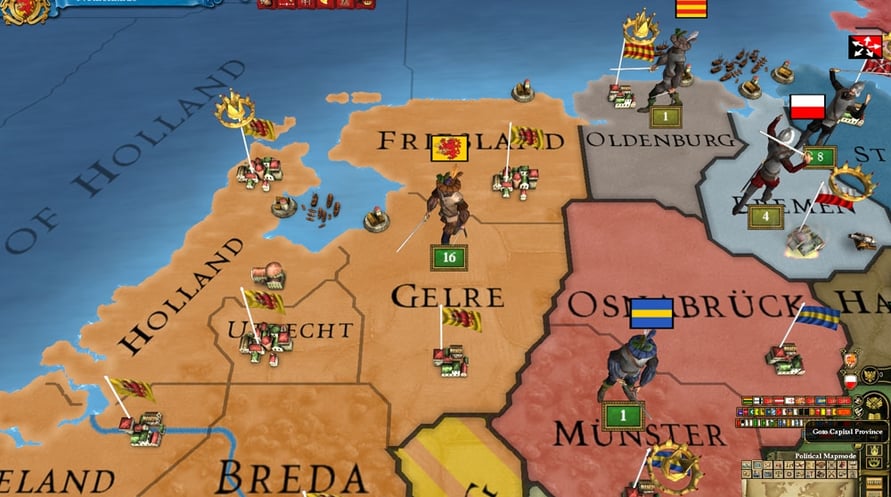

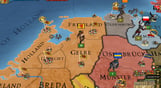
This spritepack includes 16 new sprites for the Western countries in the Reformation era of 1530 to 1625.
This spritepack includes 16 new sprites for the Western countries in the Reformation era of 1530 to 1625. There are uniforms for:
- Dutch
- Netherlanders
- French
- Spanish
- British
- Portuguese
- English
- Danish
- Prussian
- Scottish
- Swedish
- Austrian
- Venetian
- Scandinavian nations
There are also generic German and generic western uniforms
Sixteen historically authentic modeled units for the “Age of Reformation” with new animations for a more realistic and enhanced game atmosphere. Units are equipped with rapiers, daggers and comb morions. The Scottish, German and the generic western units are embellished for this period too.
Europa Universalis III: Reformation SpritePack

Aktivierungsinformationen
United States
In Ihrer Region verfügbar
Aktiviert in United States
Altersbeschränkung
Inhalt bewertet für 12+

Altersbeschränkter Inhalt
Geeignet für Alter 12 und älter
Ähnliche spielen


Homeworld: Deserts of Kharak
Dark Adelita

Cthulhu: The Cosmic Abyss - R'lyeh Edition


Tales of Berseria Remastered
RICO: London