Homefront The Revolution - Expansion Pass

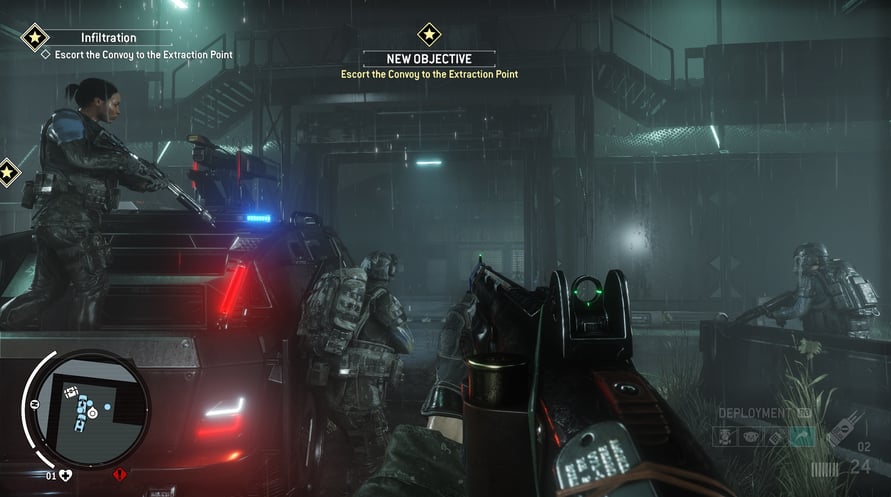













The Homefront: The Revolution Expansion Pass gives players access to all three single-player expansions for the game.
NOTICE: This content requires the base game Homefront: The Revolution on Steam in order to play.
The Homefront: The Revolution Expansion Pass gives players access to all three single-player expansions for the game; you'll search for a Resistance cell in The Voice of Freedom; embark on a daring rescue mission in Aftermath; and journey outside of occupied Philadelphia in search of hope in Beyond the Walls.
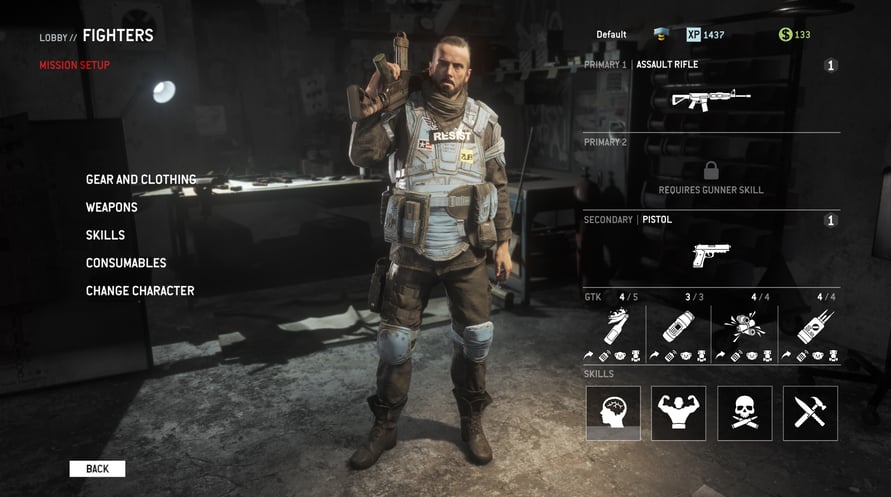
Alongside this, the pass provides some exclusive bonuses for use in Homefront’s online co-operative experience, Resistance Mode - Supply Line entitles you to a weekly FREE Resistance Crate, while The Right Kind of School unlocks three unique starting careers for your character
Homefront The Revolution - Expansion Pass

Aktivierungsinformationen
United States
In Ihrer Region verfügbar
Aktiviert in United States
Altersbeschränkung
Inhalt bewertet für 18+

Altersbeschränkter Inhalt
Geeignet für Alter 18 und älter
Ähnliche spielen

Cities: Skylines - Race Day

Good Luck

ALL WILL FALL




Hozy

Operation: Tango