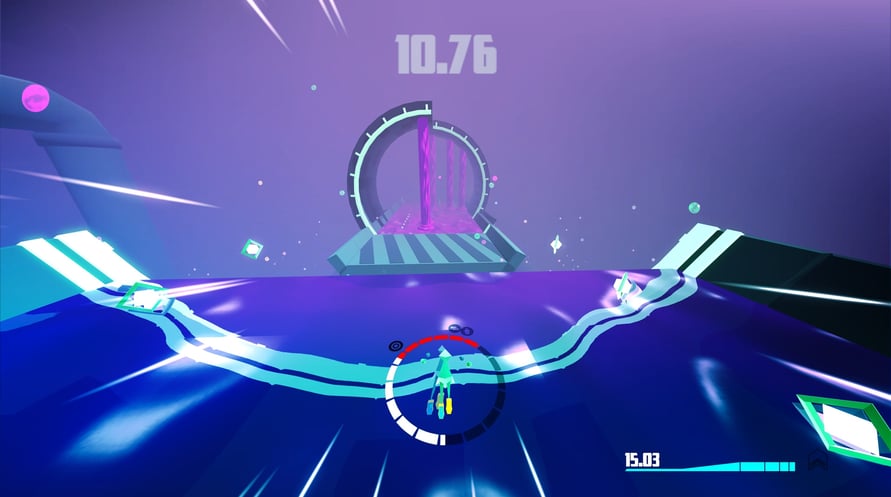
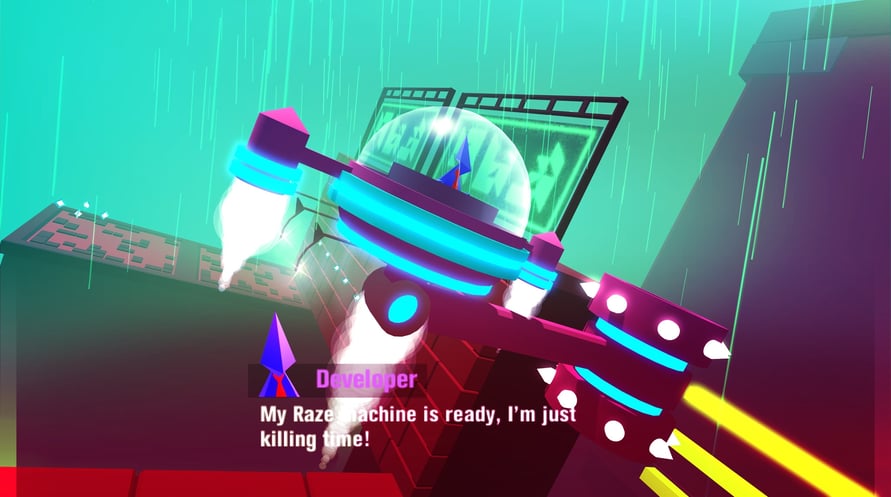
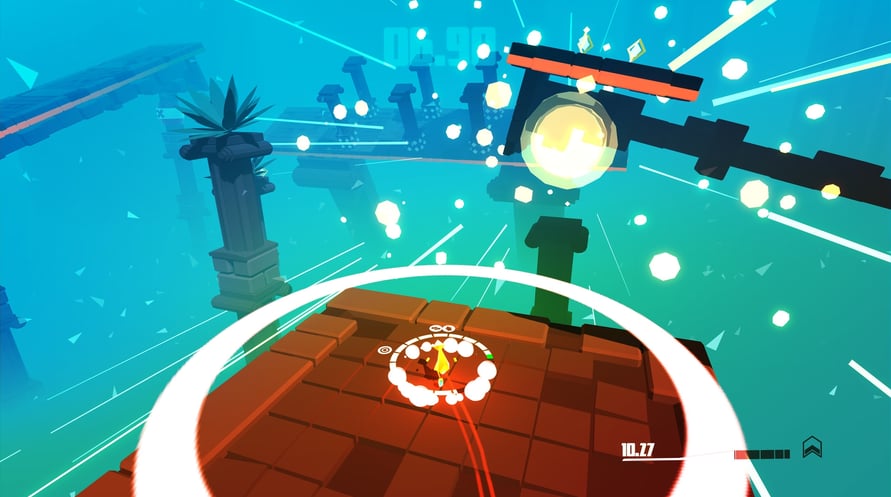
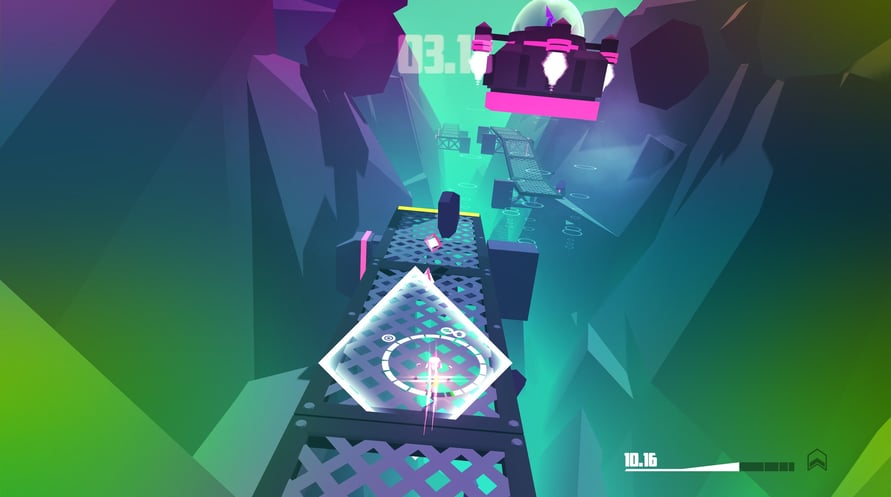


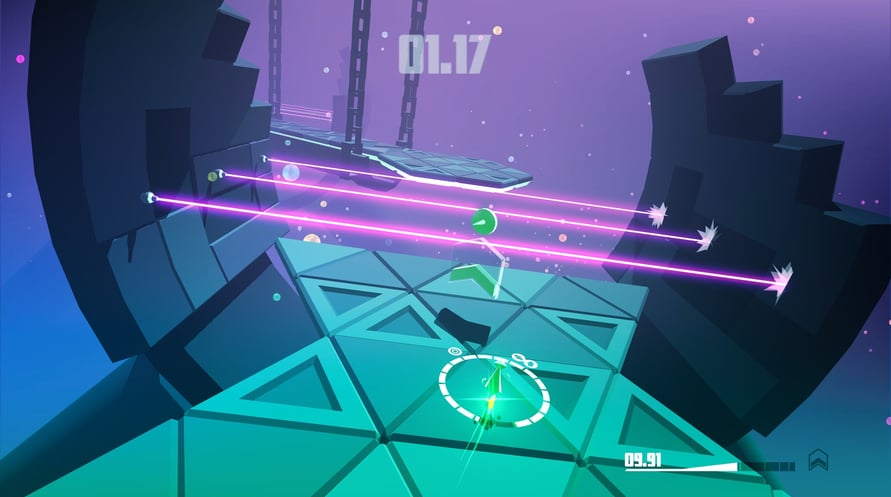
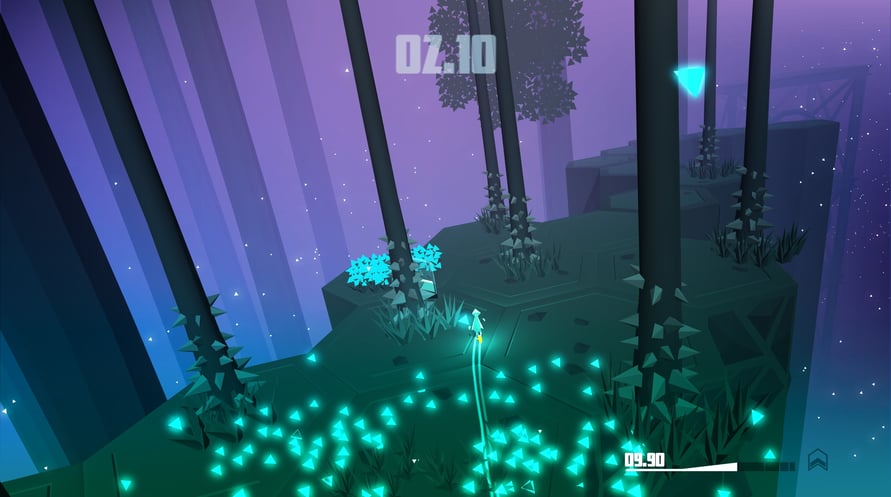







RAZED is a lightning-fast, single-player platform racing game that's all about speedrunning. Sprint through dynamic neon levels in the quickest time possible, employing skills such as super-speed bursts, mega-jumps, drifts, stomps and strafes to bypass obstacles and uncover shortcuts to propel yourself up the online leaderboards. But there's a catch: powers cost momentum, and if your energy falls too low your shoes (and you) could very well explode...
© Warpfish Games Limited. Published by PQube Ltd. All rights reserved.
Windows Minimum Requirements:
- OS: Windows 7 (32-bit)
- Processor: Dual Core 2.2 GHz
- Memory: 2 GB RAM
- Graphics: Intel HD 3000 / GeForce 310m /Radeon HD 5450
- Storage: 700 MB available space
Windows Recommended Requirements:
- OS: Windows 10
- Processor: Intel Core I5-7400 3.00GHZ
- Memory: 16 GB RAM
- Graphics: NVidia GeForce Gtx 1060
- Storage: 700 MB available space
Mac Minimum Requirements:
- OS: Mac OS X 10.6 Snow Leopard
- Processor: Dual Core
- Memory: 2 GB RAM
- Storage: 700 MB available space
Mac Recommended Requirements:
- OS: MacOS 10.12 Sierra
- Processor: Quad Core
- Memory: 16 GB RAM
- Storage: 700 MB available space
Linux Minimum Requirements:
- OS: Fedora 26
- Processor: Dual Core 2.2 GHz
- Memory: 2 GB RAM
- Graphics: Intel HD 3000 / GeForce 310m /Radeon HD 5450
- Storage: 700 MB available space
Linux Recommended Requirements:
- OS: Fedora 28
- Processor: Intel Core I5-7400 3.00GHZ
- Memory: 4 GB RAM
- Graphics: NVidia GeForce Gtx 1060
- Storage: 700 MB available space
Um den Steam-Schlüssel zu aktivieren, den Sie erhalten haben, befolgen Sie die folgenden Anweisungen:
- Öffnen Sie zunächst den Steam-Client. (Wenn Sie ihn nicht haben, klicken Sie einfach hier auf die Schaltfläche "Steam installieren" => Steam Store )
- Melden Sie sich bei Ihrem Steam-Konto an. (Wenn Sie keines haben, klicken Sie hier, um ein neues zu erstellen => Steam-Konto )
- Klicken Sie auf die Schaltfläche "SPIEL HINZUFÜGEN" in der unteren Ecke des Clients.
- Wählen Sie dann "Ein Produkt bei Steam aktivieren..." aus.
- Schreiben Sie den Aktivierungsschlüssel auf oder kopieren Sie ihn, den Sie von Voidu erhalten haben, in das Fenster.
- Ihr Spiel ist jetzt in Ihrer Bibliothek sichtbar! Klicken Sie auf Ihre "Bibliothek".
- Und schließlich klicken Sie auf das Spiel und wählen Sie "Installieren", um den Download zu starten.