


SILENT HILL 2 & SILENT HILL f Deluxe Dual Pack
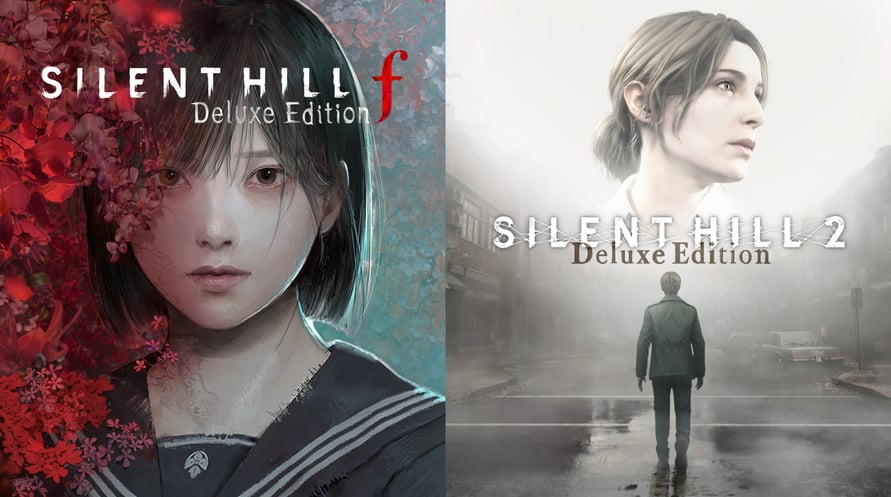
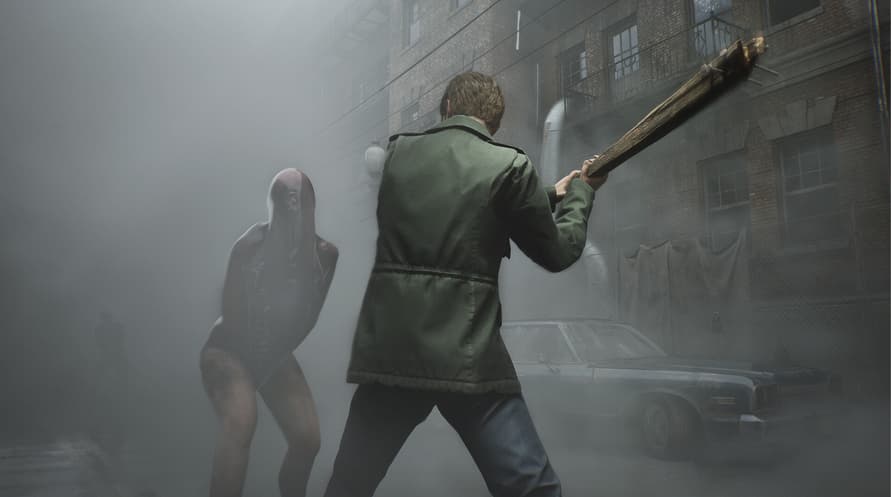
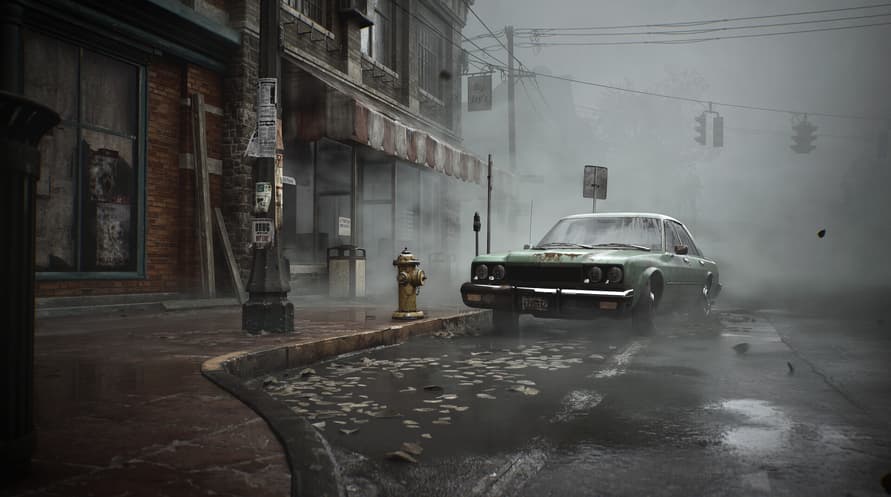
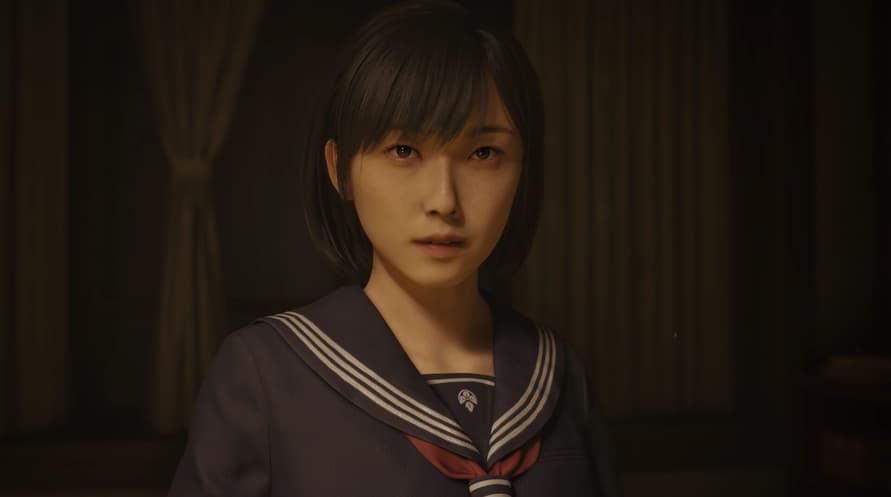
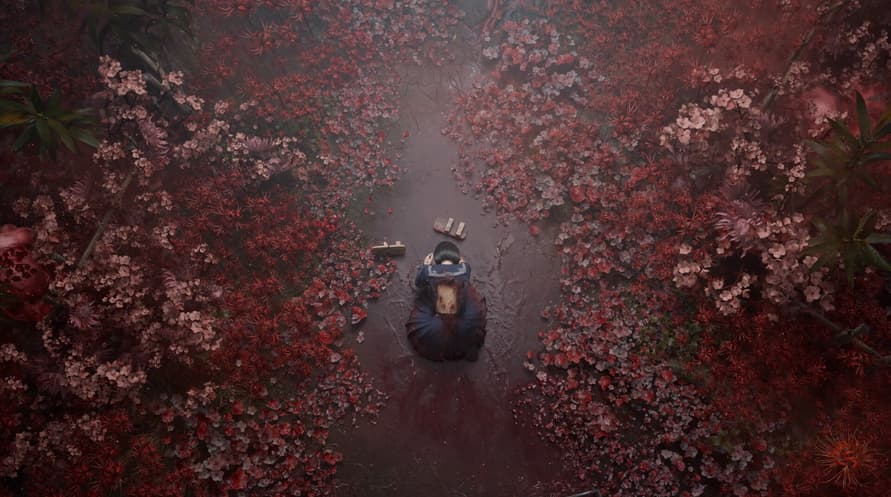
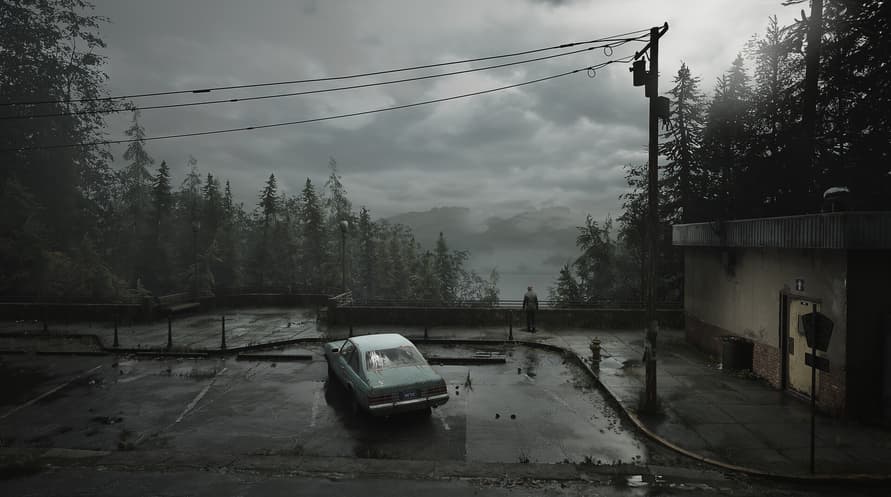
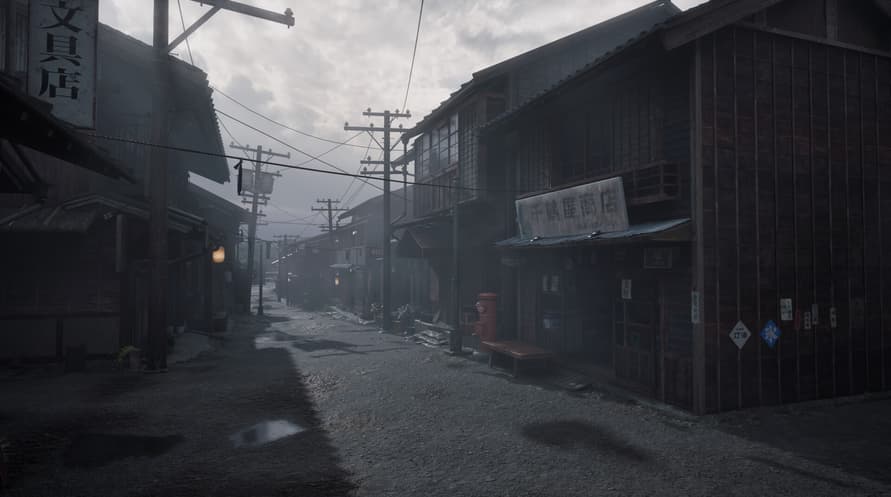
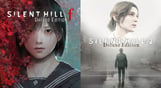
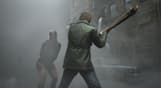

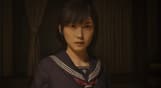


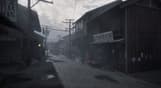
This package includes the Deluxe Editions for SILENT HILL 2 and SILENT HILL f.
This package includes the Deluxe Editions for SILENT HILL 2 and SILENT HILL f.
Deluxe Dual Pack Contents:
- SILENT HILL 2 Deluxe Edition
- SILENT HILL f Deluxe Edition
SILENT HILL 2 Deluxe Edition Contents:
- Full Game
- Digital Artbook
- Digital Soundtrack
- Pyramid Head Mask (Pizza Box) *1
*1
This mask is an in-game skin for James.
SILENT HILL f Deluxe Edition Contents:
- Full Game
- Digital Artbook *2
- Digital Soundtrack *2
- Pink Rabbit Costume *3
*2
The Digital Artbook and Digital Soundtrack are included in a bonus application.
The Digital Soundtrack can be downloaded in MP3 or WAV format from the Steam launcher.
*3
This costume changes Hinako's appearance.
To apply this costume, access a Hokora in the game and select Change Costume from the menu.
Note: Users who own SILENT HILL 2, SILENT HILL 2 Deluxe Edition, SILENT HILL f, or SILENT HILL f Deluxe Edition may also purchase this package. The SILENT HILL 2 & SILENT HILL f Deluxe Dual Pack, a package including the Deluxe Editions, is also available. Please be careful to avoid redundant purchases.
© Konami Digital Entertainment
SILENT HILL 2 & SILENT HILL f Deluxe Dual Pack

Aktivierungsinformationen
United States
In Ihrer Region verfügbar
Aktiviert in United States
Ähnliche spielen


ELEX

Max Payne

SLUDGE LIFE 2

King Of The Castle

Gord - Deluxe Edition


