
NOTICE: This content requires the base game Train Valley 2 on Steam in order to play.
Train Valley 2 community is a gem! You are full of creativity and outstanding ideas that help us move forward with the game.
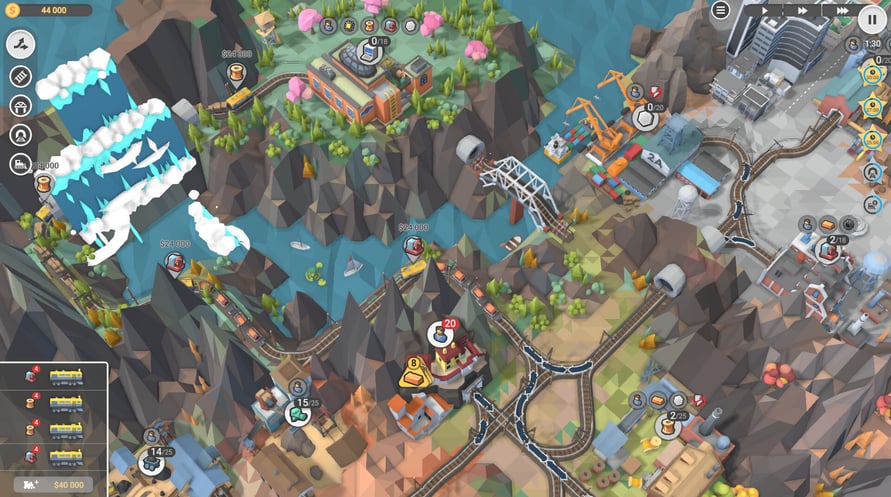
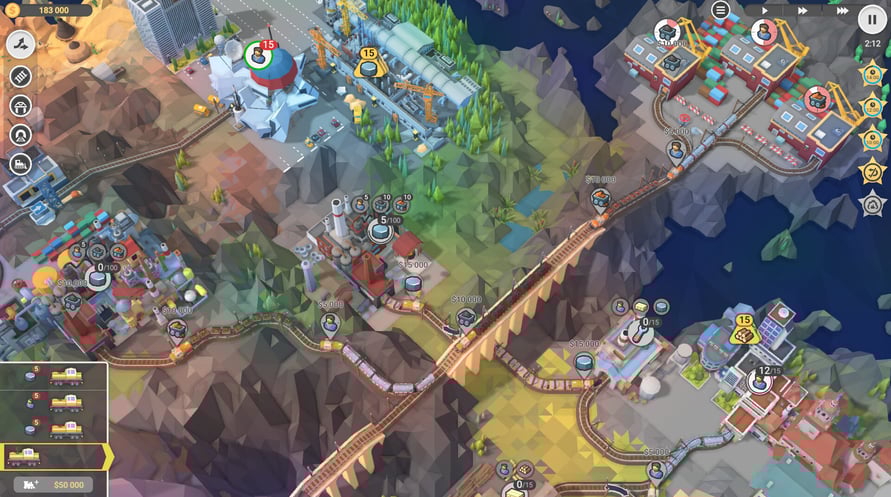
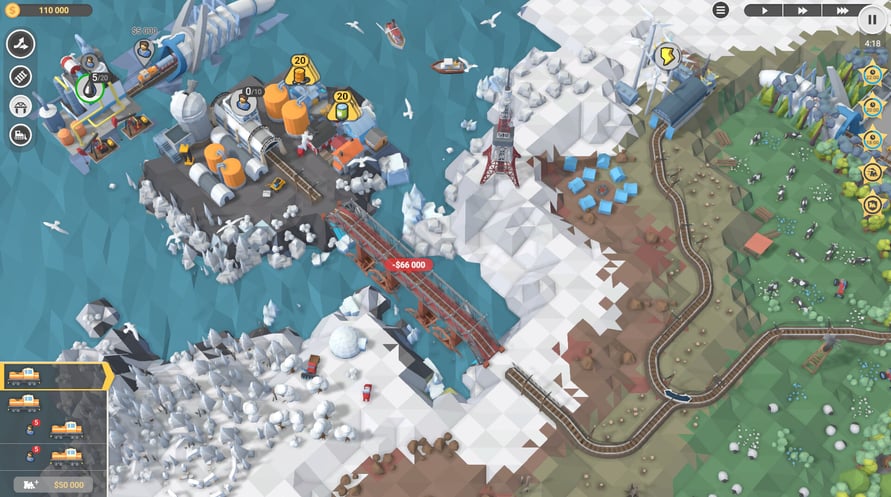
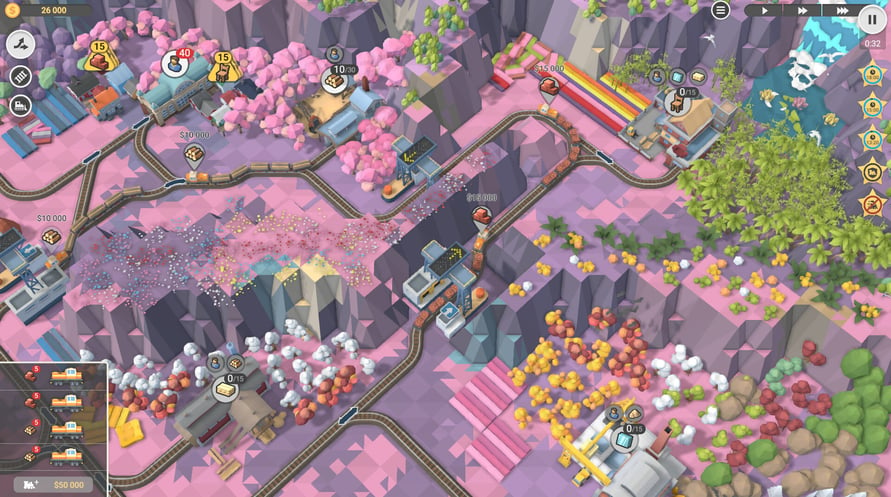
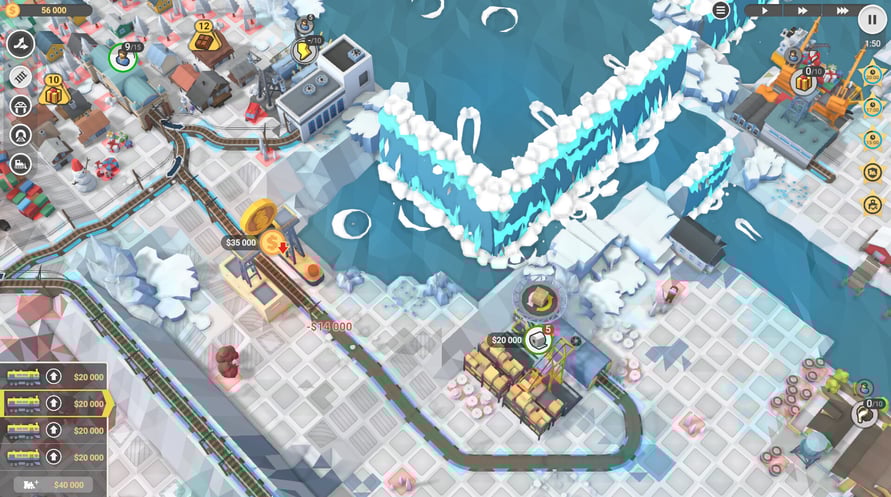
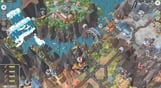
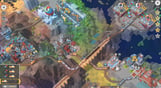
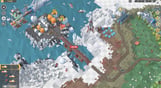
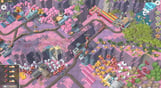
Our railway network is growing fast, and we are close to reaching 2000 community-made levels. We have picked some of the most played weekly and monthly featured levels, balanced and polished them, and created a series of packs called "Train Valley 2 GEMs". We are happy to present the second pack in the series – Train Valley 2: Emerald.
- Experience 50 new levels fully rebuilt and rebalanced
- Enjoy the smart combination of different mechanics and train ages
- Tons of tasks and brain-teasing missions
NOTICE: This content requires the base game Train Valley 2 on Steam in order to play.
Windows Minimum Requirements:
- OS: Windows Vista SP1+
- Processor: Intel Core 2 Duo E4500 @ 2.2GHz or AMD Athlon 64 X2 5600+
- Memory: 2 GB RAM
- Graphics: ATi Radeon HD 2400 or NVIDIA GeForce 7600
- DirectX: Version 9.0
- Storage: 1 GB available space
Windows Recommended Requirements:
- OS: Windows 10
- Processor: Core i5 or better
- Memory: 8 GB RAM
- Graphics: NVIDIA GeForce GTX1050 Ti or higher
- Storage: 1 GB available space
Mac Minimum Requirements:
- OS: Mac OS X 10.12+
- Processor: 1.7 GHz Intel Core i5
- Memory: 2 GB RAM
- Graphics: NVIDIA GeForce 8600M or better / ATi Radeon 2400
- Storage: 1 GB available space
Mac Recommended Requirements:
- OS: OS X El Capitan
- Processor: 1.7 GHz Intel Core i5
- Memory: 2 GB RAM
- Storage: 1 GB available space
Linux Minimum Requirements:
- OS: Ubuntu 12.04+ or SteamOS+
- Processor: 2.2 GHz CPU
- Memory: 2 GB RAM
- Graphics: ATI Radeon HD 2400 or NVIDIA GeForce 7600
- Storage: 1 GB available space
Linux Recommended Requirements:
- OS: Ubuntu 12.04+ or SteamOS+
- Processor: 2.2 GHz CPU
- Memory: 2 GB RAM
- Graphics: ATI Radeon HD 2400 or NVIDIA GeForce 7600
- Storage: 1 GB available space
Um den Steam-Schlüssel zu aktivieren, den Sie erhalten haben, befolgen Sie die folgenden Anweisungen:
- Öffnen Sie zunächst den Steam-Client. (Wenn Sie ihn nicht haben, klicken Sie einfach hier auf die Schaltfläche "Steam installieren" => Steam Store )
- Melden Sie sich bei Ihrem Steam-Konto an. (Wenn Sie keines haben, klicken Sie hier, um ein neues zu erstellen => Steam-Konto )
- Klicken Sie auf die Schaltfläche "SPIEL HINZUFÜGEN" in der unteren Ecke des Clients.
- Wählen Sie dann "Ein Produkt bei Steam aktivieren..." aus.
- Schreiben Sie den Aktivierungsschlüssel auf oder kopieren Sie ihn, den Sie von Voidu erhalten haben, in das Fenster.
- Ihr Spiel ist jetzt in Ihrer Bibliothek sichtbar! Klicken Sie auf Ihre "Bibliothek".
- Und schließlich klicken Sie auf das Spiel und wählen Sie "Installieren", um den Download zu starten.