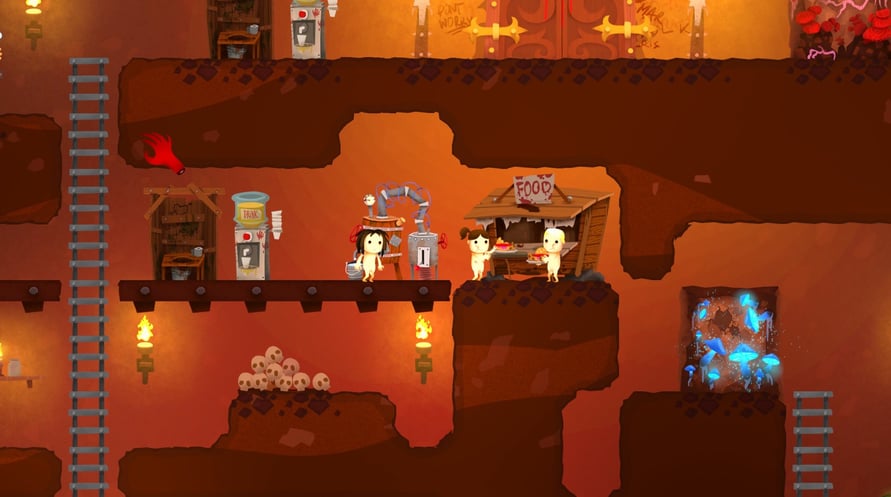
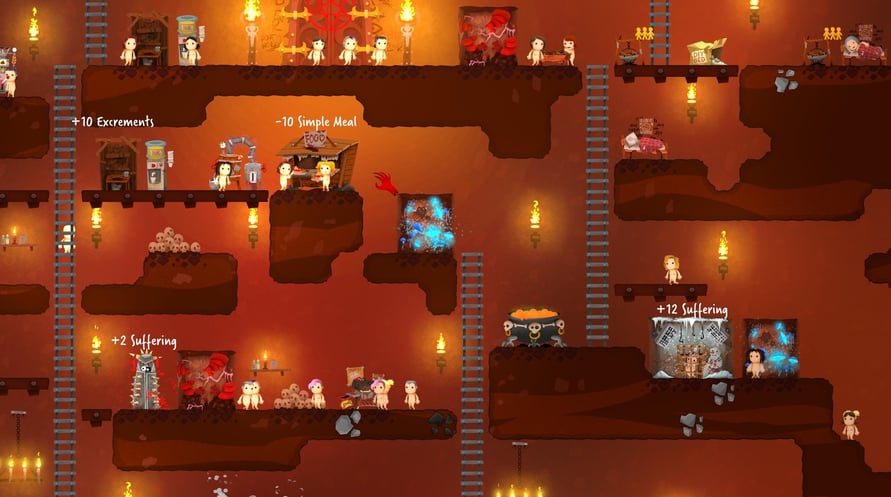
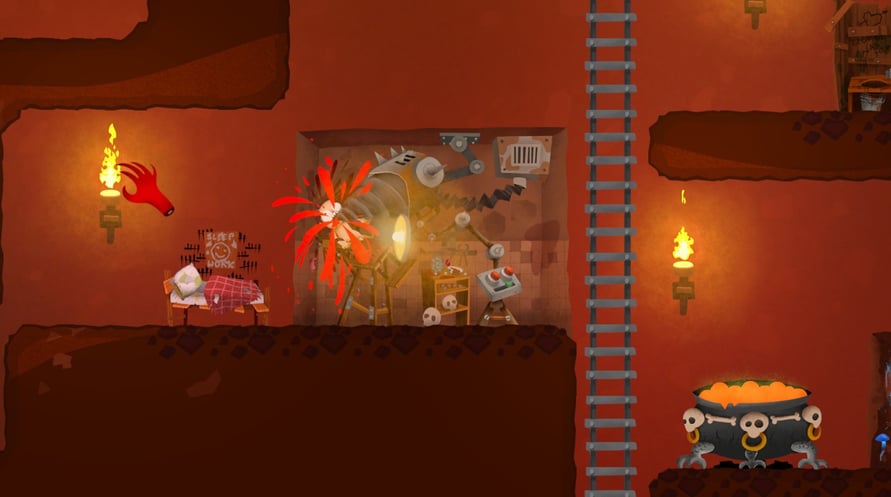
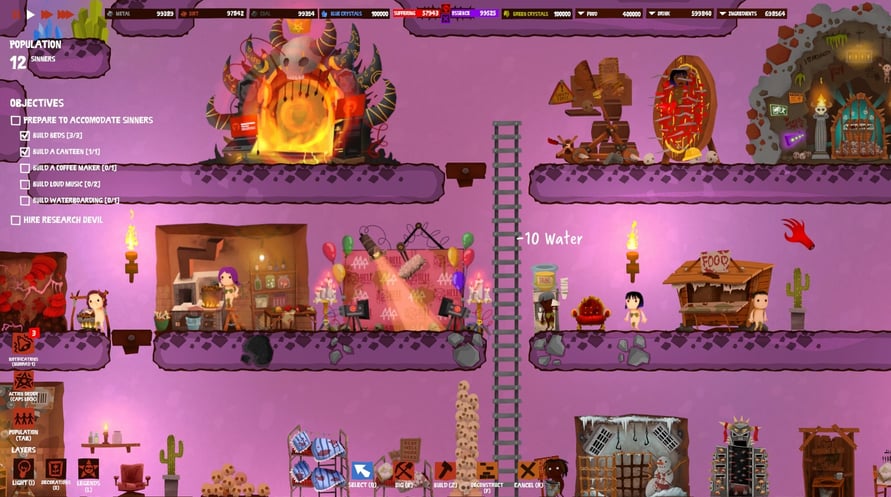
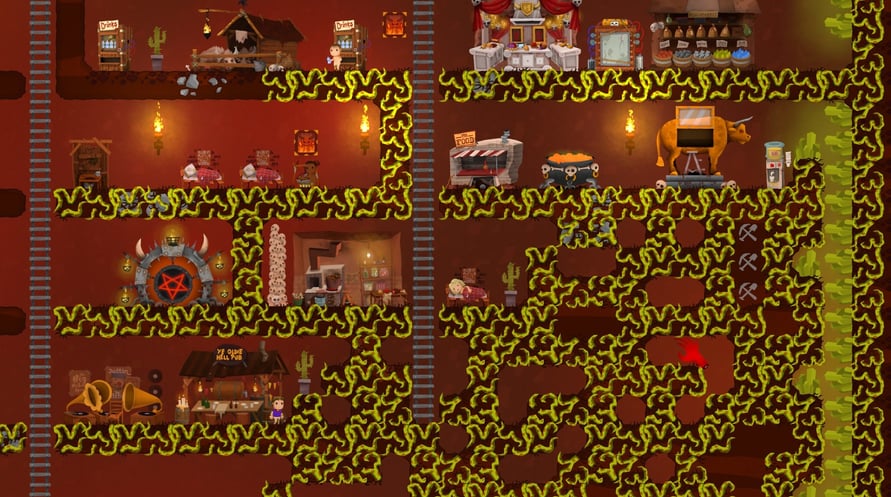
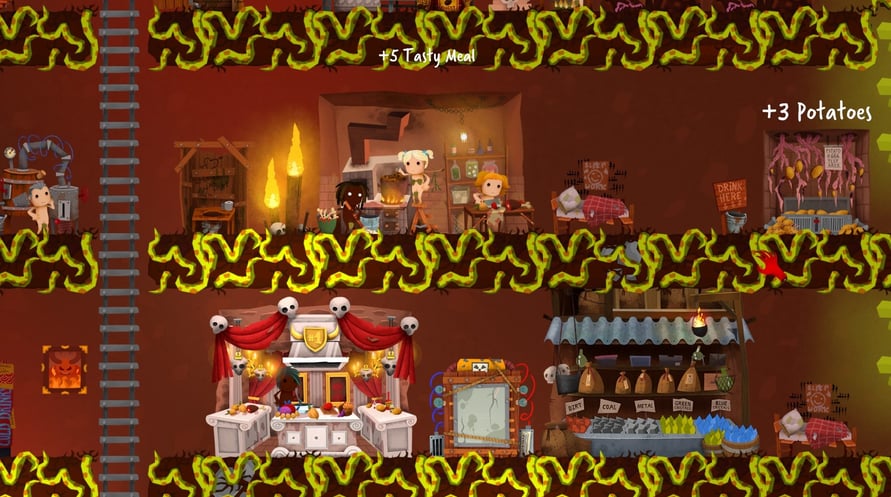

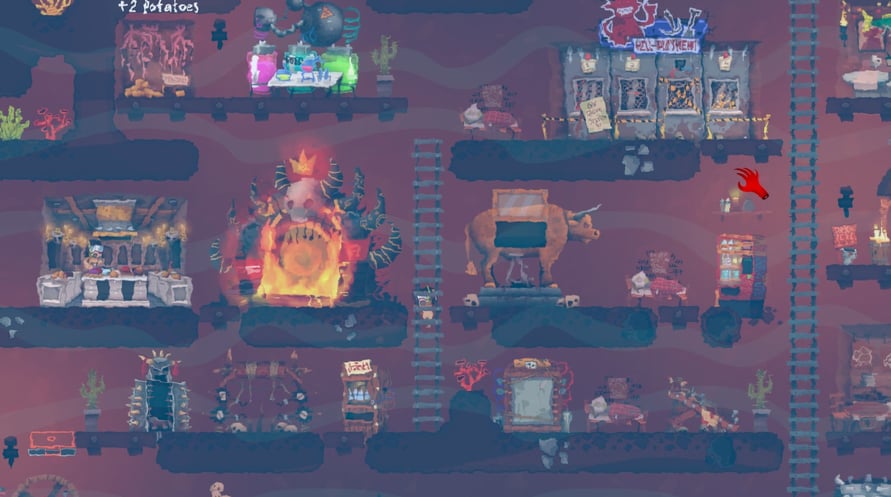

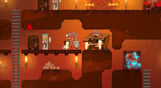





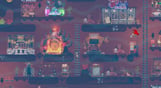

Hell Architect is a game about building and managing your own hell. You take on the role of a hell manager and are tasked with developing the underworld in a way that would make Lucifer himself fall off his chair
Windows Minimum Requirements:
- OS *: Windows 7 or later
- Processor: AMD Phenom II X4 955 / Intel Core i5-750 or equivalent
- Memory: 4 GB RAM
- Graphics: Intel HD 4600 (AMD or NVIDIA equivalent)
- DirectX: Version 11
- Storage: 4 GB available space
Windows Recommended Requirements:
- OS *: Windows 8 or later
- Processor: AMD Phenom II X4 955 / Intel Core i5-750 or equivalent
- Memory: 4 GB RAM
- Graphics: Nvidia GPU GeForce GTX 660 / AMD GPU Radeon HD 7870
- DirectX: Version 11
- Storage: 4 GB available space
Mac Minimum Requirements:
- OS: Mac OSX 10.12 or later
- Processor: Intel Core i5-750 or equivalent
- Memory: 4 GB RAM
- Graphics: Nvidia GPU GeForce GTX 660 / AMD GPU Radeon HD 7870
- Storage: 4 GB available space
Mac Recommended Requirements:
- OS: Mac OSX 10.12 or later
- Processor: Intel Core i5-4440S 2.80GHz or equivalent
- Memory: 4 GB RAM
- Graphics: Nvidia GPU GeForce GTX 1050 Ti / AMD GPU Radeon R9 280X
- Storage: 4 GB available space
प्राप्त स्टीम कुंजी को सक्रिय करने के लिए नीचे दिए गए निर्देशों का पालन करें;
- सबसे पहले, स्टीम क्लाइंट खोलें। (यदि आपके पास यह नहीं है, तो यहां "स्टीम स्थापित करें" बटन पर क्लिक करें => स्टीम स्टोर )
- अपने स्टीम खाते में साइन इन करें। (यदि आपके पास एक नहीं है, तो यहां नया खाता बनाने के लिए क्लिक करें => स्टीम खाता)
- क्लाइंट के निचले कोने में "एक खेल जोड़ें" बटन पर क्लिक करें।
- फिर, "स्टीम पर उत्पाद सक्रिय करें..." चुनें
- प्राप्त सक्रियण कुंजी को लिखें या पेस्ट करें जिसे आपने %s से प्राप्त किया है।
- आपका खेल अब आपके पुस्तकालय में दिखेगा! "पुस्तकालय" पर क्लिक करें।
- और अंत में, खेल पर क्लिक करें और डाउनलोड शुरू करने के लिए "इंस्टॉल" चुनें।