


Machine Party
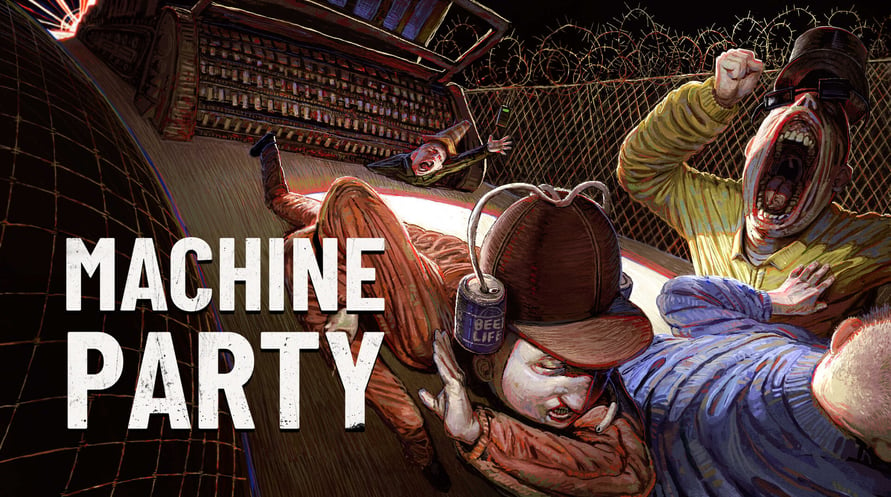
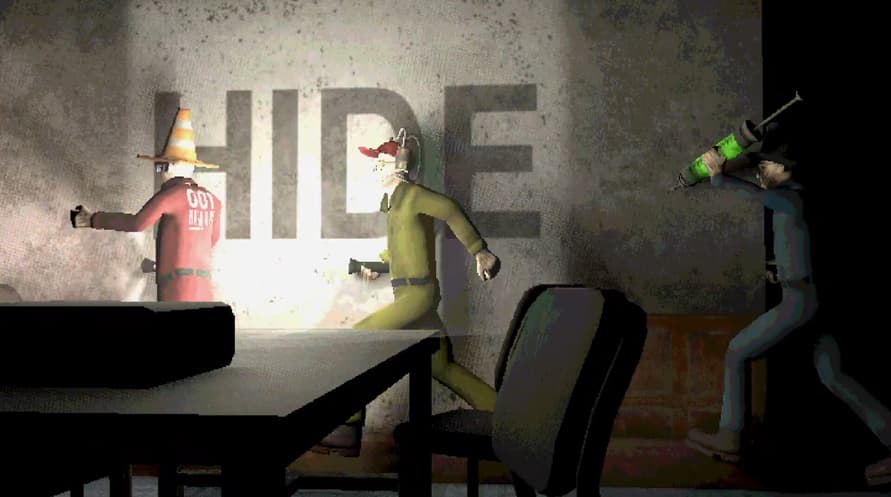
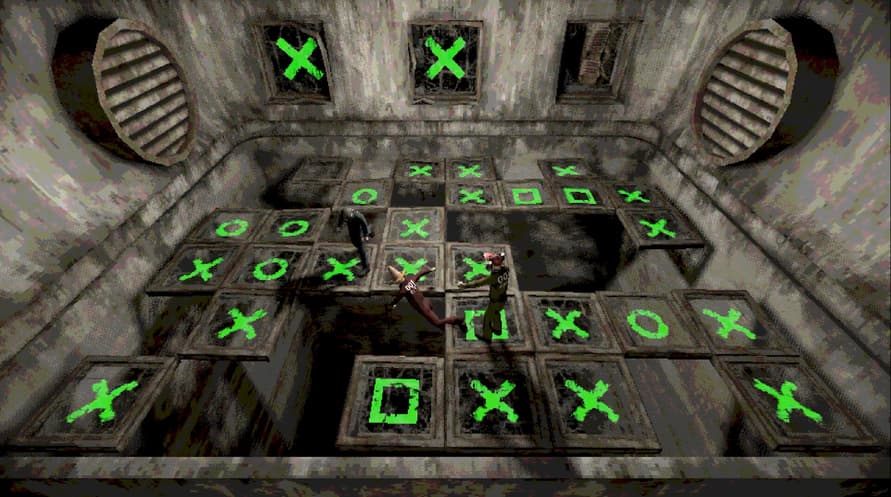

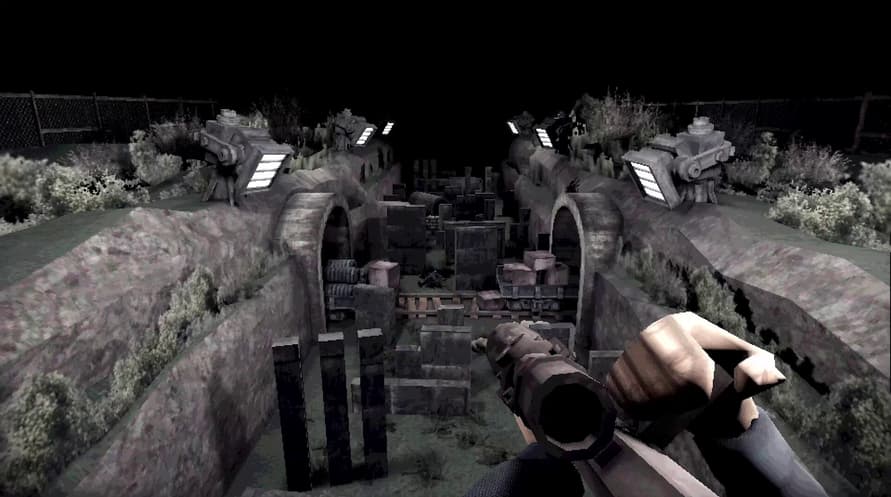
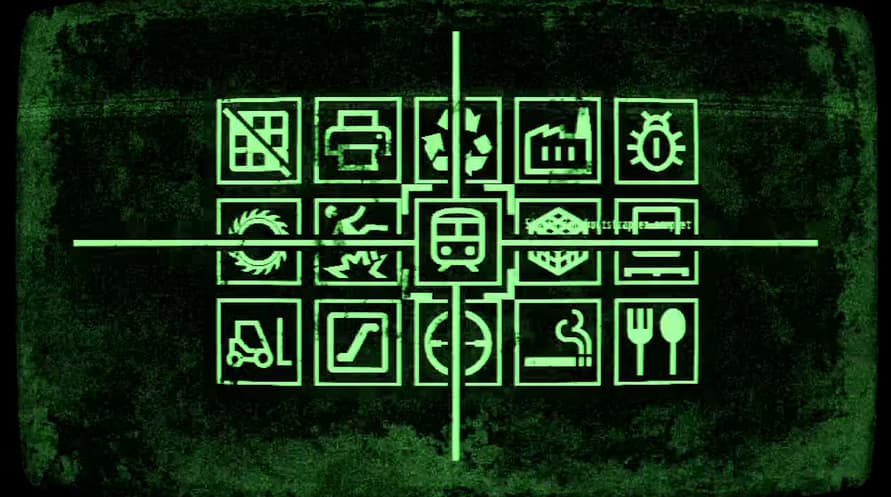
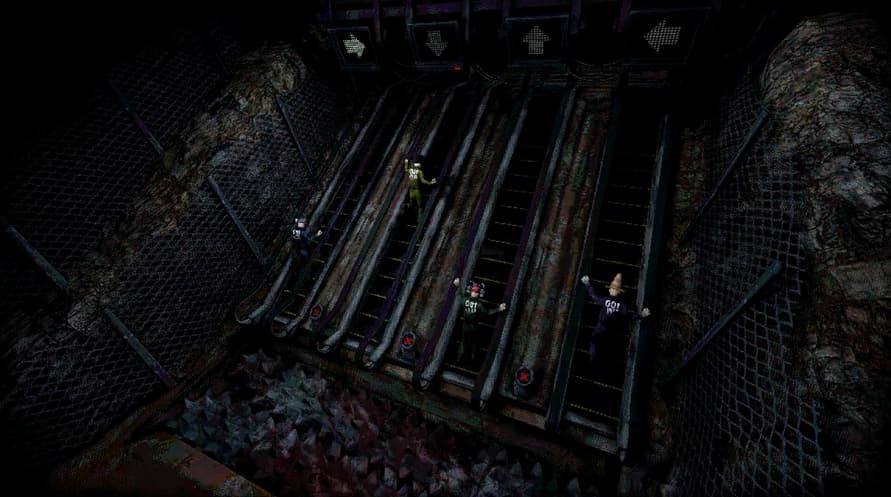
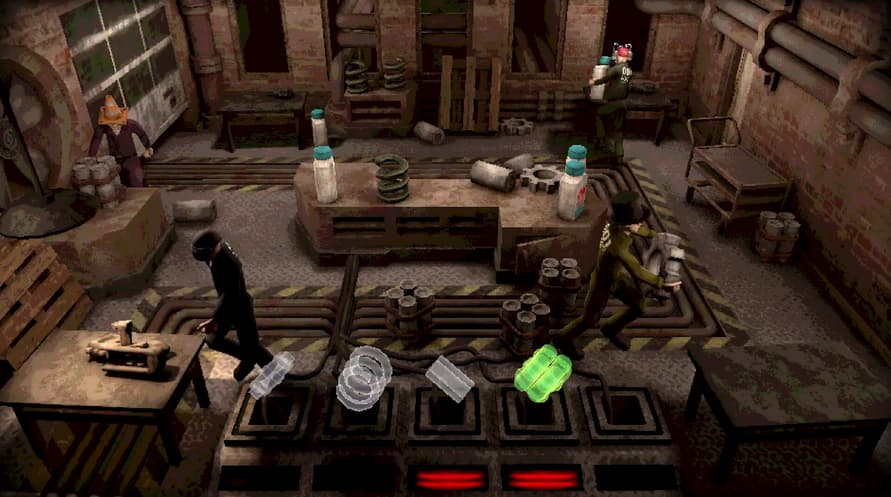
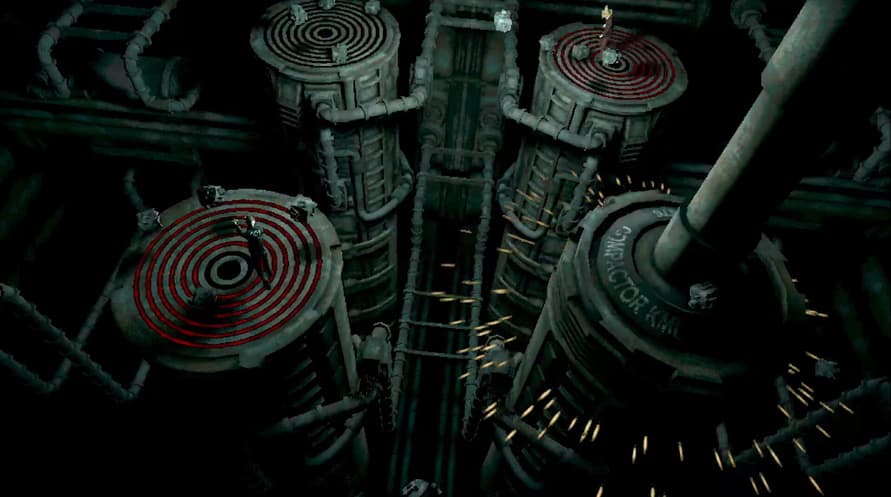
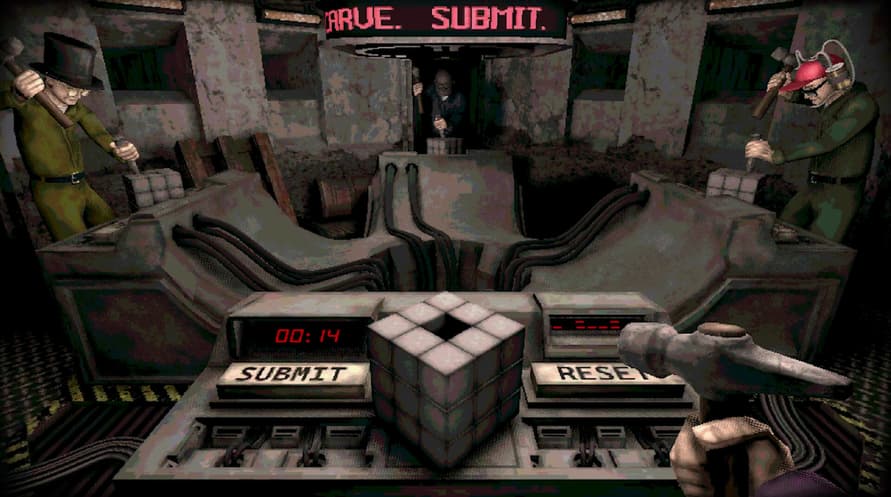
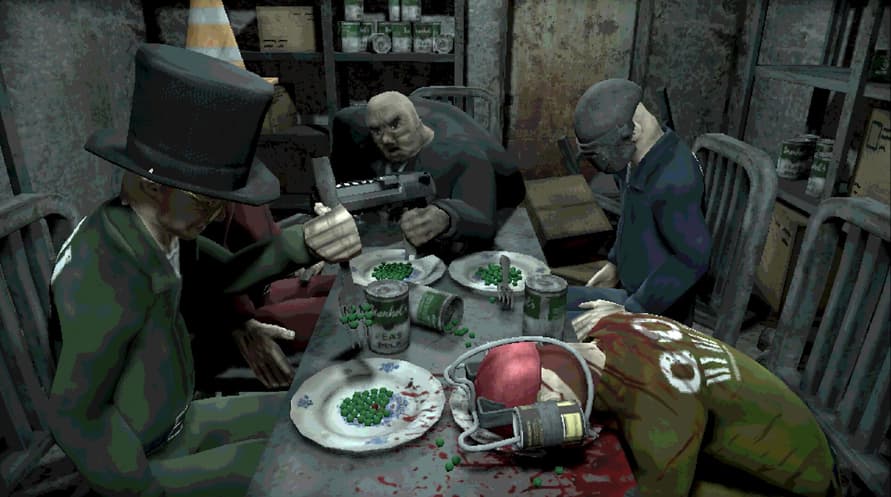
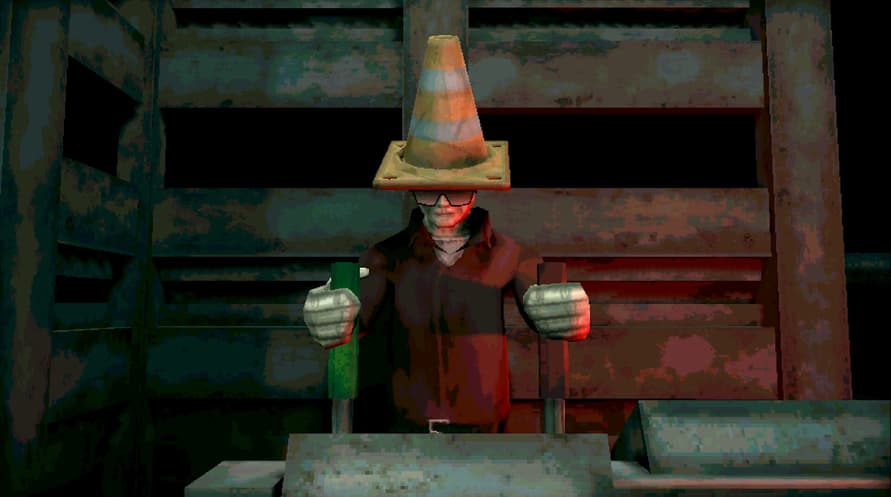

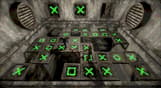

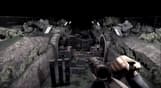
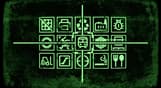

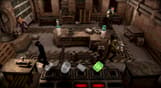

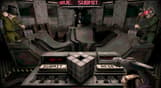

Machine Party is a collection of violent party games where failure is lethal. Gather your friends and endure high stakes situations to prove your life is worth more than theirs. Survival is unlikely.
Welcome to Machine Party. In this series of dangerous, and some would say highly illegal, party games you will have to use every trick in the book to survive. Play through classic party game formats and new twists on the genre for sessions of fun, screaming, and horror.
Features
- A collection of uniquely violent party games
- Support for 2 - 4 players
- An industrial soundtrack by Alex Peipman
- Customize your test subject
- Multiple devious ways of screwing your friends over
Machine Party

सक्रियण जानकारी
United States
Available in your region
सक्रिय किया गया United States
समान खेल

Scorn - Epic

SPITLINGS


Gunbrella

Jurassic World Evolution: Return To Jurassic Park

Total Tank Generals

Hidden & Dangerous Bundle


Wreckfest


