


The Mound: Omen of Cthulhu - Lost Explorers' Swords Pack
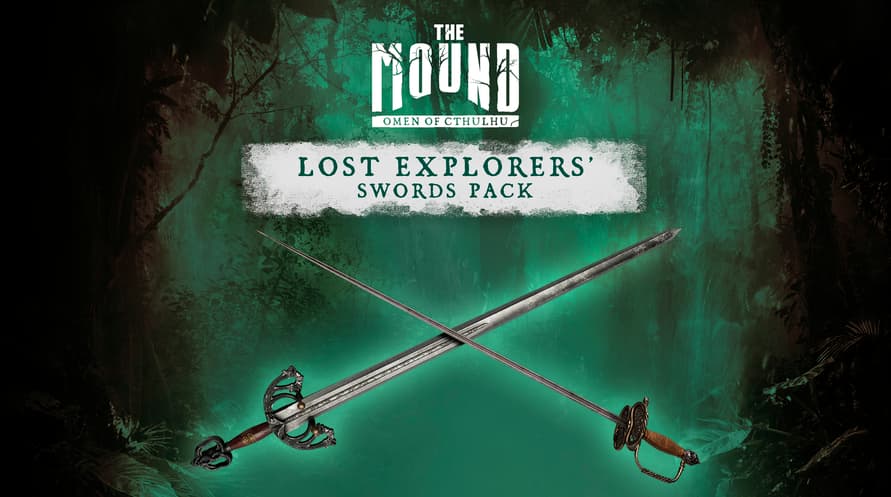
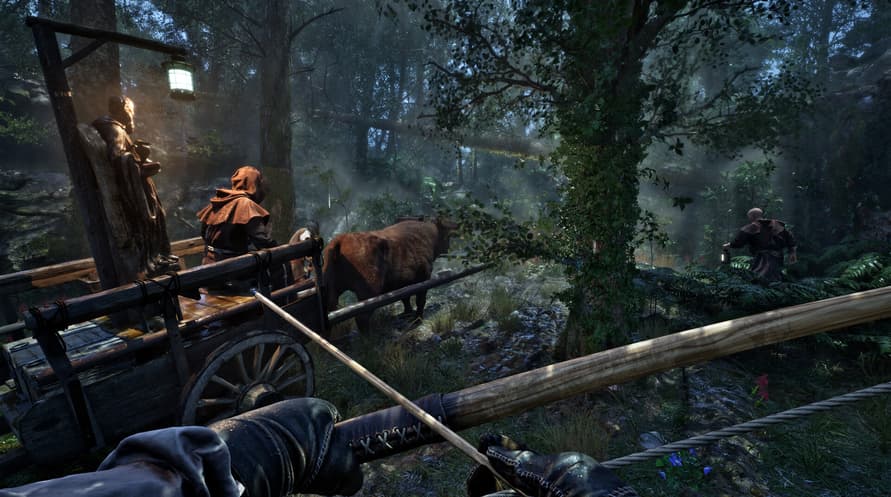
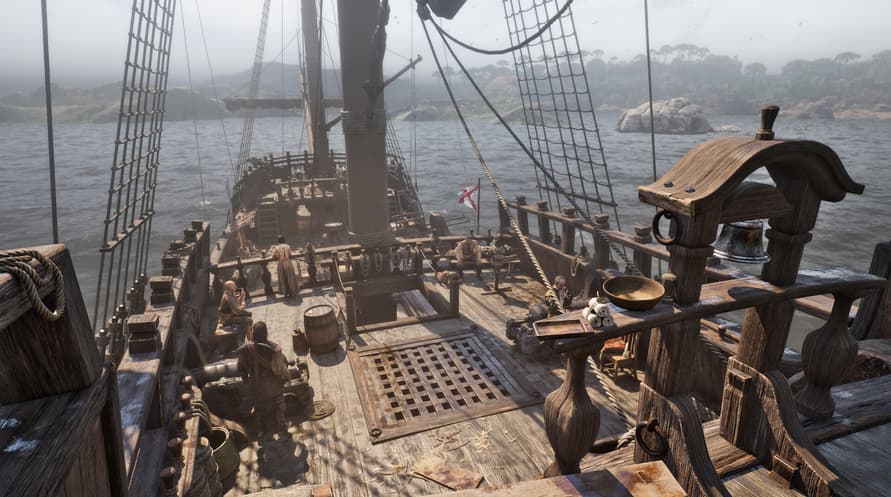
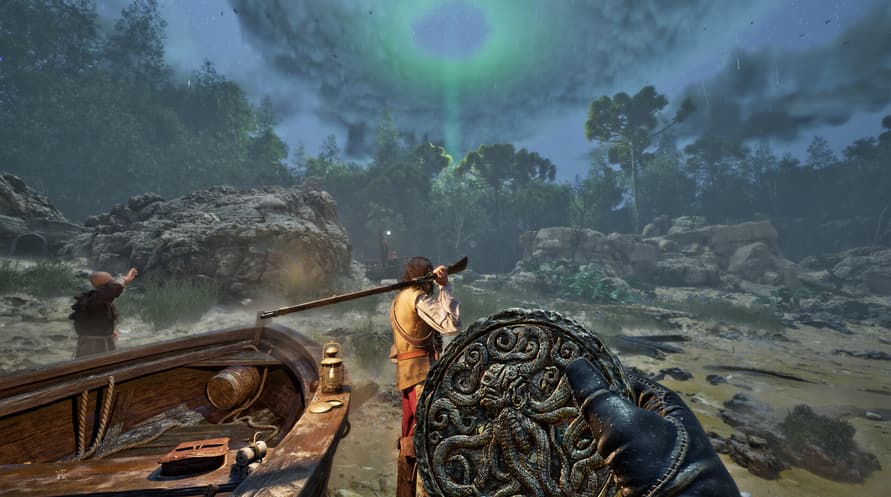
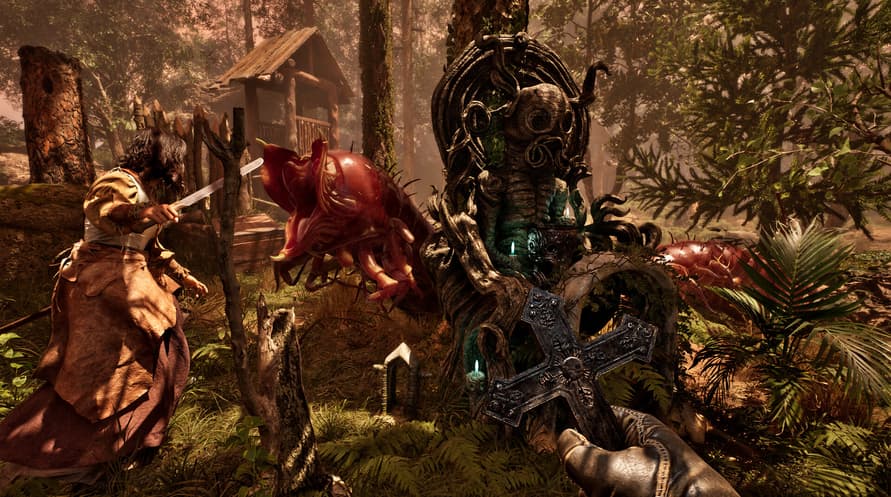
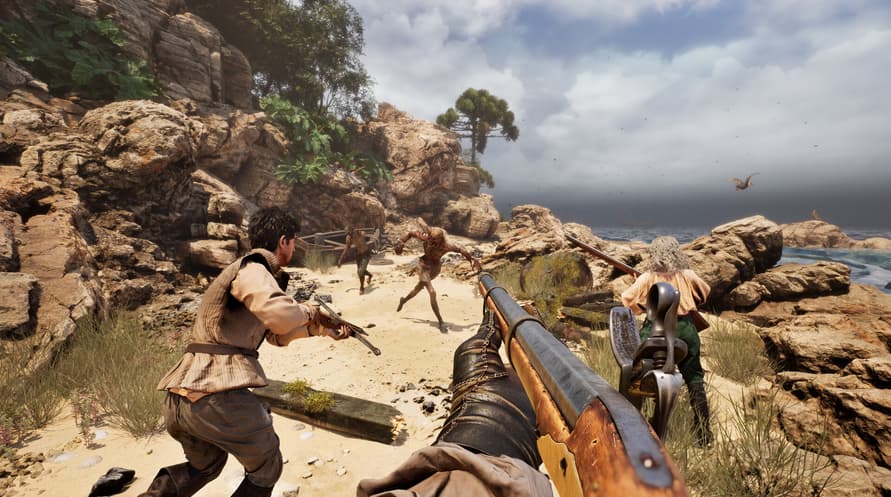

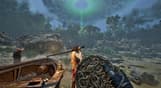
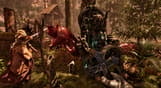
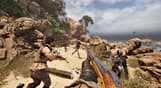
Enhance your armory with the Lost Explorers' Swords Pack and unlock two exclusive looks before heading out on expedition.
Enhance your armory with the Lost Explorers' Swords Pack and unlock two exclusive looks before heading out on expedition.
©2026 Nacon. ©2026 Published by Nacon and developed by ACE Team Software. All rights reserved.
The Mound: Omen of Cthulhu - Lost Explorers' Swords Pack

सक्रियण जानकारी
United States
Available in your region
सक्रिय किया गया United States
Age Restriction
Content rated 18+

Age restricted content
Suitable for ages 18 and above
समान खेल

Hokko Spaces

Fishing: Barents Sea (Misc Games)

Train Simulator: South London Network Route Add-On


Two Worlds II - Game of the Year Velvet Edition

Jurassic World Evolution: Return To Jurassic Park

King Of The Castle


